
Copyright 2026 © swekartor. All Rights Reserved.



Information about FamilyKeeper Parental Control
App Feature
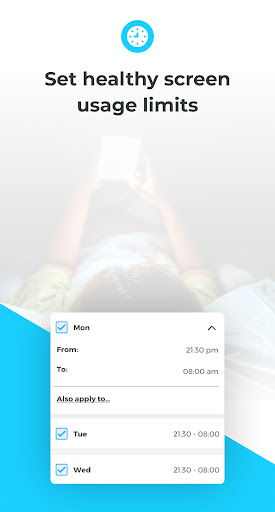
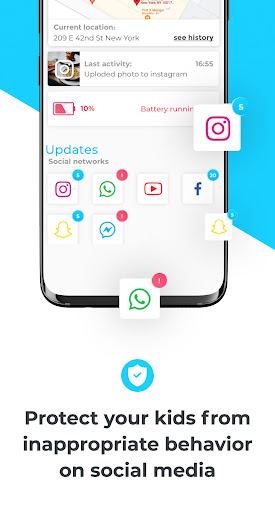
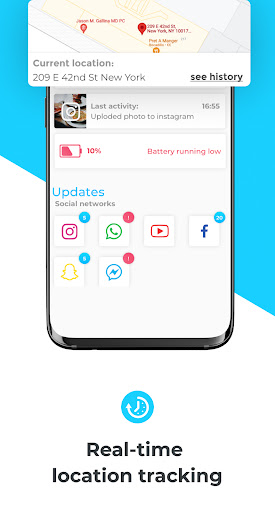
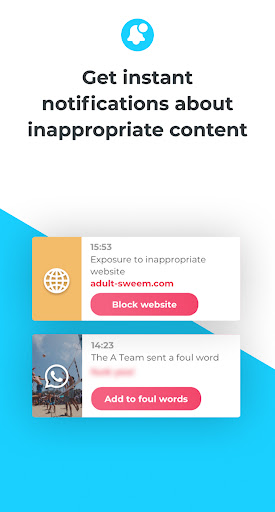
FamilyKeeper Parental Control helps parents manage a child’s device use with app controls, screen‑time limits, website blocking, and activity monitoring to promote a safer browsing experience.
Verdict
Verdict: A capable all‑round parental control tool that balances monitoring and protection without feeling overly complex.
Who is it for
Best for:
- Parents who want straightforward app blocking, time limits, and web filtering
- Families seeking visibility into app usage and browsing activity
- Guardians who prefer an all‑in‑one control dashboard
Not ideal for:
- Power users needing deep analytics or advanced social media monitoring
- Families expecting school‑ or enterprise‑grade device management
- Anyone who wants a completely set‑and‑forget solution without occasional tuning
Real-world User Experience
Users like it:
Overall satisfaction aligns with its 4.2 rating: parents value the comprehensive controls, clear activity oversight, and safer browsing tools that are effective for day‑to‑day supervision.
Users complain about:
Some users in this category often report setup friction, occasional app/device compatibility hiccups, or the need to fine‑tune filters—expect similar trade‑offs typical of parental control apps.
Is it Worth Paying For?
The app is listed as free; no in‑app purchase details are provided. As presented, it offers strong value at no cost. If premium tiers exist, consider upgrading only if you need detailed reports, multi‑device scaling, or priority support.
How it Compares to Alternatives
Compared to Google Family Link (simple, free, but lighter on filtering), FamilyKeeper appears more comprehensive in web blocking and activity views. Qustodio and Net Nanny typically offer richer reporting and polished cross‑platform controls at a higher price. Bark focuses more on social/media content analysis and alerts, which may surpass FamilyKeeper in that niche but with added cost and complexity.
Summary
FamilyKeeper Parental Control bundles the core parental control essentials—app management, screen‑time limits, activity monitoring, and robust web filtering—into an approachable package. Its strong user rating suggests it delivers reliable day‑to‑day protection and visibility without steep learning curves. While advanced analytics or deep social monitoring may require pricier alternatives, most families will find FamilyKeeper sufficient for establishing healthier device habits and a safer browsing environment, especially given its free offering.



Ratings
Trending APP












Alternative to this app










