Copyright 2026 © swekartor. All Rights Reserved.



Information about Lightroom Photo & Video Editor
App Feature
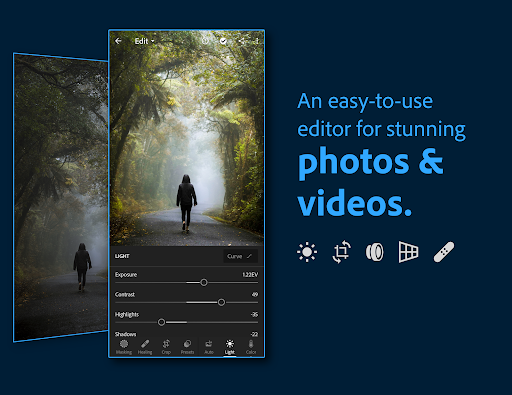
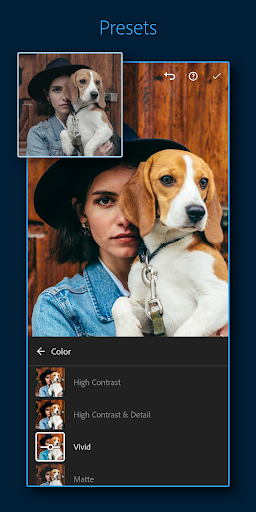
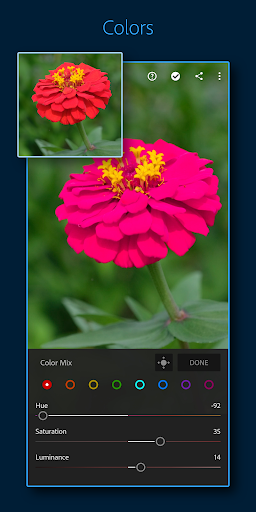
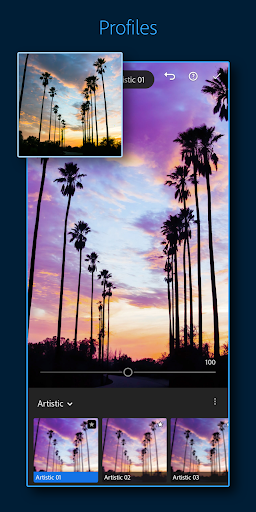
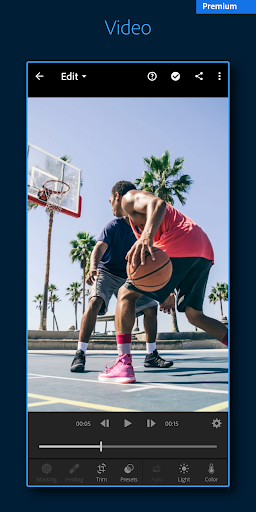
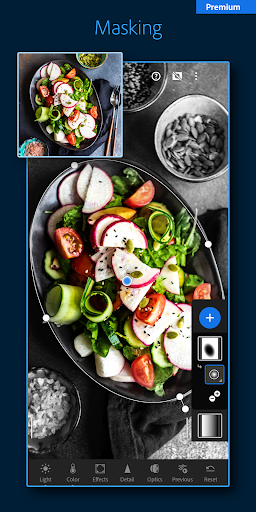
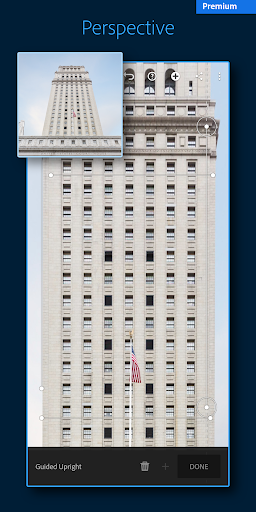
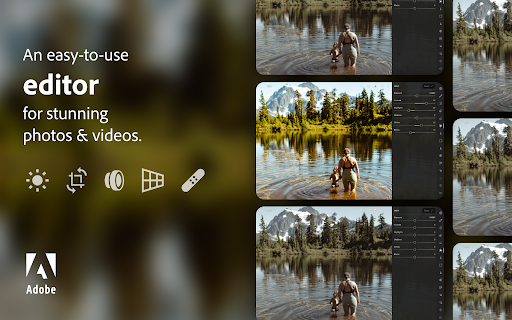
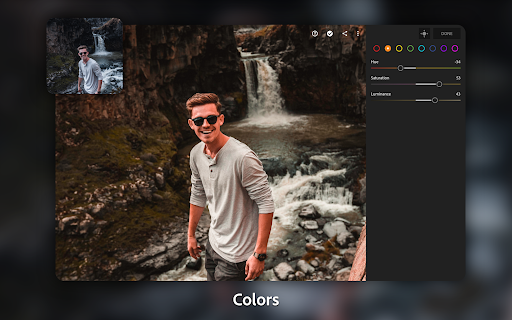
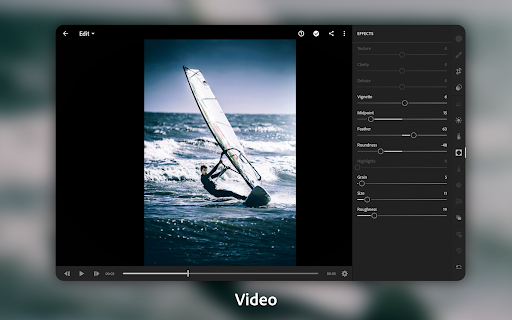
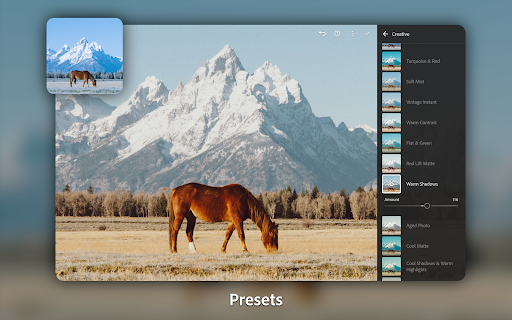
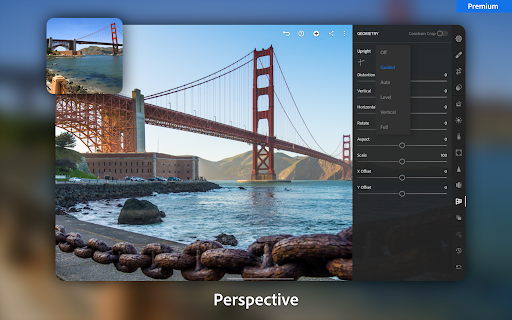
Adobe Lightroom is a pro-grade photo and video editor focused on fast, high-quality retouching with AI-assisted tools, selective adjustments, masking, presets, batch edits, and cross-device sync. It supports detailed control of light and color, offers creative filters, and adds basic-to-intermediate video editing with consistent looks across media.
Verdict
Verdict: A top-tier mobile editor for serious creators, though AI remove and occasional stability quirks may frustrate some users.
Who is it for
Best for:
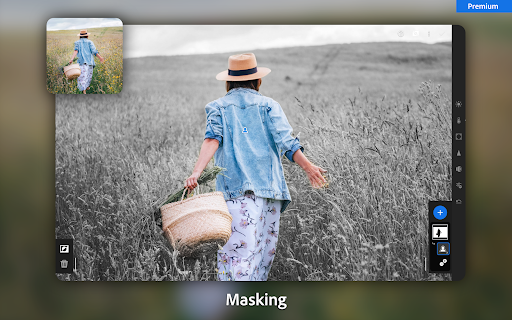
- Photographers and creators needing precise color, exposure, and masking tools
- Users who want consistent presets, batch edits, and cross-device workflows
- Beginners seeking an approachable UI that scales to advanced editing
Not ideal for:
- Users wanting a purely free experience with RAW and all pro features
- People prioritizing heavy effects, stickers, or social-first filters over color accuracy
- Anyone allergic to subscriptions or sensitive to occasional mobile app bugs
Real-world User Experience
Users like it:
Consistently praised for powerful editing comparable to desktop, intuitive interface, excellent masking/selective tools, strong presets, and efficient on-the-go workflows. Many report doing most edits entirely on mobile with professional results and appreciate continual feature updates.
Users complain about:
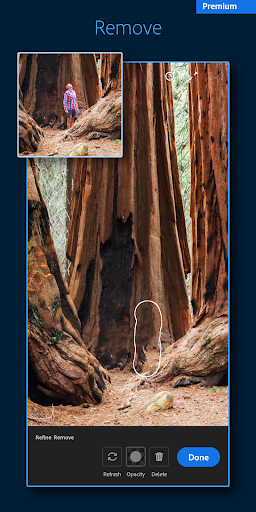
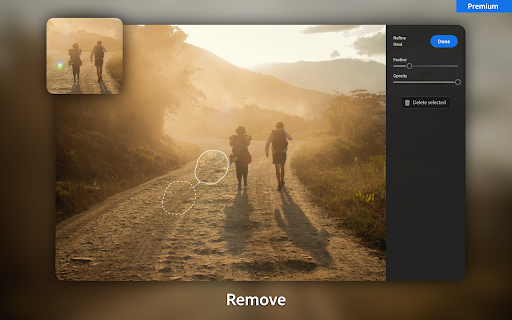
Generative/AI Remove is hit-or-miss; some report the tool regressed after updates. Occasional issues include image dimming on edit, crashes (especially with RAW), awkward import flow, less-smooth cropping, layout/menu changes, and sporadic save-to-device glitches. Some feel key features sit behind a pricey subscription.
Is it Worth Paying For?
The free tier is robust for core edits and learning. The premium plan adds high-value features—RAW support, advanced masking/AI tools, generative remove, and 100GB cloud sync—making it worth it for frequent shooters or professionals. Casual editors can likely stay free; enthusiasts and pros will benefit from the subscription despite the recurring cost.
How it Compares to Alternatives
Compared to Snapseed, Lightroom offers deeper pro workflow (masking, presets, sync) but Snapseed remains a strong free alternative for one-off edits. VSCO excels at film-style presets and a social ecosystem but lacks Lightroom’s granular control and RAW workflow. PicsArt/CapCut lean into creative effects and social content, while Lightroom prioritizes color accuracy and professional retouching. Google Photos is simpler for auto-enhance and backup but can’t match Lightroom’s precision.
Summary
Lightroom Photo & Video Editor blends approachable design with professional-grade tooling, from precise light/color controls and masking to fast, AI-assisted retouching and polished presets. It scales from beginner-friendly one-tap improvements to advanced, consistent workflows across devices, including batch editing and cloud sync. Real users laud its power and usability, though some encounter flaky AI remove results, occasional crashes/dimming, and UX quirks. The free tier is excellent; premium unlocks the full pro workflow and storage, making the subscription a strong value for serious photographers and creators.

Ratings
Trending APP




Alternative to this app