
Copyright 2026 © swekartor. All Rights Reserved.



Information about Sketchbook
App Feature
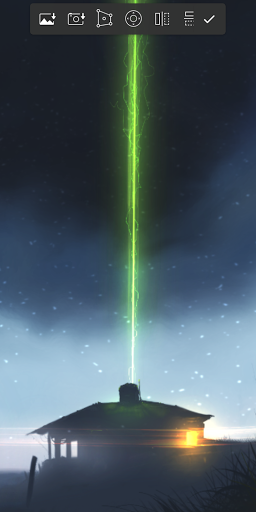
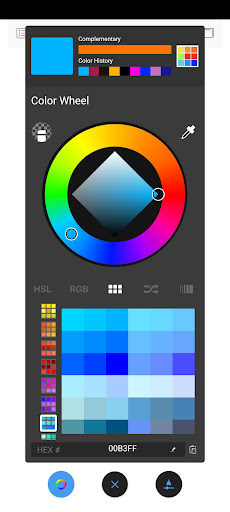
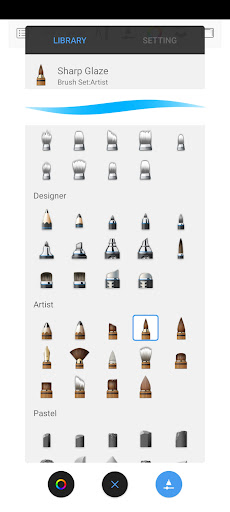
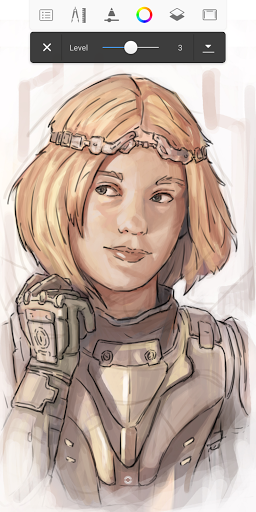
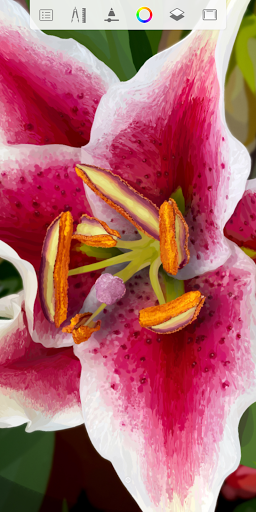
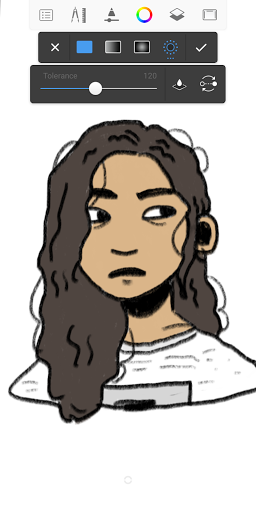
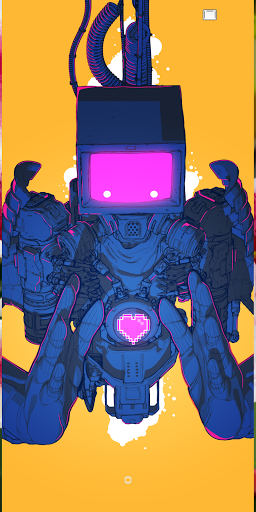
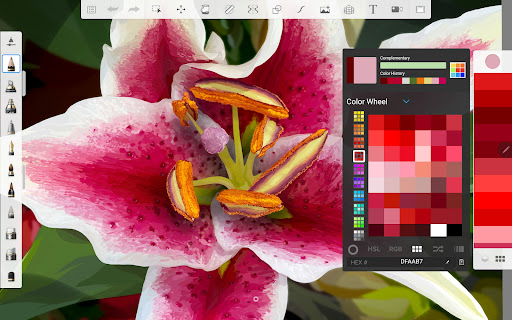
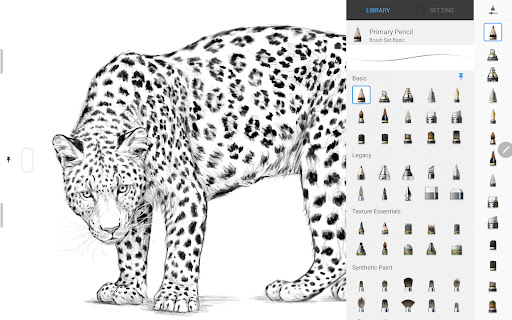
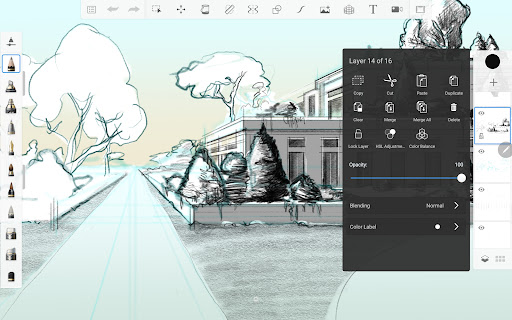
Sketchbook is a free, pro-grade drawing app focused on a clean, paper-like sketching experience. It offers highly customizable brushes (pencils, markers, airbrush, smear), precision tools (rulers, guides, symmetry), layers with blend modes, deep zoom, color picking (including extensive marker sets), transforms/distort, grids, fonts import, blur/effects, and time-lapse capture—all with an unobtrusive UI.
Verdict
Verdict: A polished, ad-free drawing app that excels for sketching and illustration, but lacks built-in animation and a few pro niceties some artists expect.
Who is it for
Best for:
- Beginners and hobbyists wanting an intuitive, distraction‑free sketching tool
- Illustrators who value responsive brushes, precision guides, and layer workflows
- Android artists seeking an ad‑free app with strong features and low learning curve
Not ideal for:
- Animators or comic creators needing timeline/animation tools and clipping masks
- Users who require cloud sync, account login, or multi-device project management
- Workflows demanding advanced selection/fill tools or extensive export formats
Real-world User Experience
Users like it:
The interface is clean and easy to learn; brushes feel natural and are plentiful, with deep customization. Precision tools (symmetry, rulers, curve guides, grids) and strong layer handling enable detailed, professional-looking results. Performance is smooth—even on modest devices—with rendering praised compared to Ibis/Clip Studio by some. No ads, generous free tier, and a low-cost one-time premium are repeatedly appreciated. Extras like time-lapse, font import, COPIC-like color sets, PSD handling (reported by users), and unlimited layers constrained mainly by device RAM are highlights.
Users complain about:
Occasional saving issues produce blank/corrupted files or extra blank thumbnails in the gallery; deleting them can break editability. Requests include animation tools, dark mode, layer clipping, improved fill/selection, and broader export options. Some report brush lag on low-end hardware and crashes when organizing files/folders on certain machines. SD card saving and grid repositioning controls are also requested.
Is it Worth Paying For?
Yes, if you want the full brush set and advanced options: the free version is already capable and ad-free, while the premium upgrade is a modest one-time purchase that adds more tools/brushes without paywalling essentials—good value for frequent users.
How it Compares to Alternatives
Compared to Ibis Paint X, Sketchbook is cleaner and ad-free, with a more traditional sketching feel, but Ibis offers community features and basic animation. Versus Clip Studio Paint, Sketchbook is simpler and faster to pick up on mobile, but CSP has deeper comics/animation pipelines (at higher cost/subscription). Against Infinite Painter and Medibang, Sketchbook stands out for polish, brush feel, and zero ads; Infinite Painter may edge it on painting realism and Medibang on comic tools/cloud. Procreate remains a strong iOS-only rival; on Android, Sketchbook is among the best for pure sketching flow.
Summary
Sketchbook delivers a focused, natural drawing experience on Android with responsive, customizable brushes, precise guides, robust layers, deep zoom, and thoughtful extras like time-lapse and font imports—all in an ad-free package. Users praise its speed, simplicity, and professional results, noting that the free tier is generous and the one-time premium is excellent value. Its main gaps are animation/timeline tools, layer clipping, dark mode, and more powerful fill/selection/export options, plus occasional save/gallery quirks. If your priority is fluid sketching and illustration rather than animation or comics-specific tooling, Sketchbook is a standout choice with mass appeal and serious capability.
Ratings
Trending APP


Alternative to this app










