Copyright 2026 © swekartor. All Rights Reserved.



Information about Apple TV: Shows, Movies & More
App Feature
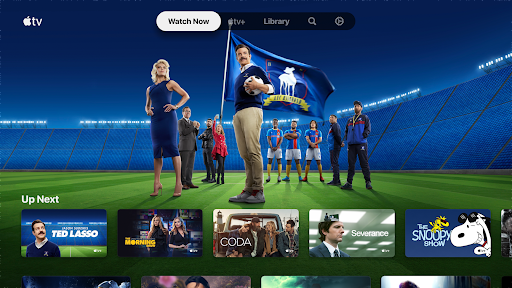
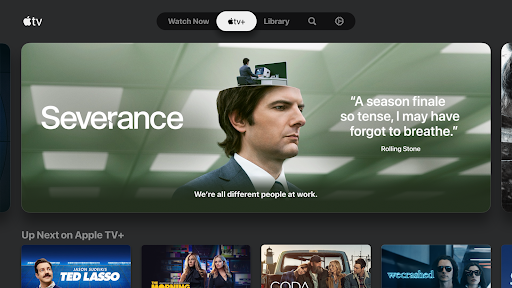
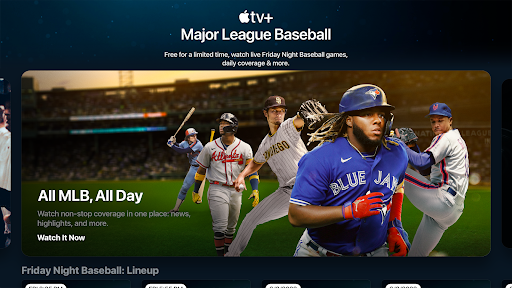
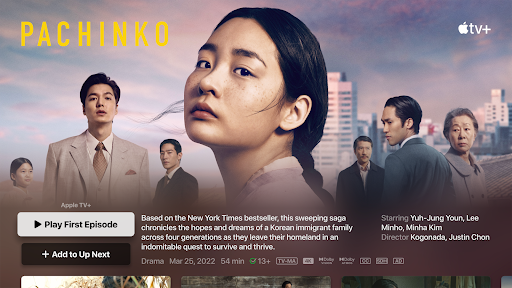
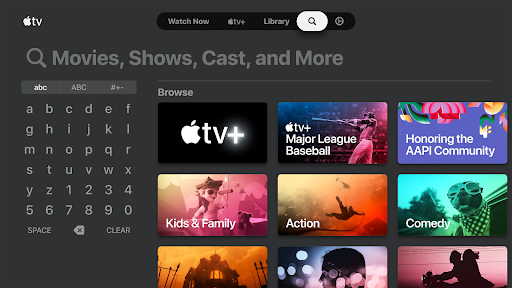
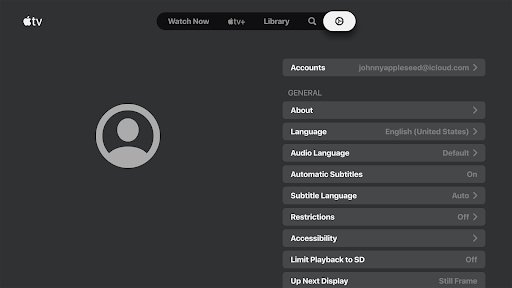
Apple TV aggregates Apple Originals, live sports (F1 in the US, MLS, Friday Night Baseball), and select channels into one ad-free streaming app with personalized recommendations, Watch Now/Continue Watching, a Library tab for purchased/rented titles, 4K/HDR (including HDR10+ on supported devices), Chromecast/Google TV support, and a Kids Space.
Verdict
Verdict: A polished, high‑quality streaming hub with standout originals and sports, but occasional glitches and a smaller library than all‑in rivals.
Who is it for
Best for:
- Fans of premium Apple Originals and cinematic 4K/HDR10+ quality
- Sports viewers seeking MLS, Friday Night Baseball, and (US) Formula 1
- Users who value a clean UI, Watchlist/Continue Watching, and cross‑device playback
Not ideal for:
- Viewers wanting a massive, all‑you‑can‑watch catalog across many studios
- Users who require extensive regional dubs (e.g., Hindi audio) or guaranteed offline sports downloads
- People frustrated by occasional freezes, slow loads, or device‑dependent limitations
Real-world User Experience
Users like it:
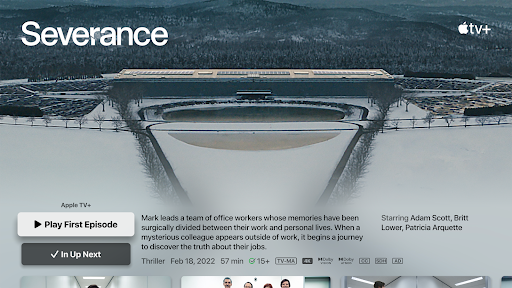
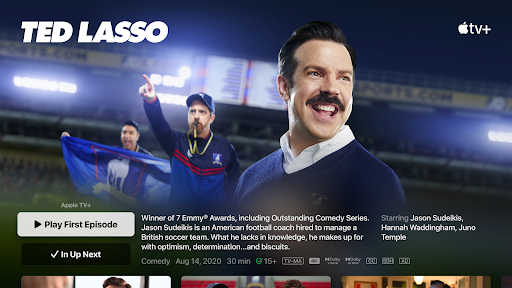
High‑budget originals (Severance, Ted Lasso, Slow Horses) praised for quality; clean, smooth interface with solid player features (PiP, smart subtitle-on-rewind); HDR10+ support appreciated on Samsung/other compatible devices; strong value pricing in some regions; MLS hub and sports navigation are convenient.
Users complain about:
Intermittent freezing, slow loading, or playback stops for some; variability in access to purchased iTunes/Apple TV Store titles on Android (feature/device/region dependent); limited overall catalog versus competitors; some languages (e.g., Hindi audio) sparsely available; occasional login friction and no offline downloads for certain sports content.
Is it Worth Paying For?
Yes for originals and sports: the subscription is competitively priced in many markets, ad‑free, and delivers excellent production values and 4K/HDR. If you primarily want breadth of third‑party content or rely on regional dubs/offline sports, the value may feel limited. Note: third‑party rentals/purchases and channel subscriptions are separate and vary by region.
How it Compares to Alternatives
Compared to Netflix, Apple TV+ offers fewer titles but generally higher average production quality and a cleaner app; Netflix still wins on breadth and discovery volume. Versus Prime Video and Paramount+, Apple’s HDR10+ support and UI polish are strong, though Prime retains a larger catalog and store integration. Disney+ has marquee franchises but, as some users note, HDR10+ support and platform parity can lag on certain devices. For MLS/F1 (US), Apple’s coverage is a differentiator.
Summary
Apple TV on Android delivers a premium, ad‑free streaming experience centered on acclaimed Apple Originals and live sports like MLS and (US) Formula 1, wrapped in a refined interface with Watch Now, Watchlist, and cross‑device continuity. Picture quality is a highlight, with widespread 4K/HDR and HDR10+ on supported hardware. While many users report stable playback, others encounter freezes or slow starts, and access to previously purchased titles on Android can vary. The library is smaller than Netflix or Prime, but the hit rate and production values are high, and pricing is competitive in several regions. If you want polished originals and modern sports coverage—and your device/region supports the features you need—this is a compelling addition to your streaming lineup.
Ratings
Trending APP

Alternative to this app