
Copyright 2026 © swekartor. All Rights Reserved.



Information about DeepL Translate
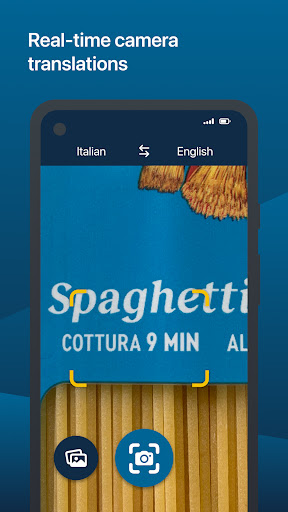
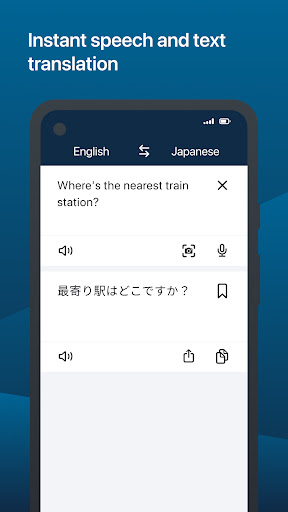
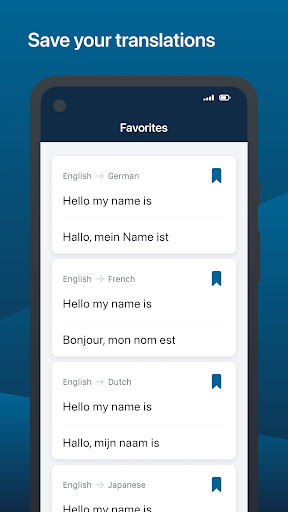
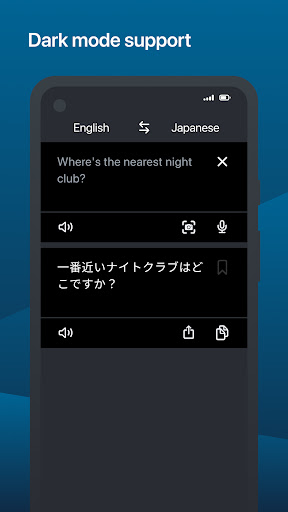
App Feature
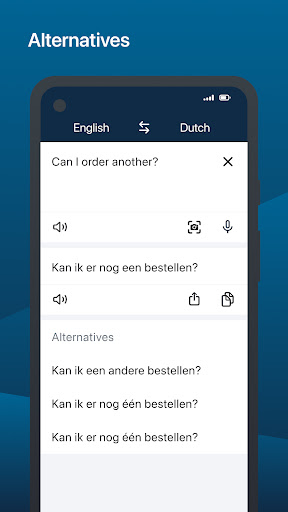
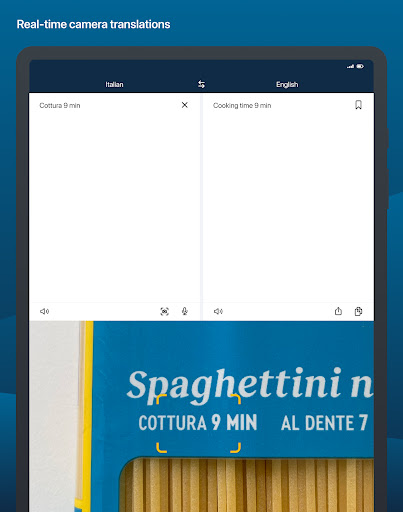
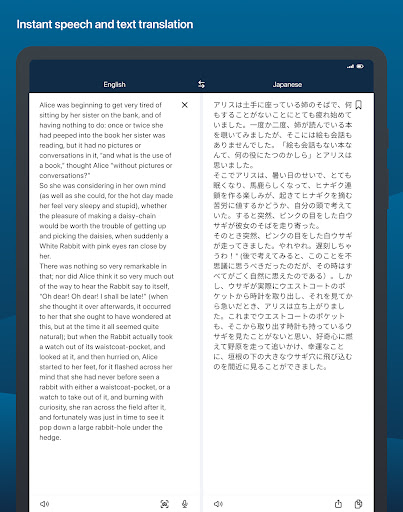
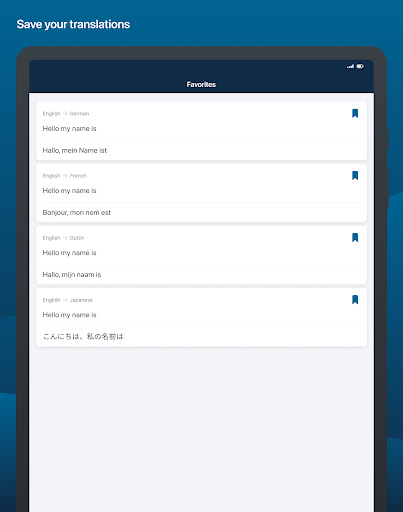
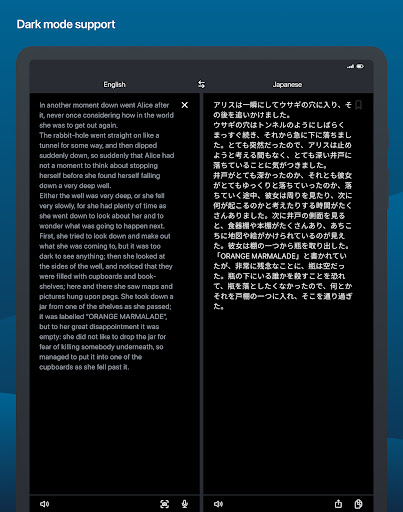
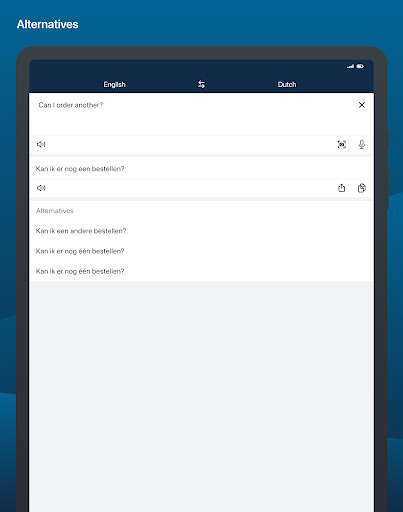
DeepL Translate is a free AI-powered translator for Android that converts text, speech, photos, and files into 100+ languages with a strong focus on natural, context-aware output. It supports camera and photo translation, speech dictation, text-to-speech, quick type-as-you-translate, alternative wordings, favorites/history, transliteration, and DeepL Write (English/German) for style and grammar improvements. Glossaries and tone control are available with a paid DeepL plan via account login.
Verdict
Verdict: An exceptionally accurate, easy-to-use translator best for high‑quality text and speech translations, though live camera and breadth of languages lag behind Google Translate.
Who is it for
Best for:
- Students, travelers, and readers who value accurate, natural phrasing
- Professionals needing nuance (emails, documents) and glossary/tone features
- Users who want alternative translations and writing suggestions (DeepL Write)
Not ideal for:
- People needing instant live camera AR translation
- Users translating niche/less‑supported languages or very large language lists
- Those who require consistent formality switching on mobile without a paid plan
Real-world User Experience
Users like it:
Standout translation quality that often reads like a human, handling idioms and odd phrasing better than competitors; fast performance; clean, Google-Translate-like interface; useful alternative word suggestions; clipboard and on-screen quick translation workflows; reliable for major languages (especially Romance and Germanic); history/favorites help reuse and learning.
Users complain about:
Camera translation is not real-time (must snap a photo); fewer supported languages than Google/Microsoft; occasional awkward lines; mobile lacks easy formal/informal toggle; some UX quirks (e.g., Translate Anywhere needing re-toggle, accidental deletion of saved items).
Is it Worth Paying For?
Core translation is free and ad-free, already superior for many use cases. Paying is worthwhile for power users who need glossaries, tone selection, and advanced writing help at scale or within organizations; casual users can comfortably stay on the free tier.
How it Compares to Alternatives
Compared with Google Translate, DeepL generally delivers more natural, context-aware output—especially in European languages—while Google wins on language count, ecosystem integrations, and real-time camera AR. Versus Microsoft Translator, DeepL again leads in nuance and alternative phrasings, but Microsoft offers broader language and speech features. If translation quality and readability are your priority, DeepL is the top choice; if instant camera and maximum coverage matter most, Google/Microsoft may fit better.
Summary
DeepL Translate focuses on doing one thing exceptionally well: producing accurate, human-like translations across major languages with helpful alternatives and a clean, fast interface. It supports text, speech, images, and files, plus DeepL Write for English/German style improvements. While camera translation isn’t live and language coverage is narrower than Google or Microsoft, everyday users and professionals consistently praise DeepL’s quality and ease of use. The free, ad-free tier is generous; advanced features (glossaries, tone control, team access) make a paid plan compelling for heavy or professional use. If you value translation quality over sheer feature breadth, this is likely the best mobile translator to install.
Ratings
Trending APP












Alternative to this app










