
Copyright 2026 © swekartor. All Rights Reserved.



Information about Street View Map and Navigation
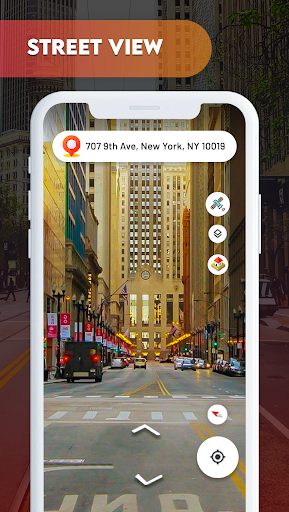


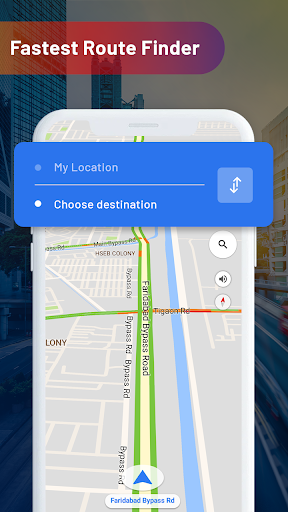
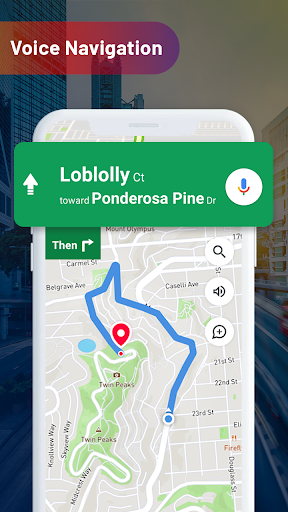
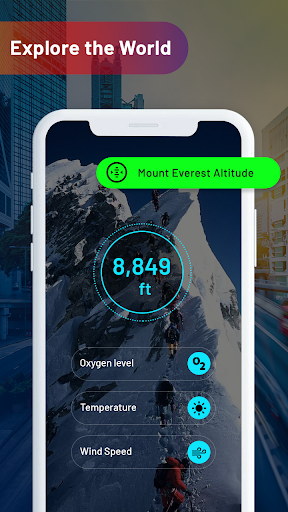
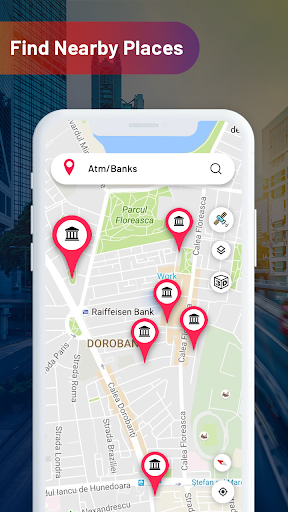
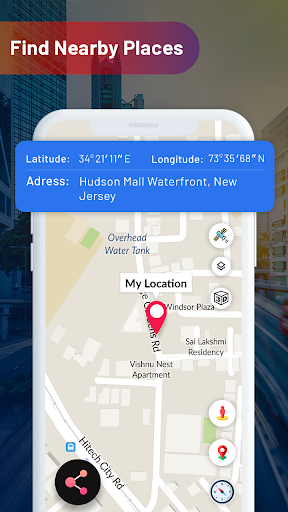
App Feature
Street View Map and Navigation bundles live street view, turn‑by‑turn GPS navigation, traffic/webcam previews, and a grab‑bag of tools (voice guidance, location sharing, altitude/area calculators, weather/FM, translator, and a GPS camera) aimed at exploring places and planning routes.
Verdict
Verdict: A feature‑packed explorer for casual map browsing, but reliability and ads make it a shaky choice for primary navigation.
Who is it for
Best for:
- Casual explorers who want quick street views and visual previews of places
- Travelers who like extra utilities (translator, GPS camera stamps, simple calculators) in one app
- Users who value live webcams/traffic snapshots to gauge conditions
Not ideal for:
- Daily commuters who need the most accurate turn‑by‑turn routing and traffic rerouting
- Offline or low‑connectivity users (heavy reliance on data and services)
- Ad‑averse users or those sensitive to frequent interruptions
Real-world User Experience
Users like it:
Simple to open and get directions, clear street views with enjoyable global browsing, helpful in a pinch, generally easy interface, and good visual clarity for many locations.
Users complain about:
GPS/location toggling problems blocking use for some, occasional inaccurate or imprecise current location, frequent/loading‑time ads, some imagery needing updates, and dependence on strong network connectivity.
Is it Worth Paying For?
The app is free with ads and offers IAPs. Based on user feedback and the 3.6 rating, the free tier suffices for casual use; paying only makes sense if an ad‑free option or specific premium utilities you need are included. Otherwise, value for money is moderate and situational.
How it Compares to Alternatives
Compared with Google Maps and Google Earth, this app’s street‑view experience and map data feel less polished and sometimes less current. Waze offers superior real‑time traffic, rerouting, and community reports for commuting. HERE WeGo excels at offline navigation. This app’s differentiators are live webcams, a GPS camera overlay, and assorted travel utilities, but overall accuracy, reliability, and ad experience trail the top incumbents.
Summary
Street View Map and Navigation aims to be an all‑in‑one travel companion, mixing live street views, navigation, traffic/webcams, and utility extras under one roof. It’s fun for exploring neighborhoods or previewing destinations, and some users find it helpful in emergencies or quick lookups. However, reports of GPS enablement issues, occasional location inaccuracies, frequent ads, and imagery that sometimes needs updating make it less dependable for everyday, high‑stakes navigation. If you want a casual explorer with visual tools and can tolerate ads, it’s worth a try; for primary commuting, traffic‑heavy routes, or offline reliability, established alternatives will likely serve you better.
Ratings
Trending APP












Alternative to this app










