
Copyright 2026 © swekartor. All Rights Reserved.


Information about GPS, Maps Driving Directions
App Feature
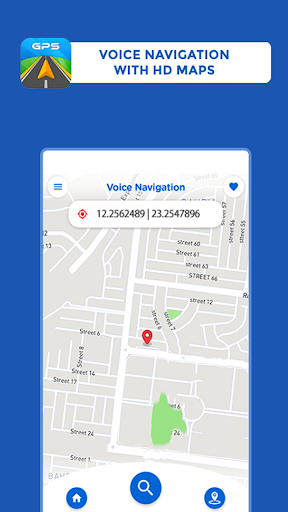
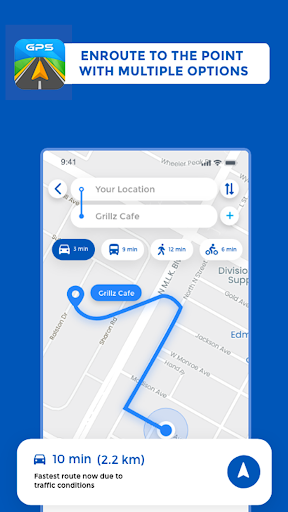
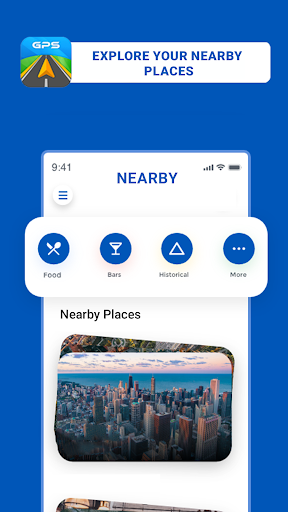
GPS, Maps Driving Directions is a free navigation app offering turn‑by‑turn voice guidance, real‑time traffic rerouting, multiple travel modes (driving, walking, cycling), offline maps, nearby place search, and basic route planning for local and international trips.
Verdict
Verdict: A capable, no‑frills GPS navigator with offline support and voice guidance, best for straightforward routing but held back by a dated UI and occasional quirks.
Who is it for
Best for:
- Drivers and pedestrians who want simple, voice‑guided directions with live traffic
- Users who need offline maps and basic route planning without a steep learning curve
- Travelers seeking a lightweight alternative to big‑brand navigation apps
Not ideal for:
- Power users needing advanced lane guidance, rich map details, or polished UI
- Professional drivers who rely on precise rerouting and speed/limit enforcement
- Anyone sensitive to ads or confused by in‑app purchase prompts
Real-world User Experience
Users like it:
Clear voice navigation, generally accurate routes, helpful real‑time traffic updates, easy setup and use, reliable guidance across cities and longer trips, and useful POI search.
Users complain about:
Generic/childish‑feeling UI, screen orientation not always rotating as expected, basic speed monitoring, map zoom/perspective could be better, occasional odd reroutes if a turn is missed, ad presence and confusion around "free" vs. payment prompts (e.g., Facebook or IAP questions).
Is it Worth Paying For?
The app is free with ads and offers IAP. For most users, the free version provides solid value with voice navigation and traffic. Paying may be worthwhile only if an IAP removes ads or unlocks offline/advanced features you specifically need; otherwise, comparable functionality exists for free in competitors.
How it Compares to Alternatives
Compared to Google Maps and Waze, it delivers the essentials—voice navigation, traffic, POIs—but lacks their polish, community reports (Waze), and deep place data (Google Maps). HERE WeGo offers stronger offline capabilities and a cleaner UI. Premium apps like Sygic provide richer lane guidance and speed‑limit features. This app’s edge is simplicity and working offline, but it trails leaders in UI refinement and advanced routing tools.
Summary
GPS, Maps Driving Directions focuses on the fundamentals: accurate turn‑by‑turn voice navigation, live traffic rerouting, offline maps, and a straightforward interface. Its 4.2 rating and millions of installs reflect a dependable core experience that many users trust for everyday driving and trips. However, a dated look, orientation issues, and basic speed/zoom handling keep it from matching top‑tier competitors. If you want a simple, reliable navigator with offline support and can tolerate ads and occasional quirks, it’s a practical choice; power users may prefer more polished alternatives.
Ratings
Trending APP











Alternative to this app










