
Copyright 2026 © swekartor. All Rights Reserved.



Information about The Messenger for Messages



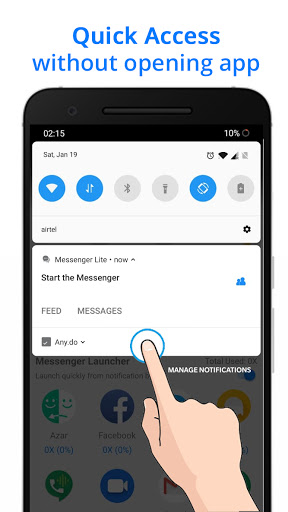
App Feature
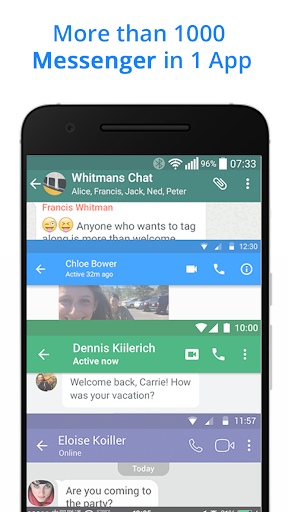
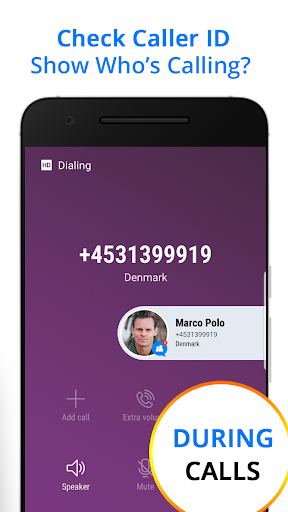
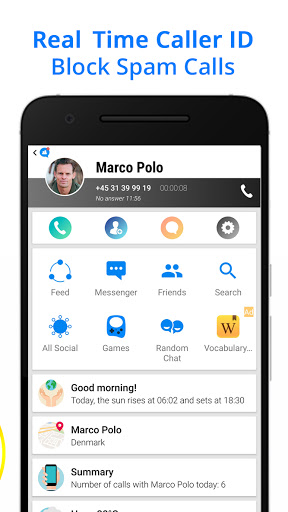
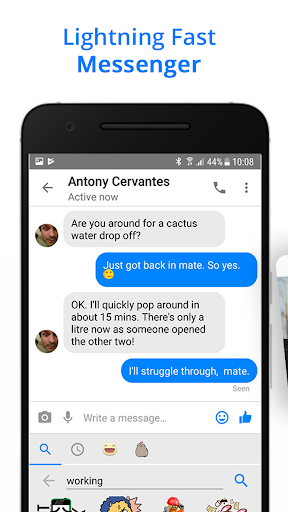
A free, all‑in‑one messenger hub that lets you text, voice call, and group video chat (up to 8 people), overlay a floating chat bubble for quick access, mask chats in public, and use real‑time caller ID—while also acting as a launcher for many social and messaging apps to save space and data.
Verdict
Verdict: A convenient, lightweight messenger hub with caller ID and quick-access tools, but not ideal if you want the polish and reliability of top-tier standalone messengers.
Who is it for
Best for:
- Users who want one place to access multiple social and chat apps
- People needing caller ID and spam call reduction
- Anyone on low-end devices or limited data seeking a lightweight solution
Not ideal for:
- Power users who need the stability and rich features of WhatsApp/Telegram/Messenger
- Privacy-focused users requiring clearly documented end-to-end encryption
- Those who dislike ads or wrapper-style app experiences
Real-world User Experience
Users like it:
Easy setup and daily use; helps stay in touch across networks with messaging, calls, and group video; caller ID reduces spam and identifies unknown callers; performs reasonably well on weak networks and lower data; fun extras like themes/backgrounds and a floating bubble for quick access.
Users complain about:
Occasional video call delays or lag; rare installation/download issues reported; experience can feel less smooth than native apps; ad presence; unclear security/encryption details compared to major messengers.
Is it Worth Paying For?
The app is free with ads and no in‑app purchases; there’s nothing to pay for, and the free value is solid if you’re comfortable with ads.
How it Compares to Alternatives
Compared to WhatsApp, Telegram, Signal, and Facebook Messenger, this app trades native depth and reliability for convenience as an all‑in‑one launcher with caller ID and chat masking. It’s lighter than full-featured alternatives like Messenger or Viber, but may lack their end‑to‑end encryption assurances, ecosystem integrations, and refinement. For pure video meetings, dedicated tools (Google Meet, Zoom) are more robust. Use this if you want aggregation and quick access; use the big names if you need top-tier performance, security, and features.
Summary
The Messenger for Messages bundles texting, calling, and group video with a floating bubble, chat masking, and real‑time caller ID, aiming to simplify how you jump between social and messaging platforms. Users praise its ease of use, spam-call reduction, and ability to work decently with limited data, though some report video-call lag and occasional setup hiccups. It’s free, ad‑supported, and best viewed as a lightweight hub rather than a replacement for best‑in‑class messengers. If you value convenience, quick access, and caller ID in a single place, it’s a strong pick; if you need airtight privacy, maximum stability, or deep native features, stick with the major standalone apps.
Ratings
Trending APP












Alternative to this app









