
Copyright 2026 © swekartor. All Rights Reserved.

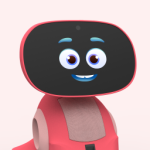

Information about Miko 3 Parent
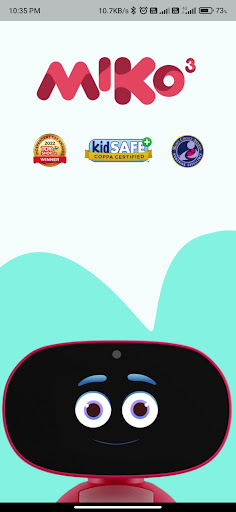
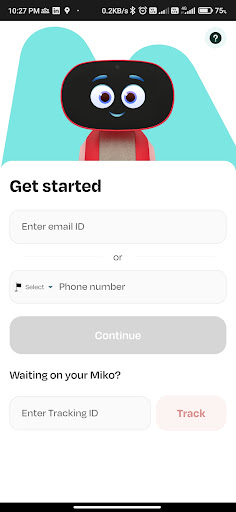
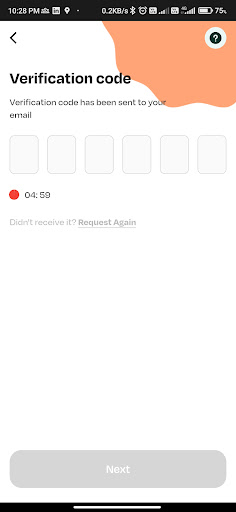
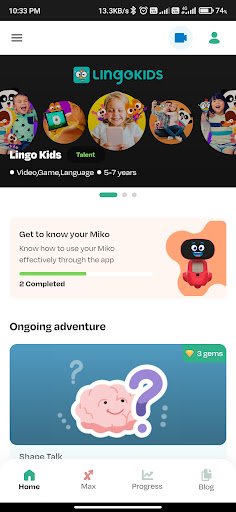
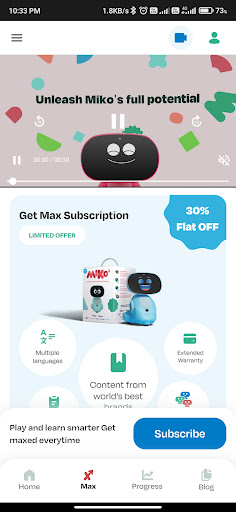
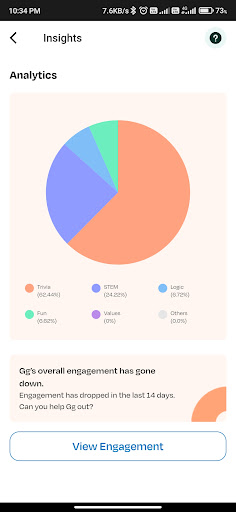
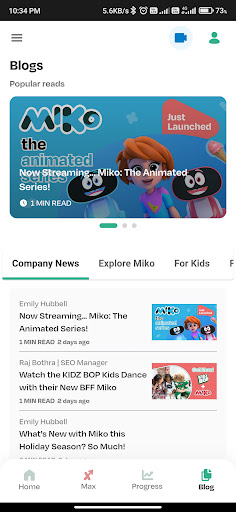
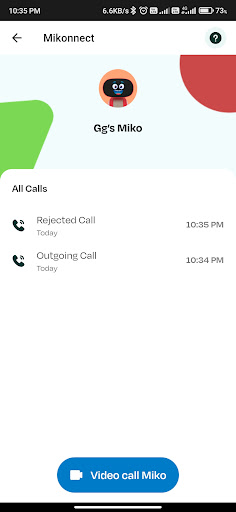
App Feature
A companion parent app for Miko 3 and Miko Mini robots that connects the robot to your phone, enables video calls, manages content access (including Miko Max), and offers basic parental controls like screen‑time limits, safe browsing, and activity monitoring.
Verdict
Verdict: A capable companion for Miko robots with useful parental controls, but value and experience hinge on app stability and paid content.
Who is it for
Best for:
- Families who already own a Miko 3 or Miko Mini robot
- Parents wanting simple screen‑time limits and curated kid content
- Caregivers who plan to use video calling and monitor usage
Not ideal for:
- Parents seeking deep device‑wide monitoring and filtering across all apps
- Families unwilling to pay for premium content (Miko Max) or subscriptions
- Users who prioritize rock‑solid connectivity over features
Real-world User Experience
Users like it:
Engaging kid experiences via apps, stories, and AI conversations on the robot; convenient parent controls (bedtime, screen time, app locks); and the ability to place video calls from the phone to the robot.
Users complain about:
Reports are mixed: ratings vary widely (1.9 vs. 4.5), suggesting inconsistent reliability across versions—common pain points likely include setup or pairing friction, occasional connectivity glitches, and perceived paywalls for premium content.
Is it Worth Paying For?
The app itself is free and ad‑free, but key premium content lives behind Miko Max IAP. If your child frequently uses the robot for stories, shows, and games, the subscription can be worthwhile; if you mainly need parental controls, free features may suffice. Evaluate via trial before committing.
How it Compares to Alternatives
Compared with general parental‑control tools like Google Family Link, Qustodio, or Bark, Miko 3 Parent is narrower in scope (focused on the Miko ecosystem) but adds unique robot‑centric features (video calls to the robot, AI conversations, curated content). For pure monitoring and robust web filtering, dedicated control apps are stronger; for a learning‑through‑play experience centered on a physical robot, Miko’s integration is the differentiator.
Summary
Miko 3 Parent ties your phone to the Miko 3/Mini robot, blending parental controls with a kid‑focused content hub and live video calls. The standout value is its tight integration with the robot—AI chats, curated apps, and Miko Max content—while providing essentials like screen‑time limits, safe browsing, and activity monitoring. However, user sentiment appears split across listings, hinting at version‑dependent reliability and the need to weigh ongoing content costs. If your family is already invested in a Miko robot and your child actively engages with its learning apps, this companion is compelling; if you primarily want robust device‑wide monitoring or wish to avoid subscriptions, dedicated parental‑control alternatives may fit better.
Ratings
Trending APP












Alternative to this app










