
Copyright 2026 © swekartor. All Rights Reserved.



Information about Flagstar Mobile Banking
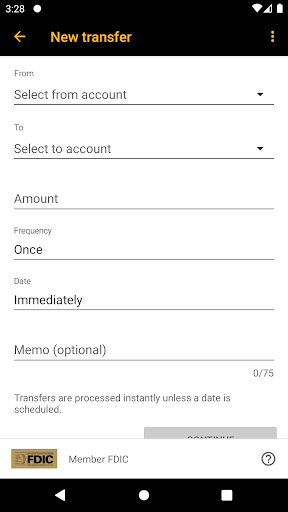
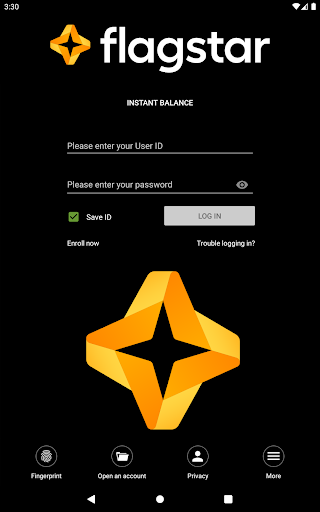
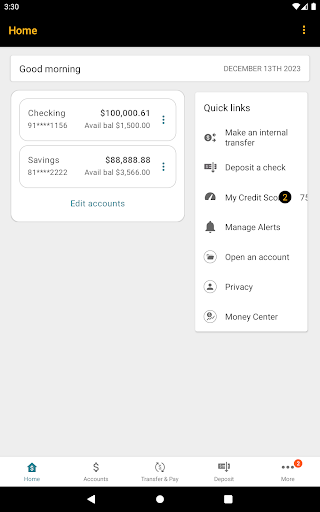
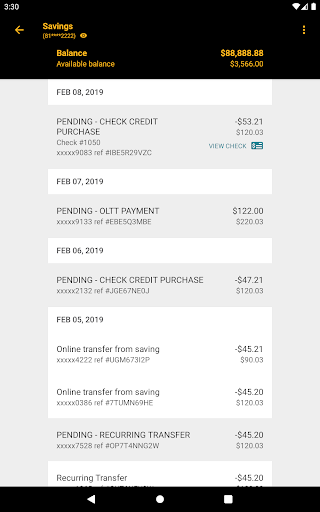
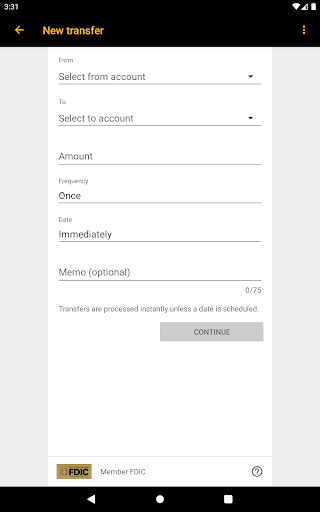
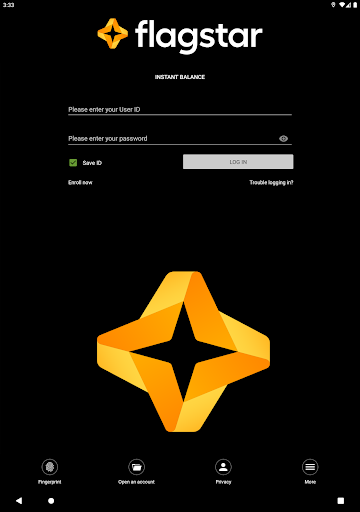
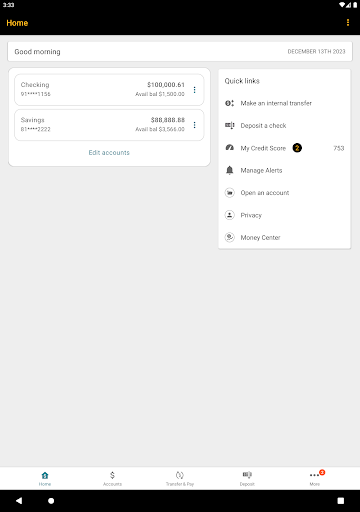
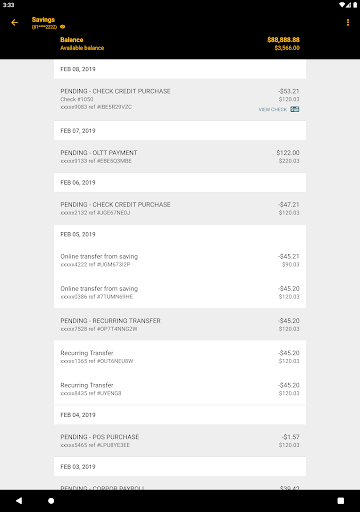
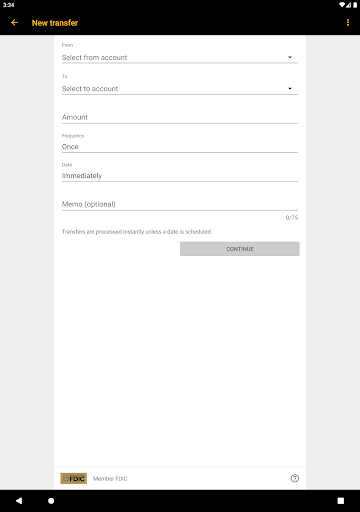
App Feature
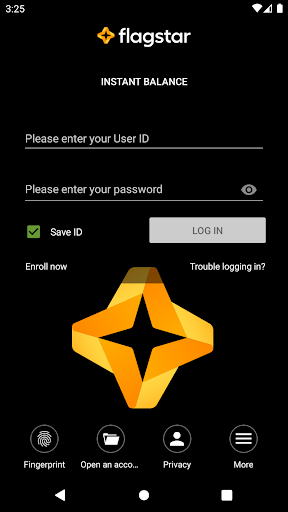
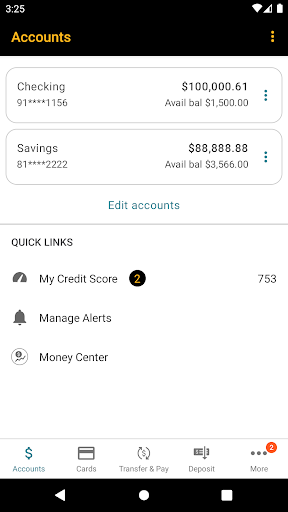
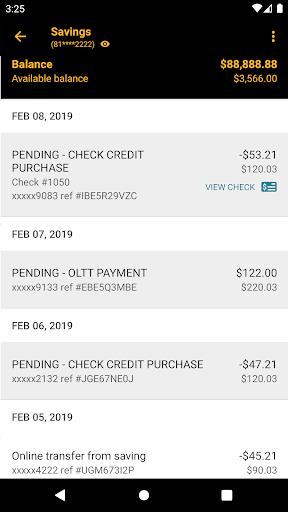
Flagstar Mobile Banking lets personal and business customers securely manage accounts, check balances and transactions, pay bills, send money via Zelle, deposit checks, view e‑statements and check images, monitor credit score, set alerts, and control debit cards—plus quick access with Instant Balance and biometric login.
Verdict
Verdict: A capable, full‑featured banking app for Flagstar customers, though occasional stability and eligibility limits may frustrate some users.
Who is it for
Best for:
- Flagstar customers seeking on‑the‑go banking with Zelle and mobile deposit
- Users who value biometric login, real‑time alerts, and card controls
Not ideal for:
- People needing advanced budgeting or analytics beyond basic tools
- Users with unsupported devices or non‑eligible account types
Real-world User Experience
Users like it:
Smooth enrollment on device, fast biometric login, reliable balance/transaction views, convenient bill pay and Zelle transfers, and quick mobile check deposits; credit score and card controls add helpful extras.
Users complain about:
Some report sporadic login glitches or errors after updates, device or account eligibility limitations (e.g., not all devices/accounts supported), and occasional delays or limits with mobile deposits.
Is it Worth Paying For?
The app is free with no ads or in‑app purchases; there’s nothing to pay for, and the feature set provides solid value at no cost.
How it Compares to Alternatives
Feature‑wise it’s on par with major-bank apps (biometrics, alerts, Zelle, mobile deposit, statements, card controls). Its budgeting is more lightweight than dedicated finance apps like YNAB or Monarch, and larger banks may offer slightly more polish or broader device support, but Flagstar’s core banking tasks are well covered.
Summary
Flagstar Mobile Banking delivers the essential tools customers expect: quick and secure sign‑in, accurate account views, seamless bill pay and person‑to‑person payments via Zelle, dependable mobile check deposit, access to e‑statements and check images, plus extras like credit score monitoring and debit card controls. Most users find day‑to‑day tasks straightforward and convenient, though a subset reports occasional login or update‑related hiccups and notes that some devices or accounts may not be supported. If you bank with Flagstar and want a reliable companion for routine banking needs, this app checks the right boxes—just don’t expect advanced budgeting or analytics beyond the basics.
Ratings
Trending APP












Alternative to this app









