
Copyright 2026 © swekartor. All Rights Reserved.



Information about Pinterest

App Feature
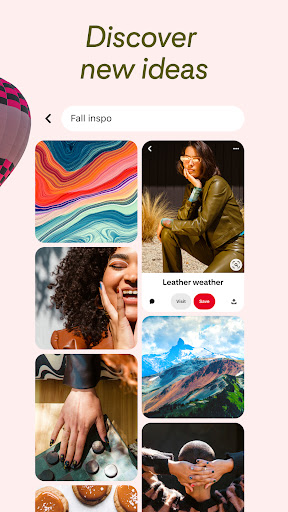
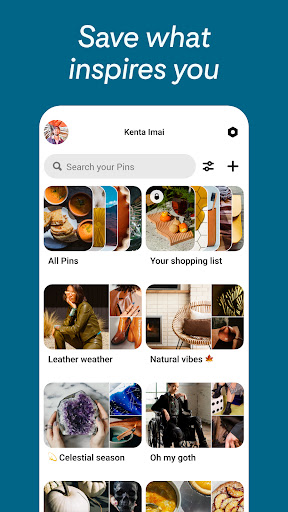
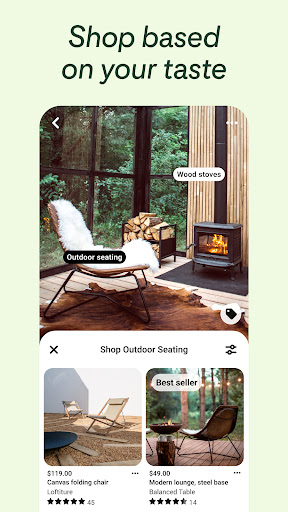
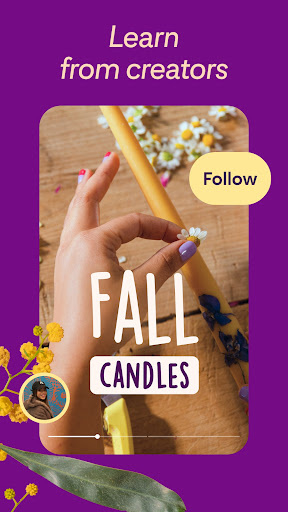
Pinterest is a visual discovery and bookmarking app for finding ideas across fashion, home decor, recipes, crafts, travel, and more. Core features include personalized feeds, board-based organization, collage creation, visual search from images, secret boards for privacy, place-based pins, and integrated shopping links for products and styles.
Verdict
Verdict: A top-tier inspiration and planning hub, though occasional glitches and ad clutter can disrupt the otherwise excellent experience.
Who is it for
Best for:
- Creators, planners, and hobbyists who collect and organize visual ideas
- Shoppers seeking style inspiration and product discovery
- Students, artists, and designers needing mood boards and references
Not ideal for:
- Users who want real-time social interaction or chat-centric communities
- People sensitive to frequent ads or aggressive content algorithms
- Those needing pro-grade collage/editing tools or advanced video controls
Real-world User Experience
Users like it:
Rich, well-curated ideas for every interest; highly intuitive search and visual discovery; powerful organization via boards and secret boards; easy pinning from the web and other apps; strong personalization that learns style preferences; helpful for planning projects, costumes, travel, and recipes.
Users complain about:
Performance hiccups after updates (slowdowns, occasional crashes or random logouts), intermittent loading failures, video issues (glitches, missing audio), aggressive algorithm that over-weights one-off searches, inconsistent comment settings or reply errors, and periods with heavy, hard-to-dismiss ads.
Is it Worth Paying For?
The app is free with ads and no in‑app purchases; there’s strong value at no cost, but expect occasional ad interruptions and standard data-driven personalization as the tradeoff.
How it Compares to Alternatives
Compared to Instagram, Pinterest emphasizes discovery and organization over social engagement, making it better for research and planning. Versus Google Images, it offers superior curation, saving, and board tools. Compared to TikTok/Reels, Pinterest feels calmer and more browse-at-your-pace, though video controls are less robust. For collages, it’s convenient but not as feature-rich as dedicated design apps like Canva. Shopping discovery rivals social commerce feeds but with more idea-first context.
Summary
Pinterest excels as a visual idea engine: search, discover, and neatly organize billions of inspiring pins into boards and secret boards, then turn them into actionable plans or shopping lists. Its visual search, collage tools, and product links make it a versatile companion for creatives, students, DIYers, and shoppers alike. While users consistently praise its breadth of content and organization, recurring complaints include occasional slowdowns, crashes, heavy ad runs, and a pushy algorithm. If you value inspiration and structured planning over chatty social features—and can tolerate some ads—Pinterest remains one of the most effective, free ways to spark ideas and bring them to life.
Ratings
Trending APP


Alternative to this app










