
Copyright 2026 © swekartor. All Rights Reserved.


Information about DSLR HD Camera : 4K HD Camera
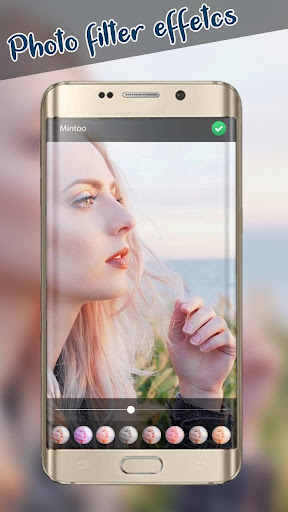
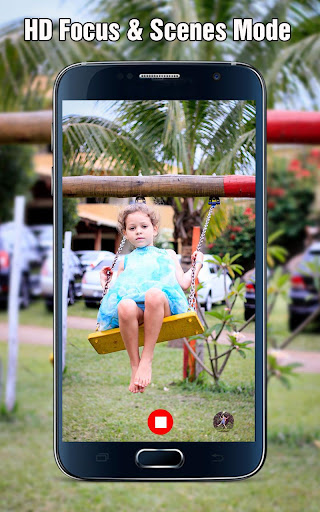
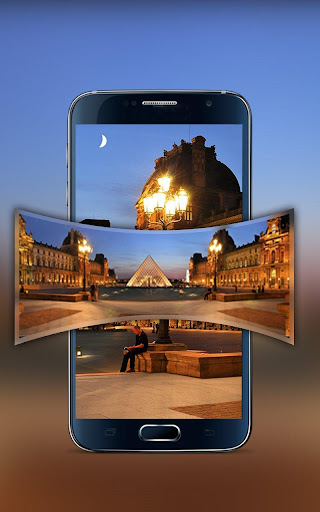
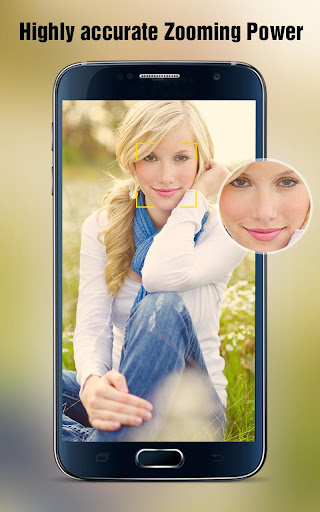
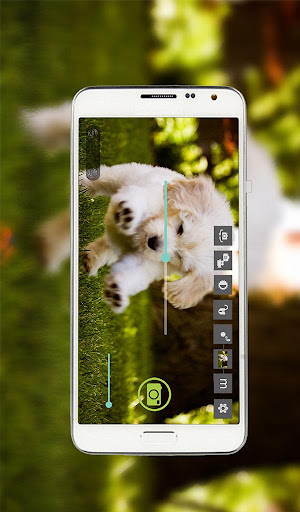
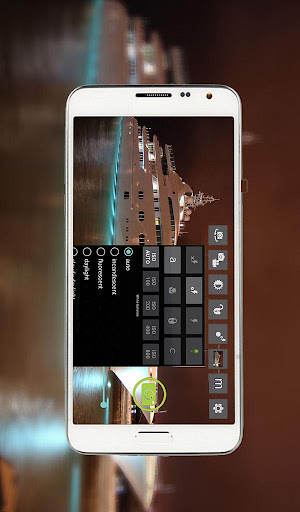
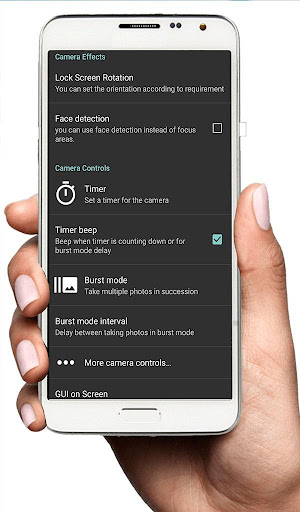
App Feature
A free pro-style camera app promising 4K/HD photo and video capture, manual controls (exposure, ISO, white balance), multiple shooting modes, burst, timers, face detection, external mic support, and an in-app blur editor for portrait-style backgrounds.
Verdict
Verdict: A capable, ad-supported manual camera with a handy blur editor, best if you want more controls than your stock app without going full pro.
Who is it for
Best for:
- Casual to enthusiast shooters wanting manual controls and 4K/HD capture
- Creators who need external microphone support for video
- Users who want quick in-app blur and filter edits
Not ideal for:
- Power users needing rock-solid video reliability, RAW, or full manual per-device support
- Those sensitive to frequent ads or needing seamless SD card saving
- Users expecting Google Camera-like computational photography
Real-world User Experience
Users like it:
Clearer photos than some stock apps, strong zoom and filters, easy UI, useful pro controls, external mic support for YouTube/content, decent low-light and HDR impressions, and the blur editor for portrait-style shots.
Users complain about:
Frequent ads, occasional video recording failures or interruptions, trouble saving to SD card, sporadic app stops/crashes, and inconsistent 4K availability depending on device hardware.
Is it Worth Paying For?
The app is free with ads and offers IAPs (likely to remove ads or unlock extras). Given solid manual controls and the blur editor, it’s good value free; consider paying only if you use it often and want to remove ads or need specific premium features.
How it Compares to Alternatives
Compared to Open Camera (free, open-source, reliable manual controls, robust external mic/SD support), this app feels more consumer-friendly with built-in blur and filters but less consistent on storage and video stability. Against ProCam X/Footej/Manual Camera (paid/pro-focused), it’s cheaper and simpler but lacks RAW and deeper manual granularity. Versus Google Camera/GCam ports, it trades computational HDR and Night modes for straightforward manual shooting and an integrated blur editor.
Summary
DSLR HD Camera: 4K HD Camera targets users who want better-than-stock photos and videos with manual tweaks, external mic support, and an easy blur editor. With 10M+ installs and a strong rating, it delivers crisp images, useful pro controls, and a creator-friendly toolset. However, ads can be intrusive, and some users report video failures, SD card saving limitations, and device-dependent 4K results. If you prioritize a simple, pro-leaning camera with built-in editing and can tolerate ads (or pay to remove them), it’s a practical upgrade; if you need bulletproof video, RAW, or advanced computational modes, consider alternatives like Open Camera or premium pro apps.
Ratings
Trending APP


Alternative to this app










