
Copyright 2026 © swekartor. All Rights Reserved.



Information about TradingView: Track All Markets
App Feature
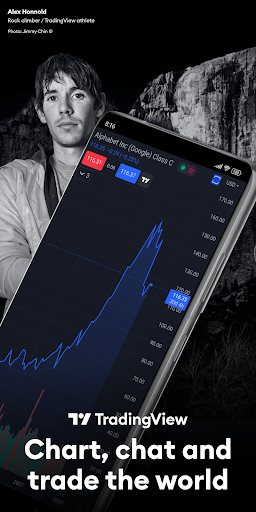
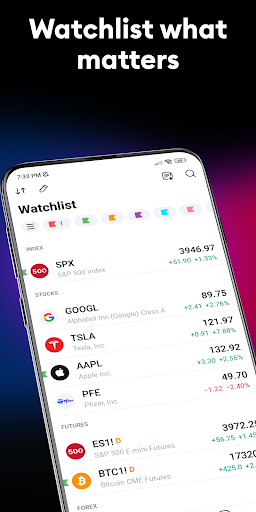
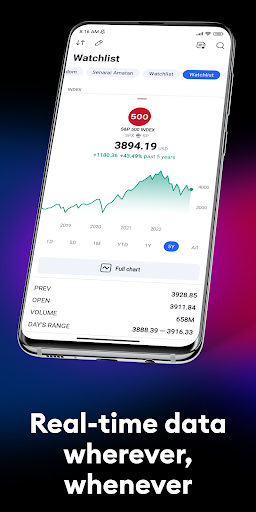
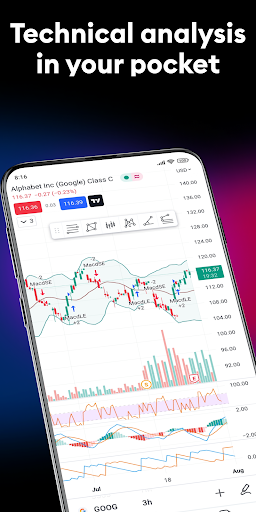
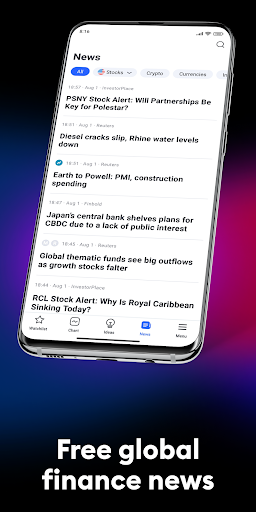
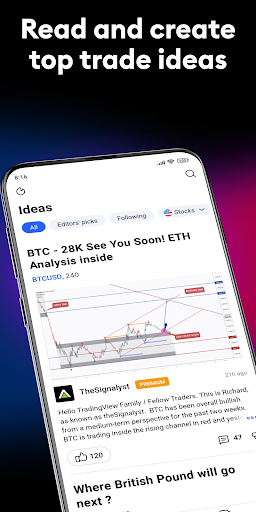
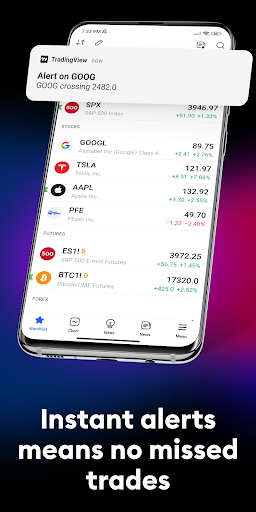
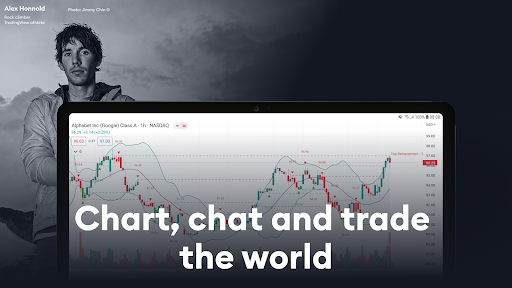
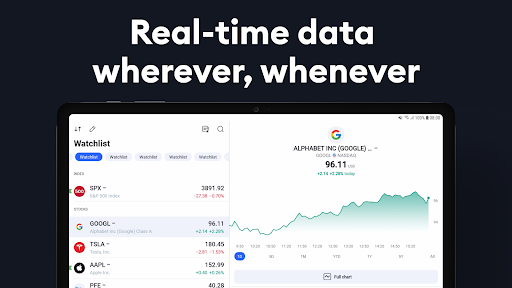
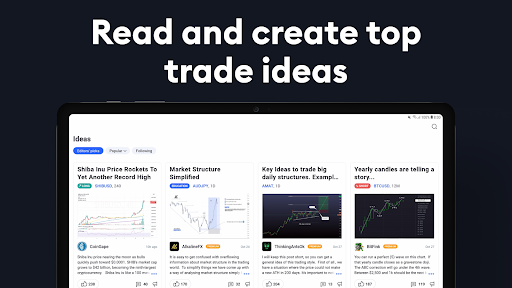
TradingView: Track All Markets is a cross‑platform market analysis and charting app covering stocks, indices, forex, crypto, commodities, bonds, ETFs, and more. It offers professional real‑time data feeds, advanced multi‑type charts (incl. Renko/Kagi), extensive indicators and drawing tools, customizable watchlists, price/line alerts, syncing with web/desktop, and an active social network for sharing and discovering trading ideas.
Verdict
Verdict: A top-tier charting and market-tracking app for serious analysis, though some power features sit behind a subscription and occasional mobile glitches can occur.
Who is it for
Best for:
- Beginners learning technical analysis who want clean, intuitive charts and ideas
- Active traders and investors needing multi‑asset real‑time data, alerts, and robust drawing tools
- Users who work across devices and want seamless sync between web, tablet, and phone
Not ideal for:
- Traders who need full in‑app brokerage execution with broad broker support
- Users unwilling to subscribe for higher alert limits, more indicators, or premium data
- People who prefer ultra‑lightweight quote apps over deep charting
Real-world User Experience
Users like it:
Smooth, fast, and highly customizable charts; wide indicator and drawing tool set; reliable alerts (including on trend lines); strong cross‑device sync; helpful educational value and community; accurate pricing and multiple timeframes; responsive support with quick fixes.
Users complain about:
Occasional mobile issues (zoom/stretch glitches, landscape freezes, intermittent chart loading, paper trading disconnects); some key features locked to paid tiers (e.g., reduced free alert limits); limited broker options in‑app and desire for simpler trade execution and order adjustments.
Is it Worth Paying For?
Yes for active traders and serious learners: paid plans unlock more alerts, indicators, layouts, and higher‑quality data that materially improve workflow. The generous free version is excellent for getting started, but frequent alerting, complex layouts, or multi‑indicator strategies quickly justify upgrading. Try the 30‑day trial to gauge value.
How it Compares to Alternatives
Compared to MetaTrader, TradingView excels in chart quality, tools, and multi‑asset coverage but lags in native order execution and broker breadth. Versus Investing.com or Yahoo Finance, it offers far superior technical analysis and alerting. Against Thinkorswim or broker-native platforms, TradingView is more flexible and device-agnostic, though broker platforms may integrate orders and options trading better. Power users seeking automation/backtesting might look to specialized tools, but for day‑to‑day charting and alerts, TradingView is a leader.
Summary
TradingView delivers best‑in‑class mobile and cross‑platform charting with deep technical tools, real‑time multi‑asset data, and a vibrant trader community. Watchlists, trend‑line alerts, and seamless sync make it easy to monitor markets and act quickly. While the free tier is capable, heavier users will hit alert and indicator limits and may want premium data—making a paid plan worthwhile. Mobile stability is generally strong, though some users report intermittent glitches and desire broader broker support and simpler in‑app trading. Overall, it’s a high‑confidence choice for traders who prioritize charting quality, customization, and timely alerts across all markets.

Ratings
Trending APP









Alternative to this app









