
Copyright 2026 © swekartor. All Rights Reserved.


Information about TV Cast: Anycast in smart view
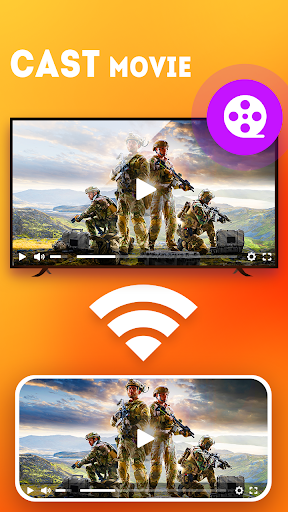
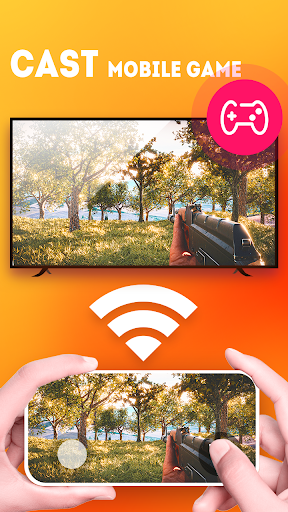
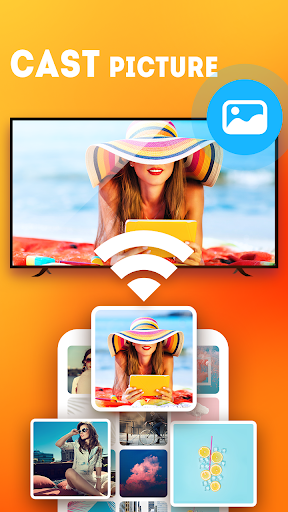
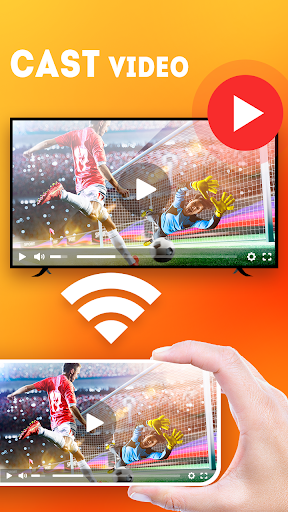

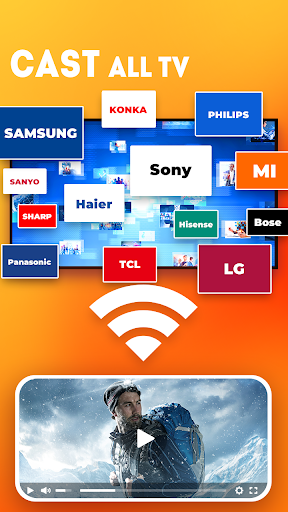
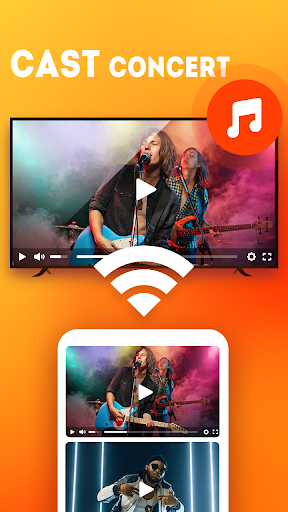
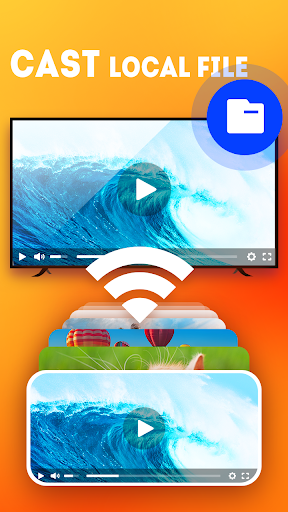
App Feature
TV Cast: Anycast in smart view lets you cast or mirror photos, videos, music, and presentations from your Android phone to DLNA-enabled smart TVs and streaming devices (Chromecast, Roku, Fire TV, etc.). It auto-detects nearby devices, supports multiple playback modes, offers low-latency wireless display, and includes a built-in TV remote control.
Verdict
Verdict: A versatile, easy-to-use casting app with broad device support, best if you want quick, reliable sharing to many TV types.
Who is it for
Best for:
- Users who need simple screen casting to various TVs and streamers (DLNA/Chromecast/Roku/Fire TV).
- People who want an all-in-one casting tool with a basic remote control.
Not ideal for:
- Those expecting true 1:1 screen mirroring in every app (casting differs from mirroring).
- Users who are sensitive to ads or require guaranteed support for non-DLNA/unsupported TVs.
Real-world User Experience
Users like it:
Fast, straightforward setup and reliable device discovery; connects immediately where some competitors fail. Many appreciate that it works across more than just Roku and handles common media types well. Ads are present but described by some as tolerable.
Users complain about:
Some users may encounter ads and occasional compatibility limits typical of DLNA/casting (e.g., certain TVs or network setups). True screen mirroring behavior may differ from expectations for specific apps.
Is it Worth Paying For?
The app is free with ads and offers in-app purchases. The free tier appears sufficient for core casting and remote control. Paying may be worthwhile if you want to remove ads or unlock any premium conveniences, but most casual users should be fine staying free.
How it Compares to Alternatives
Compared with single-ecosystem solutions (e.g., Roku-only tools or Google Home for Chromecast), this app emphasizes broad compatibility across DLNA devices, Roku, Fire TV, and more, plus it adds a remote function. While native apps may integrate more tightly with their ecosystems, this is a strong cross-platform option with low-latency casting and simple discovery.
Summary
TV Cast: Anycast in smart view is an accessible, multi-device casting app that quickly finds nearby TVs and streamers and lets you share videos, photos, music, and slides with minimal friction. Users report smooth, immediate connections where other apps fall short, and the inclusion of a remote control is a handy bonus. It’s ad-supported with optional IAP, but the free experience is capable for most needs. If you want a reliable, cross-platform way to get your phone’s media onto a big screen without juggling multiple brand-specific apps, this is an easy recommendation—just make sure your TV supports DLNA and manage expectations around casting versus full mirroring.
Ratings
Trending APP


Alternative to this app










