
Copyright 2026 © swekartor. All Rights Reserved.



Information about U.S. Bank Mobile Banking
App Feature
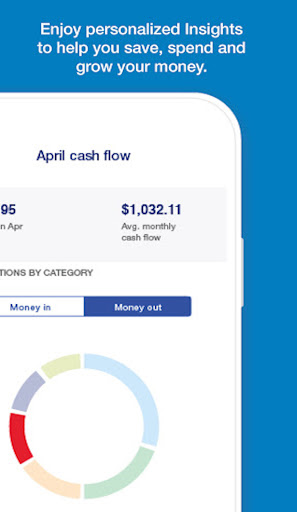
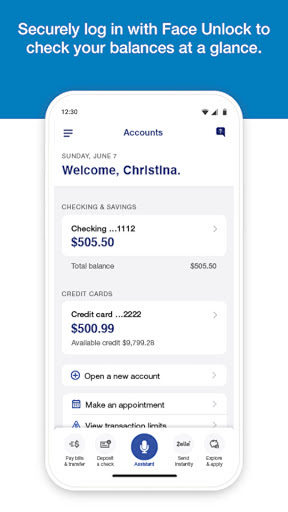
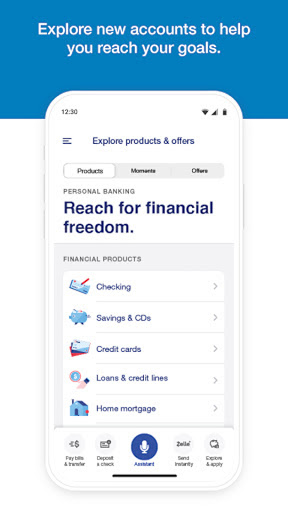
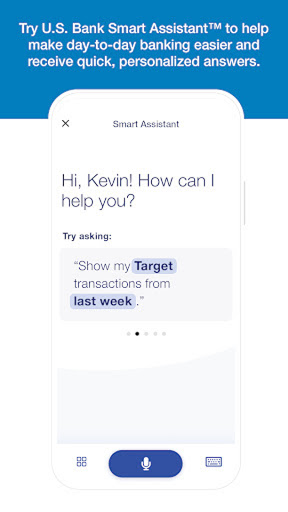
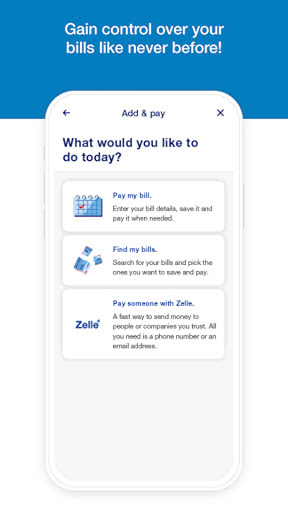
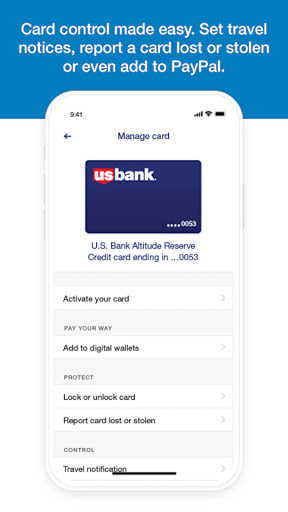
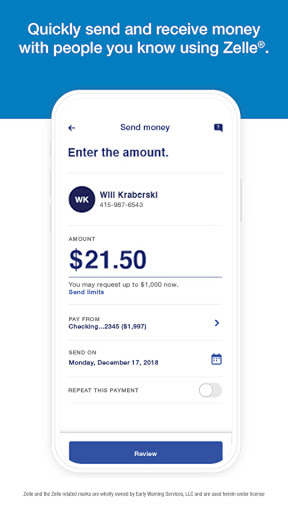
Full-service mobile banking for U.S. Bank customers: view balances across checking, savings, credit cards, loans and investments; biometric login and security alerts; card controls (lock/unlock, travel notices, mobile wallet); Zelle transfers, bill pay, inter-account transfers, and improved mobile check deposit; cash-flow tracking, spending insights, and credit score access; Smart Rewards tiers; bilingual English/Spanish; in‑app support, appointments, and branch/ATM locator; optional trading and portfolio views via U.S. Bancorp Advisors.
Verdict
Verdict: A polished, security-forward banking app that excels at everyday money management and deposits, with minor usability hiccups for some users.
Who is it for
Best for:
- U.S. Bank customers who want reliable deposits, transfers, and bill pay in one place
- Users who value security features (biometrics, fraud alerts) and spending/credit insights
- People far from branches who need robust remote banking and Zelle support
Not ideal for:
- Non–U.S. Bank customers seeking a multi-bank, aggregator-first experience
- Power users needing very high mobile deposit limits or advanced budgeting automation
Real-world User Experience
Users like it:
Consistently reliable and fast for balances, transfers, bill pay, and Zelle; mobile check deposit has improved and is quick when it works; excellent fraud/security alerts; intuitive once familiar; convenient card controls and paperless statements; strong customer support; helpful spending and cash-flow tracking; broadly praised stability across Samsung/Android devices.
Users complain about:
Occasional mobile deposit quirks (app exit after back photo, retake confusion risking duplicate images); UI readability issues for some (small text, low contrast, hidden actions); deposit limits can be restrictive for larger checks; intrusive review pop-ups; virtual card number visibility could be clearer; one-off install/deposit success tied to Wi‑Fi for a user.
Is it Worth Paying For?
The app is free with no ads or in‑app purchases; there’s nothing to pay for, and the feature set is strong at no cost.
How it Compares to Alternatives
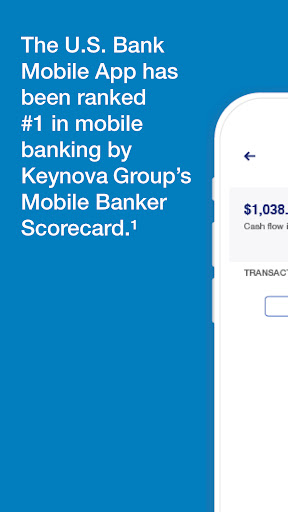
Compared with big-bank peers (Chase, Bank of America, Wells Fargo, Capital One), U.S. Bank matches core features—biometric login, Zelle, bill pay, card controls—and stands out with smooth cash‑flow insights and integrated U.S. Bancorp Advisors trading/portfolio views. It lacks the highly polished budgeting automation of dedicated finance apps (e.g., Monarch, Copilot) but beats fintech wallets (PayPal, Venmo) for full-service banking and security breadth. Keynova’s #1 ranking underscores its competitive UX and capability set.
Summary
U.S. Bank Mobile Banking delivers a secure, end-to-end banking experience that covers daily essentials—deposits, transfers, Zelle, bill pay—plus helpful spending insights, cash‑flow tracking, and credit score access. Security is strong with biometrics, alerts, and card controls, and customers can manage investments via U.S. Bancorp Advisors within the same app. Real users praise reliability, fraud protection, and steady improvements, though a subset reports mobile deposit friction, readability issues, and occasional UI quirks. With no cost or ads and robust support, it’s an easy recommendation for U.S. Bank customers who want dependable mobile banking, while heavy depositors or those seeking advanced budgeting tools may want to supplement with niche apps.
Ratings
Trending APP











Alternative to this app









