
Copyright 2026 © swekartor. All Rights Reserved.



Information about FamiSafe: Parental Control App
App Feature
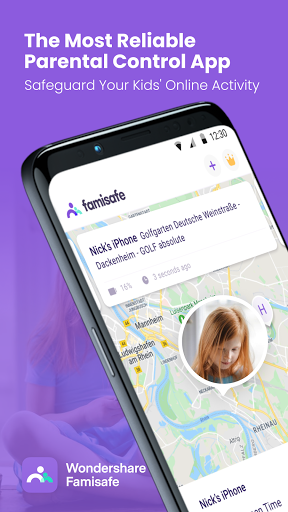
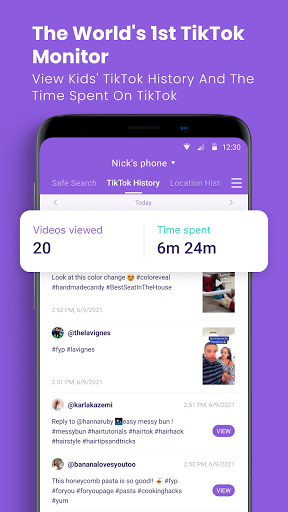
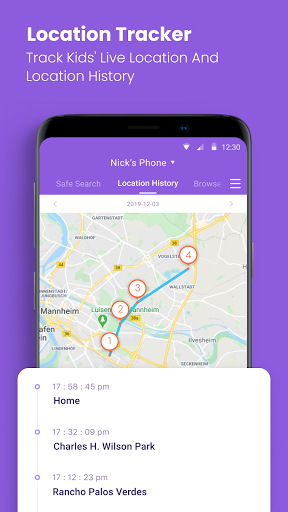
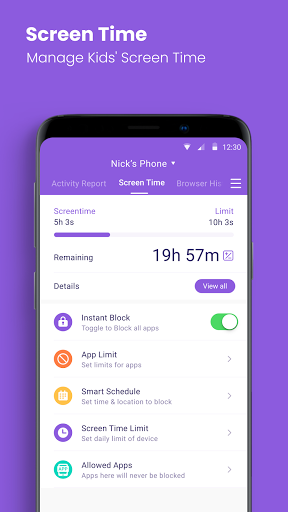
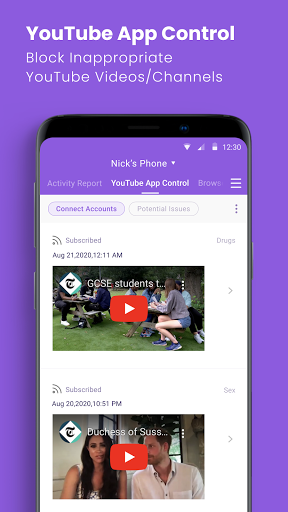
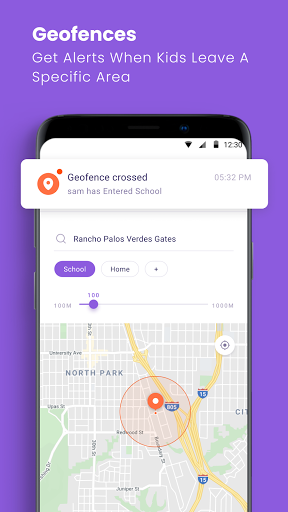
FamiSafe is a full‑suite parental control app that helps parents manage screen time, track real‑time and historical locations, filter web content, block apps, and monitor device usage. It adds call/text monitoring with keyword alerts, sensitive word and sexual image detection across major social platforms, a panic/SOS button, remote screen capture, and one‑way audio to check a child’s surroundings.
Verdict
Verdict: A powerful, flexible parental control suite with broad safety tools, best if you want granular controls and active monitoring across devices.
Who is it for
Best for:
- Parents who need robust screen time, app blocking, and location tracking across multiple devices
- Families wanting proactive alerts (keywords, image detection) and emergency features like SOS
- Caregivers who value quick, remotely applied settings and detailed activity reports
Not ideal for:
- Families seeking a simple, free, set‑and‑forget tool with minimal monitoring
- Users uncomfortable with invasive features like remote screenshots or one‑way audio
- Households that only need basic Android controls (e.g., Google Family Link level)
Real-world User Experience
Users like it:
Stable performance across different phone models; flexible, per‑app and global rules; instant application of changes; detailed activity reports, web filtering, browser history, and request workflows; recent updates improved reliability and notification delivery.
Users complain about:
Occasional accessibility/notification error prompts despite functionality; explicit content filter could be smarter; past stability issues (noted as improved recently).
Is it Worth Paying For?
Yes for most families needing comprehensive controls. There are no ads and it offers in‑app purchases/subscription; reviewers call it reasonably priced and worth the subscription given instant policy changes, cross‑platform monitoring, and premium safety features (SOS, social media detection, screenshots, one‑way audio). If you only need basic limits and location, free alternatives may suffice.
How it Compares to Alternatives
Compared to Google Family Link, FamiSafe offers far more granular controls, cross‑platform monitoring, and advanced alerts but isn’t free. Versus Qustodio and Net Nanny, it’s competitive on screen time/app blocking and adds extras like one‑way audio and remote screenshots. Bark excels at social media sentiment/keyword monitoring; FamiSafe now rivals it with sensitive word/image detection while also bundling strong location and device controls.
Summary
FamiSafe combines day‑to‑day parental controls (screen time, app blocking, web filtering, location tracking) with advanced safety features like call/text monitoring, sensitive keyword and image detection across popular platforms, SOS alerts, remote screenshots, and one‑way audio. Recent updates have improved stability and notifications, and users praise its flexible policy model, instant rule application, and clear activity reports. Some minor accessibility warnings and a desire for smarter explicit content filtering remain, but overall it delivers a robust, centralized solution for families who want active oversight and quick interventions. If you need beyond‑basic controls and value real‑time safety signals, its subscription offers strong value.

Ratings
Trending APP












Alternative to this app










