
Copyright 2026 © swekartor. All Rights Reserved.



Information about Sudoku - Classic Sudoku Puzzle
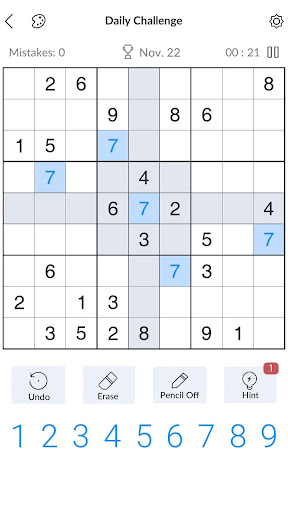
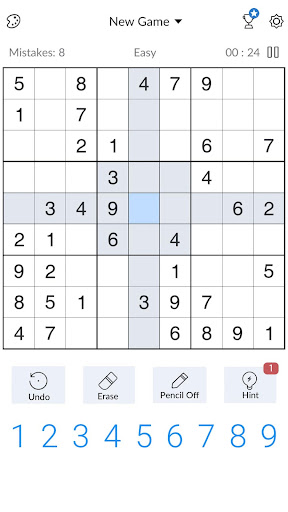
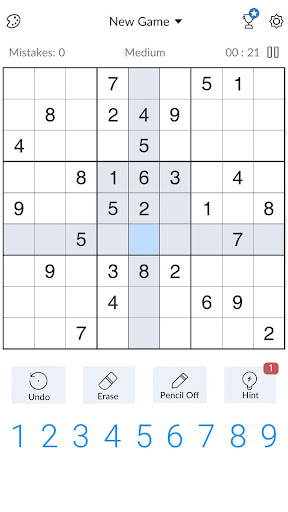
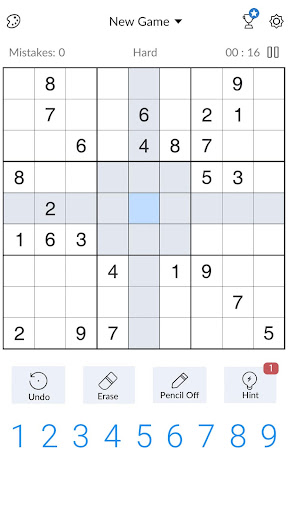
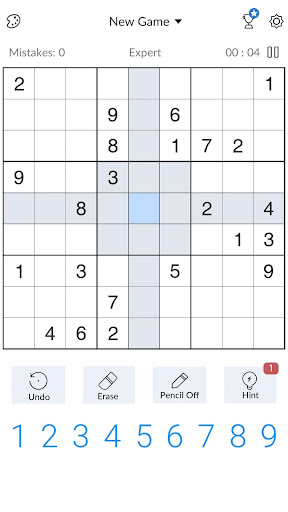
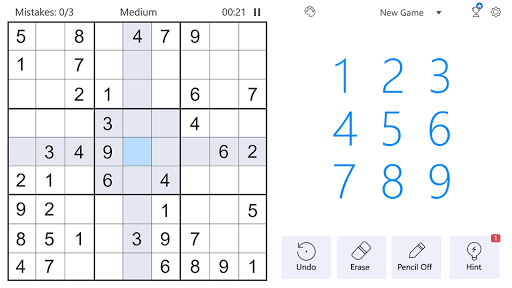
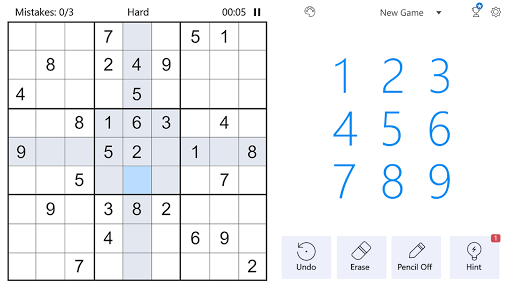
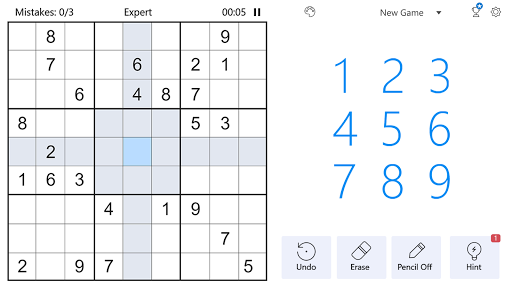
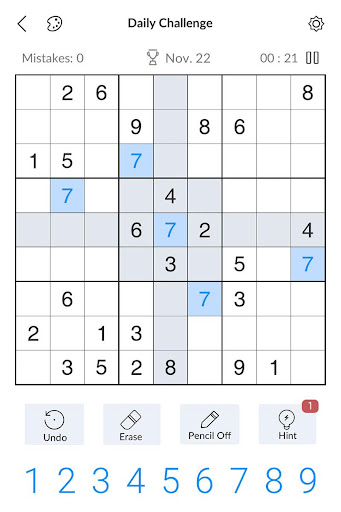
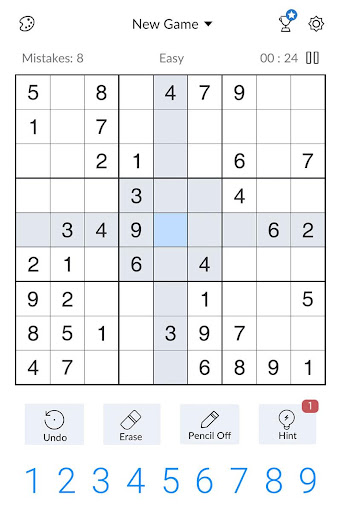
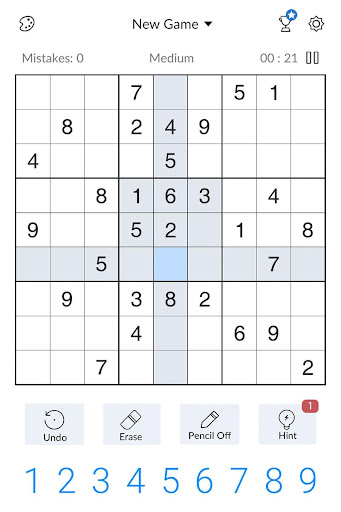
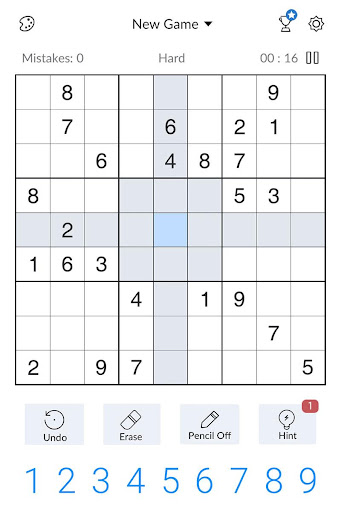
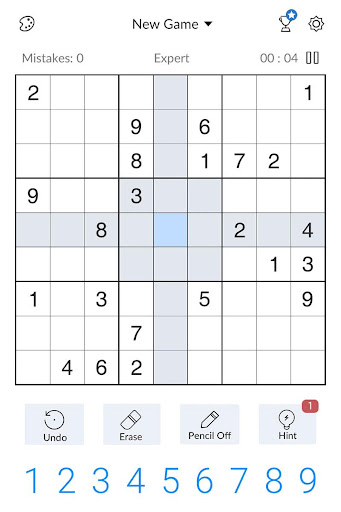
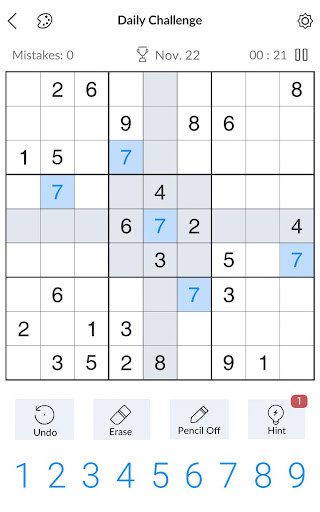
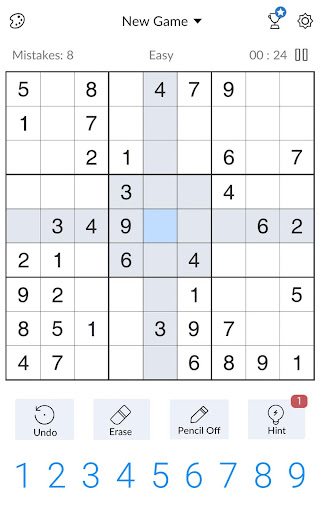
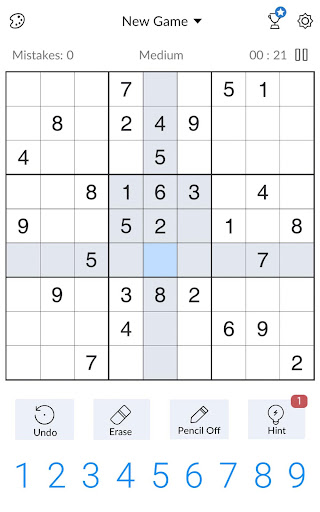
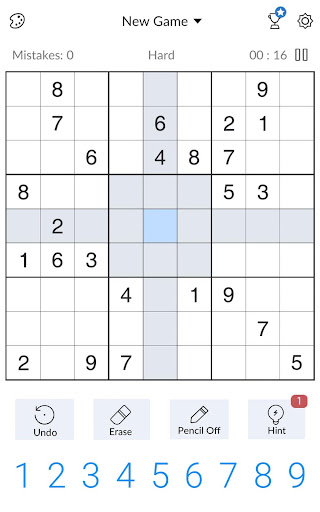
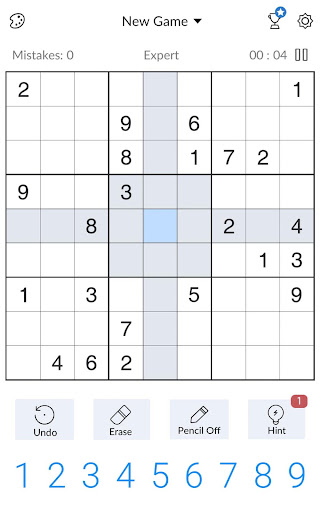
App Feature
A polished, offline-friendly Sudoku with multiple grid sizes (classic 9x9 and 16x16), four+ difficulty levels up to expert/extreme, daily/weekly challenges, optional battle/events, pencil marks, highlighting, mistake limit toggle, timers, dark mode, and quality-of-life helpers (remaining-count, auto-complete when logically finished).
Verdict
Verdict: A feature-rich, offline Sudoku that’s excellent for most players, but frequent ads may frustrate purists unless you pay to remove them.
Who is it for
Best for:
- Beginners to experts seeking a smooth, guided Sudoku with hints, pencil marks, and tutorials
- Offline players who want plentiful puzzles, daily/weekly challenges, and occasional competitive modes
- Users who appreciate clean UI, dark mode, and configurable assists/mistake limits
Not ideal for:
- Players who demand a completely ad-free experience without paying
- Hardcore purists who dislike assists like auto-complete/remaining-count and prefer minimal UI
- Those wanting deep analytics or rich stats history/training curricula out of the box
Real-world User Experience
Users like it:
Smooth gameplay with clear UI, fast pencil toggling, number/line highlighting, remaining-count, and an option to turn off mistake penalties. Wide difficulty spectrum (including extreme), daily challenges, and battle mode keep it engaging. Frequent updates and responsive fixes (e.g., font issue) suggest active maintenance. Many find it relaxing and a strong brain workout.
Users complain about:
Ads appear frequently (between games and after actions like hints/pause), sometimes two 15-second spots, which can interrupt flow. Some want larger number keys or row/column labels, richer stats/history, and more structured lessons. Occasional freezes or UI glitches have occurred, though fixes followed.
Is it Worth Paying For?
Yes if you play daily. The free version is fully playable but ad-heavy; the reported ~$13/year ad-removal offers a cleaner, more focused experience. If ads don’t bother you or you play casually, the free tier suffices; regular players will likely value the upgrade.
How it Compares to Alternatives
Compared to Sudoku.com (Easybrain) and Brainium Sudoku, this matches core polish, offline play, and assists; it adds a 16x16 mode and competitive events some rivals lack. Andoku emphasizes advanced techniques and custom variants with fewer interruptions but a plainer look. Microsoft Sudoku offers themes and challenges but is more service-tied. Overall, this app balances accessibility and features well, with ads being its main trade-off versus premium or less ad-heavy alternatives.
Summary
Sudoku - Classic Sudoku Puzzle nails the essentials with clean controls, smart assists, and a difficulty curve that welcomes newcomers while challenging veterans—plus extras like 16x16, daily/weekly puzzles, and battle mode. It runs great offline and is actively maintained, though the free tier’s frequent ads and modest stats/training depth may irk purists. If you want a dependable, feature-rich Sudoku you can play anywhere, it’s an easy recommendation—consider the paid option if you value uninterrupted focus.
Ratings
Trending APP












Alternative to this app










