Copyright 2026 © swekartor. All Rights Reserved.


Information about Video Background Remover
App Feature
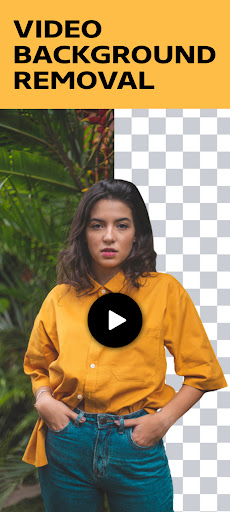
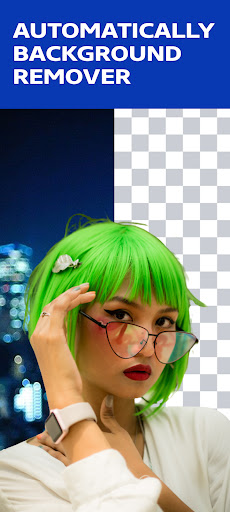
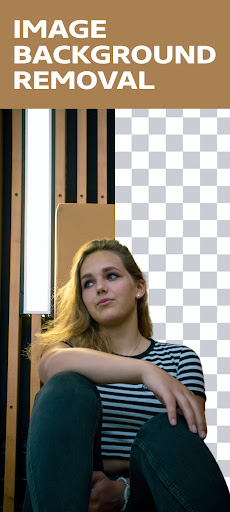
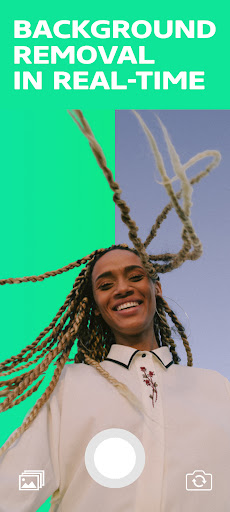
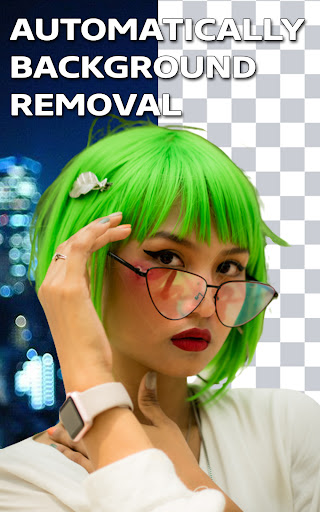
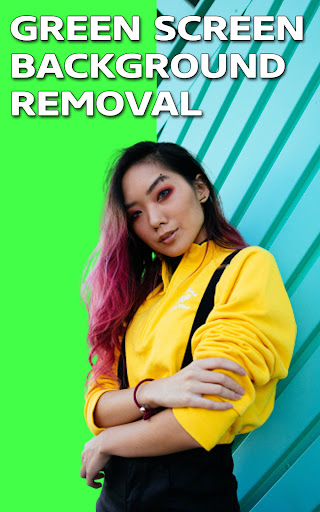
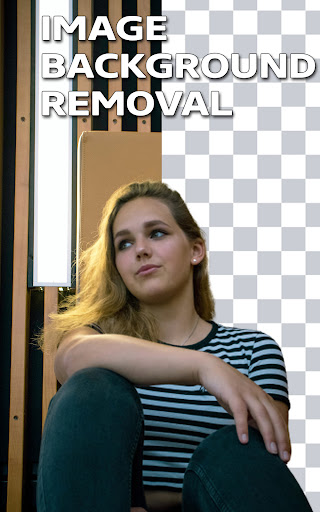
Video Background Remover lets you remove and replace video and photo backgrounds using automatic or manual tools, live camera (selfie/back) chroma-key style capture, and swap in solid colors, gradients, images, or other videos.
Verdict
Verdict: A handy free tool for quick green-screen style edits, but inconsistent results and ads limit its reliability for serious use.
Who is it for
Best for:
- Casual creators needing quick background swaps for social posts
- Users experimenting with green-screen effects without pro software
Not ideal for:
- Professionals needing precise masking and stable exports
- Users sensitive to frequent ads or seeking batch processing
Real-world User Experience
Users like it:
Simple flow (import or live camera), one-tap background removal, and easy swapping with colors/gradients or gallery media.
Users complain about:
Mixed accuracy on subject detection, artifacts around edges/hair, performance hiccups on longer videos, stability issues, and intrusive ads given the 2.9 rating.
Is it Worth Paying For?
The app is free with ads and has no in-app purchases. There’s no cost to try, so it’s worth a test for casual needs, but there’s no paid tier to remove limits or ads.
How it Compares to Alternatives
Compared with multi-purpose editors like CapCut, InShot, or KineMaster that bundle more robust keying and broader editing suites, this app is narrower and less consistent. Web tools like Unscreen often yield cleaner extractions but require uploads. Dedicated photo background erasers usually produce better still-image masks, while pro mobile suites (e.g., Adobe Premiere Rush with additional tools) offer more control and stability at the cost of complexity or subscriptions.
Summary
Video Background Remover focuses on fast, accessible background removal for videos and photos, including real-time camera capture and simple swaps with colors, gradients, images, or videos. It’s easy to pick up and can work for short social clips, but the 2.9 average suggests reliability and quality issues—expect uneven edge detection, occasional glitches, and frequent ads. With no paid upgrade path, it’s a no-risk try for quick tasks, yet creators who need consistent, high-quality masking and full editing workflows will likely prefer more mature video editors or web-based background removal services.



Ratings
Trending APP












Alternative to this app