
Copyright 2026 © swekartor. All Rights Reserved.



Information about PDF Reader
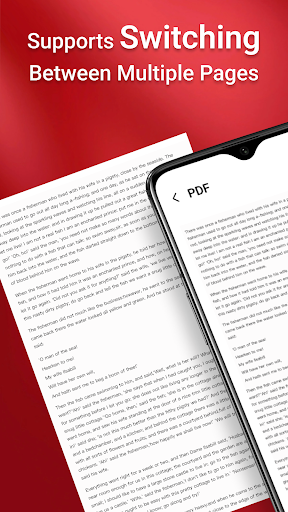
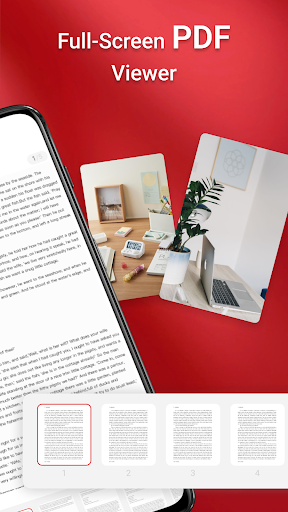
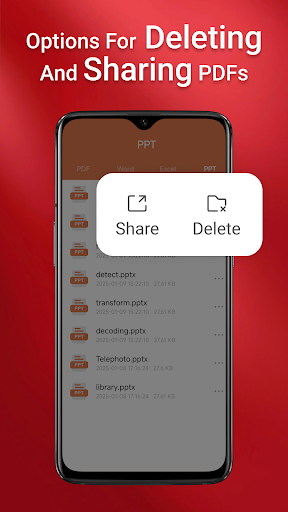
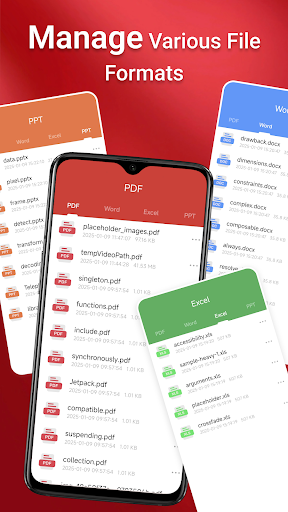
App Feature
PDF Reader is a free mobile app for viewing, managing, and sharing PDFs on Android. It offers quick one-tap opening, device-wide file discovery (including SD card), basic navigation, annotation tools (highlighting, notes, shapes), and cloud integration for syncing and access across devices. It requests broad storage permissions on Android 11+ to enable background file management and multi-file operations.
Verdict
A capable, no-frills PDF viewer with annotations and cloud access, but mixed ratings suggest inconsistent reliability and potential permission concerns.
Who is it for
Best for:
- Users who want a simple, free PDF viewer with basic annotations
- People who need device-wide file access, including SD card and offline management
- Students or professionals who share and review PDFs on the go
Not ideal for:
- Power users needing advanced editing, e-signature workflows, or OCR
- Privacy-conscious users wary of broad storage permissions
- Anyone requiring polished, enterprise-grade stability and support
Real-world User Experience
Users like it:
Positive feedback highlights ease of sending and receiving documents, suggesting straightforward sharing and basic reliability for common tasks.
Users complain about:
Limited public reviews make issues unclear; the 3.3 average rating implies some users face inconsistencies or frustrations not detailed in the available feedback.
Is it Worth Paying For?
The app is free with no ads or in-app purchases, so there’s no direct cost. It’s worth trying if you need a basic PDF tool; there’s no paid tier to evaluate for added value.
How it Compares to Alternatives
Compared to Adobe Acrobat Reader, Foxit PDF Reader, or Xodo, this app is lighter and simpler but lacks advanced features like robust form filling, e-signatures, OCR, collaboration, and extensive editing. The competitors generally offer more polish and reliability, while PDF Reader focuses on quick access, annotations, and broad local storage handling.
Summary
PDF Reader aims to make opening, navigating, annotating, and sharing PDFs simple and fast, with the bonus of cloud integration and broad device storage access (including SD card). Its free, ad-free model is appealing, and one-tap reading plus annotations cover common needs for students and professionals. However, the middling 3.3 rating suggests uneven performance or UX gaps, and the MANAGE_EXTERNAL_STORAGE requirement may deter privacy-focused users. If you need a straightforward, no-cost reader for everyday tasks, it’s a reasonable pick; for advanced editing, signing, or best-in-class stability, look to established alternatives.
Ratings
Trending APP






Alternative to this app










