
Copyright 2026 © swekartor. All Rights Reserved.



App Feature
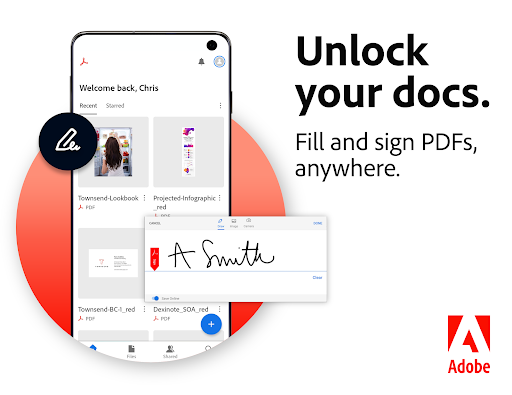
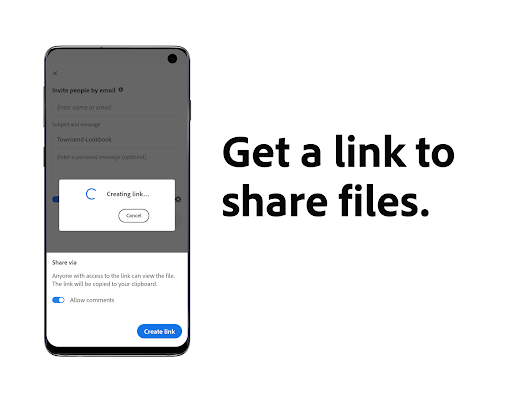
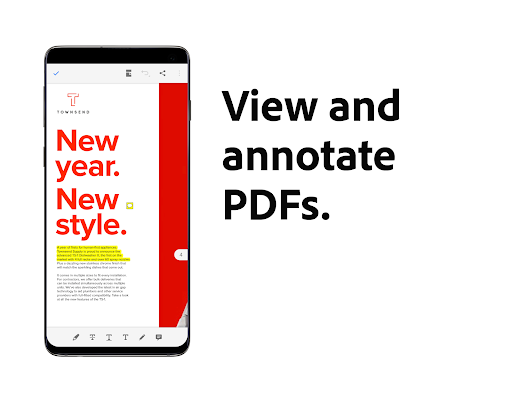
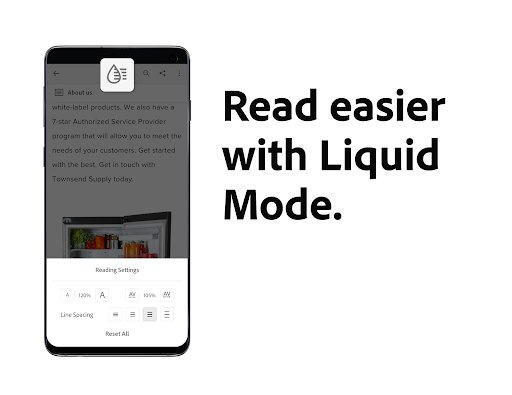
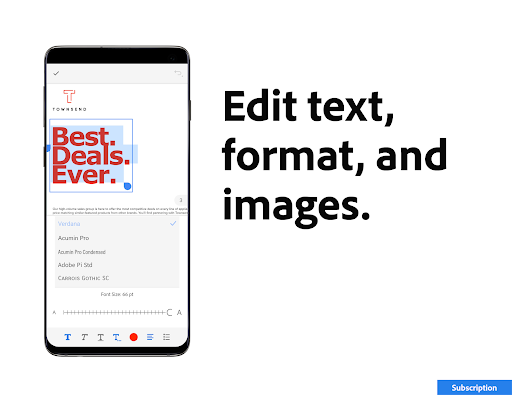
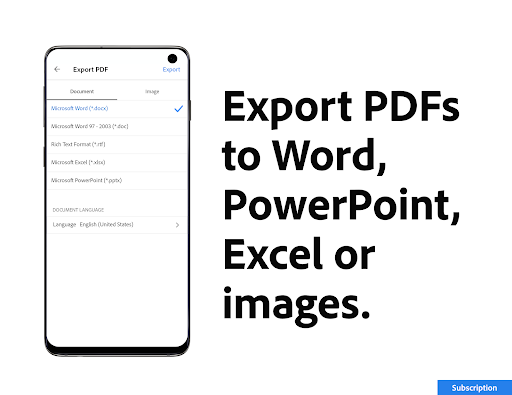
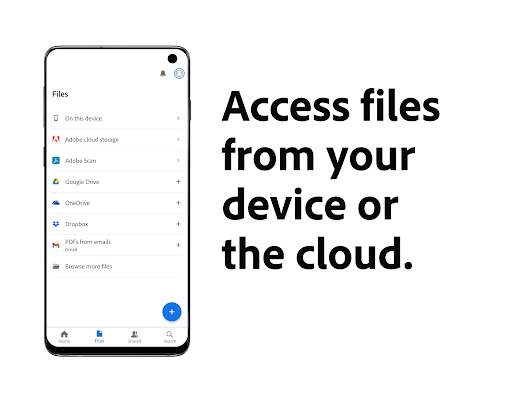
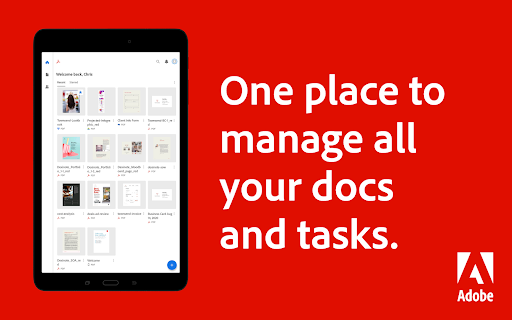
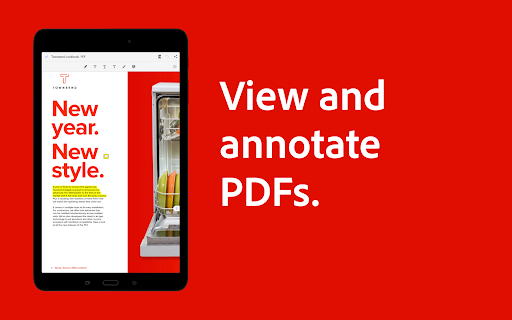
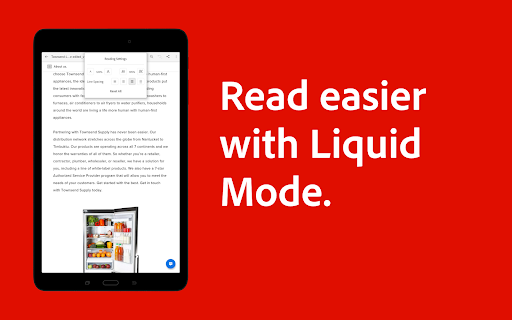
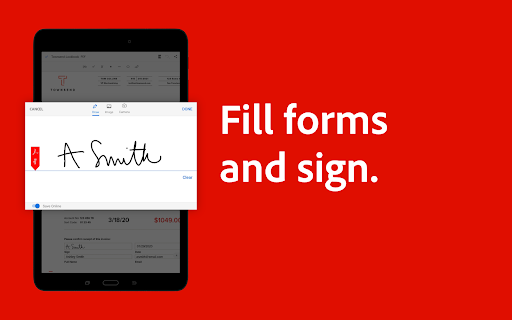
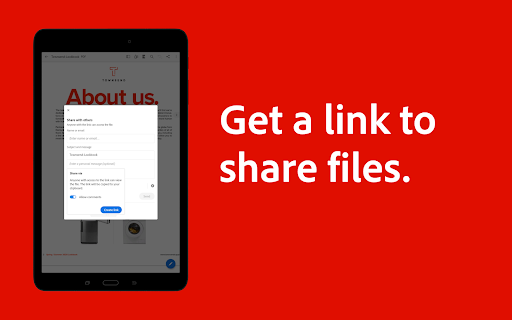
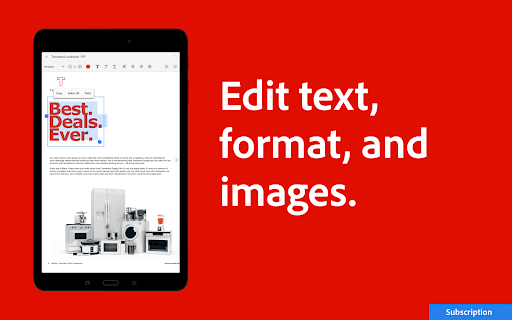
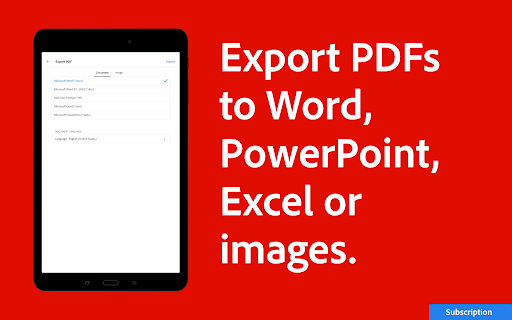
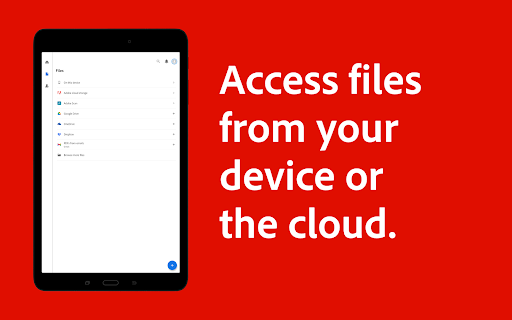
Adobe Acrobat Reader is a trusted, all-in-one PDF hub for viewing, annotating, filling/signing, and managing documents, with optional premium tools for editing text/images, OCR, merging/splitting, converting formats, compressing, password protection, and an AI Assistant for summaries, Q&A, and voice prompts. It syncs with cloud storage (Adobe cloud, Google Drive, OneDrive, Dropbox) and offers Liquid Mode for mobile-friendly reading.
Verdict
Verdict: A powerful, reliable mobile PDF suite with generous free tools and worthwhile pro features for heavy document work.
Who is it for
Best for:
- Students and professionals needing rock‑solid viewing, annotation, and e‑signing on mobile
- Users who work across devices and cloud storage, including Google Drive and OneDrive
- Power users who need editing, OCR, conversions, and AI summaries/Q&A
Not ideal for:
- Anyone seeking entirely free advanced editing/merge/convert features without subscriptions
- Users who prefer ultra‑lightweight readers with minimal footprint and no cloud tie‑ins
Real-world User Experience
Users like it:
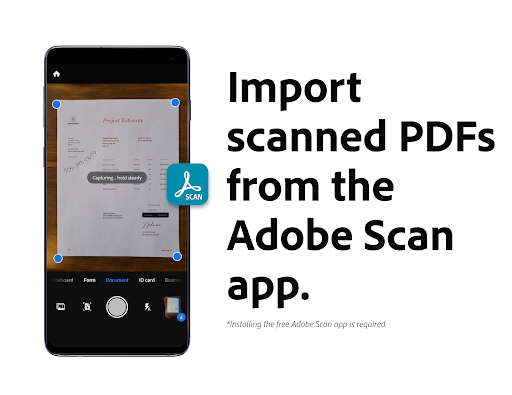
Consistently praised for reliability, ease of use, and a complete toolset for reading, highlighting, annotating, filling, and e‑signing. Many note smooth performance, excellent cross‑device/file management, Liquid Mode readability, and helpful read‑aloud with improving voice options. Users appreciate useful editing on mobile, strong integration with Adobe Scan, and that AI features are optional and can be disabled.
Users complain about:
A few report slow on‑device file search after recent updates and occasional hiccups requiring a reinstall. Some mention confusion or prompts about subscription status (more common on desktop). There’s a learning curve for advanced features, and advanced editing/conversion sits behind a subscription.
Is it Worth Paying For?
Yes—if you regularly edit PDFs, perform OCR, merge/split, or convert to Office formats, the subscription adds real value and the AI Assistant can accelerate summaries and Q&A. If your needs are mostly viewing, annotating, filling, signing, and basic file management, the free version is excellent and not crippled. Ads appear to be minimal/unobtrusive.
How it Compares to Alternatives
Compared to Xodo and Foxit, Acrobat offers deeper ecosystem integration (Adobe cloud, Adobe Scan, Express design tools) and more polished mobile editing/OCR, plus a unique AI Assistant and Liquid Mode. Xodo excels for free annotations and local workflows; Foxit is lightweight and fast. Microsoft Office handles PDFs well within Office workflows but lags on advanced PDF editing without an additional plan. For cross‑platform reliability, collaboration (PDF Spaces), and enterprise‑grade features, Acrobat remains the category benchmark.
Summary
Adobe Acrobat Reader: Edit PDF stands out as a mature, feature‑rich PDF solution that scales from basic reading and e‑signing to advanced editing, OCR, conversion, compression, and AI‑powered summaries/Q&A. The free tier comfortably covers daily needs, while the subscription unlocks a robust professional toolkit and collaboration via PDF Spaces. With excellent cloud integrations, Liquid Mode for better mobile reading, and a respected security posture, it’s a top choice for students and professionals alike. Minor gripes include occasional slow file search and the subscription requirement for pro tools, but overall it delivers a best‑in‑class PDF experience on Android.
Ratings
Trending APP






Alternative to this app









