
Copyright 2026 © swekartor. All Rights Reserved.




App Feature
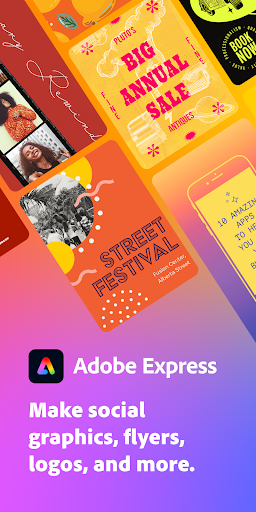
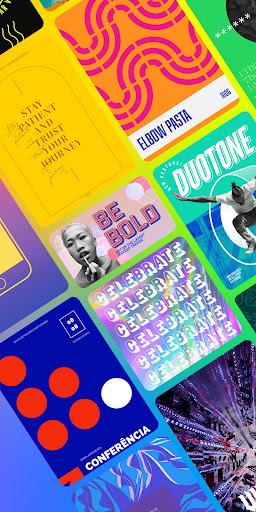
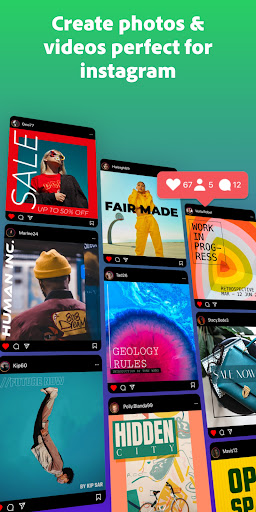
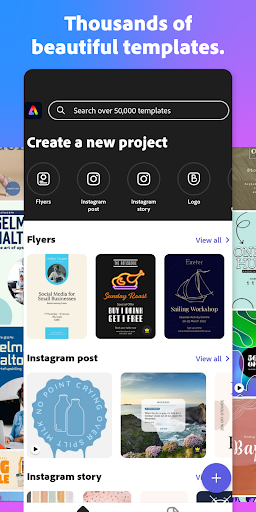
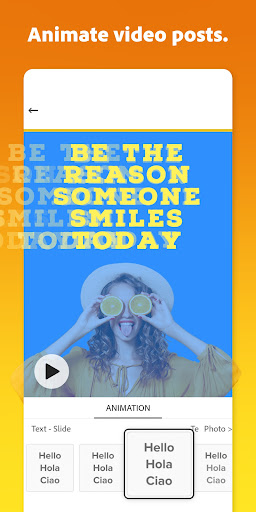
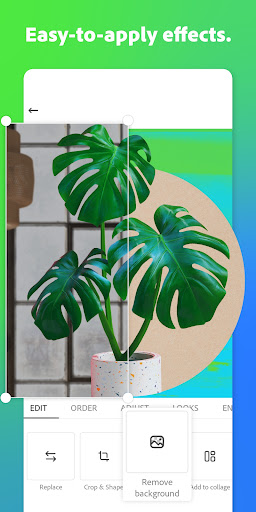
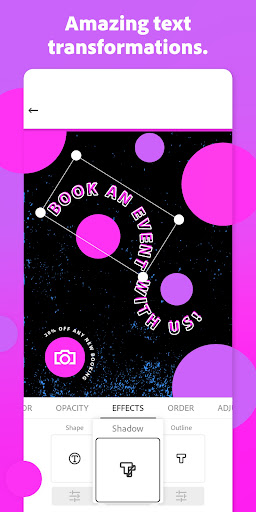
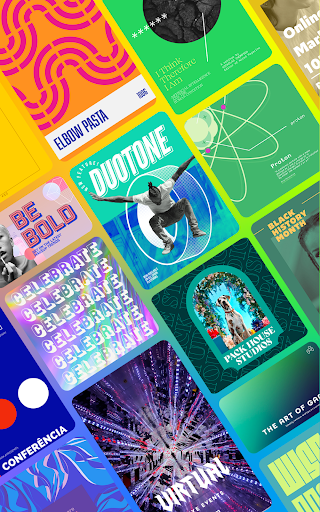
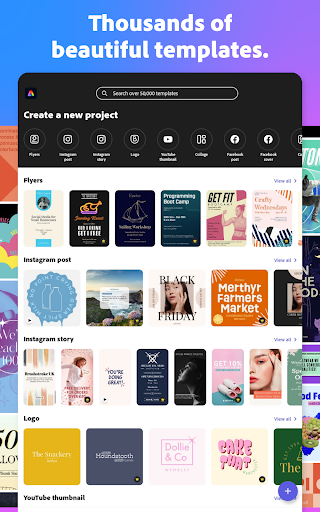
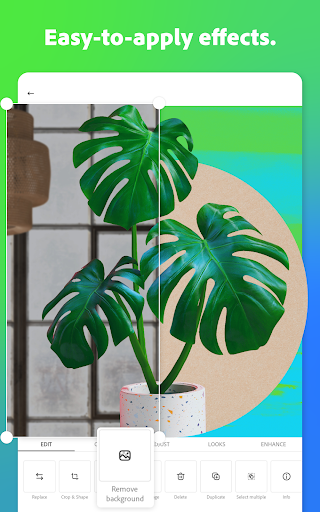
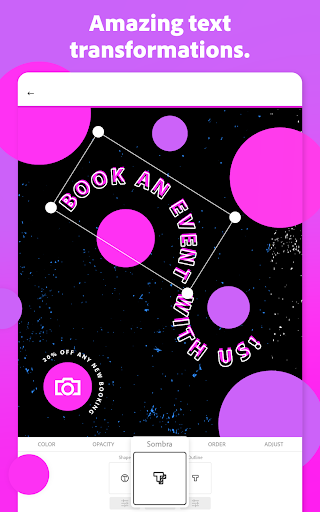
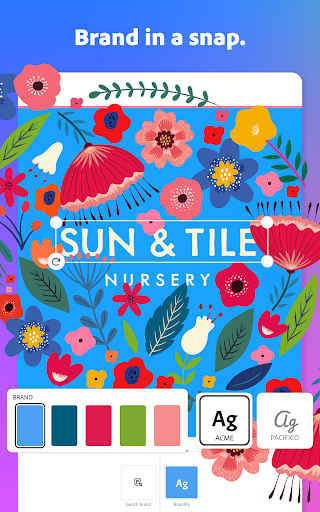
Adobe Express is an all-in-one, beginner-friendly design suite for mobile that lets you create social posts, logos, flyers, videos, and more using templates, AI-assisted photo/video tools, background removal, brand kits, quick actions (resize, crop, GIF, captions), and access to Adobe assets; it also supports PDF tweaks and cross-platform use.
Verdict
Verdict: A powerful, template-first design and video app that’s excellent for quick, polished content, but power users may find some controls and pricing limiting.
Who is it for
Best for:
- Small businesses and creators needing fast, on-brand social graphics and short videos
- Beginners who want pro-looking results with minimal learning curve
- Users who value high-quality templates, background removal, and Adobe ecosystem reliability
Not ideal for:
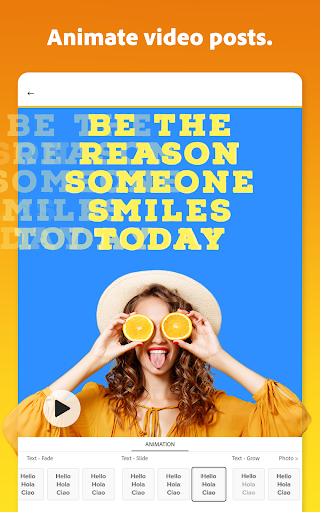
- Advanced editors seeking granular animation, typography, or timeline-level video control
- Users averse to subscriptions or who only need occasional edits
- Those requiring desktop-grade features from Photoshop/Illustrator/Premiere in mobile form
Real-world User Experience
Users like it:
Clean, accessible interface; high-quality templates and assets; excellent background remover; quick creation of professional business cards, flyers, and social posts; reliable performance with few ads (none intrusive); strong free tier; smooth cross-device use; AI tools and suggestions speed up workflow.
Users complain about:
Subscription feels steep for casual use; missing or inconsistent text features (justify, selective styling, line spacing quirks); occasional bugs/odd behaviors (export folder changes, app ‘moods’); some controls feel limited for advanced animation; initial learning curve; concern that certain formerly free features (e.g., background removal) may become paywalled.
Is it Worth Paying For?
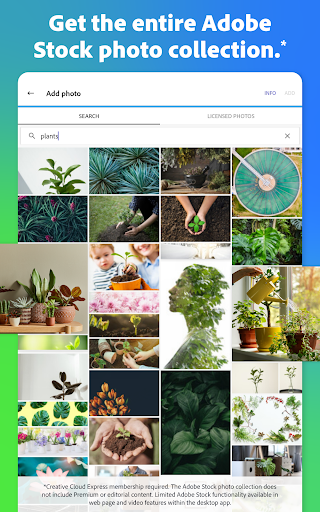
The free plan is generous and sufficient for many creators. Premium adds large Adobe Stock libraries, brand features, generative credits, and advanced tools (e.g., remove video background, multi-channel resizing). It’s good value for frequent marketers or small teams needing consistent branding; casual users may find the recurring cost hard to justify.
How it Compares to Alternatives
Compared to Canva and Picsart, Adobe Express stands out for background removal quality, brand kits, and Adobe-grade assets; Canva may offer broader team collaboration and template variety, while Picsart emphasizes creative effects. For video, it’s simpler than CapCut or Premiere Rush, prioritizing quick edits over deep timeline control. Versus desktop Adobe apps, Express is faster for everyday social designs but less granular for pro workflows.
Summary
Adobe Express: AI Photo, Video blends powerful templates, AI-assisted editing, and quick actions into a streamlined mobile tool that helps beginners and busy creators ship polished content fast. The background remover, asset library, and brand tools shine, and the free tier covers most basics. Some text formatting gaps, occasional quirks, and limited advanced controls keep it from replacing full pro suites, and the subscription may feel pricey for light users. For small businesses, social managers, and on-the-go designers, it’s a top-tier choice to rapidly produce on-brand graphics and simple videos at scale.
Ratings
Trending APP

Alternative to this app










