
Copyright 2026 © swekartor. All Rights Reserved.


App Feature
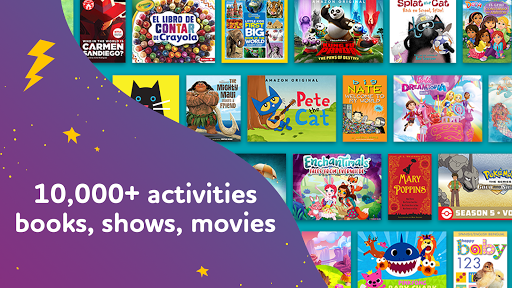
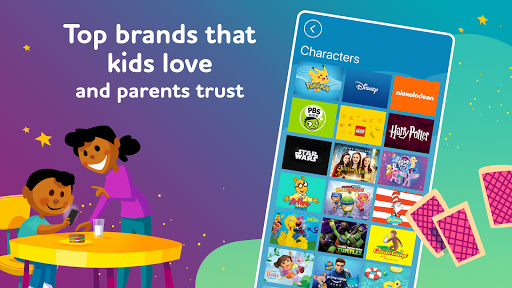
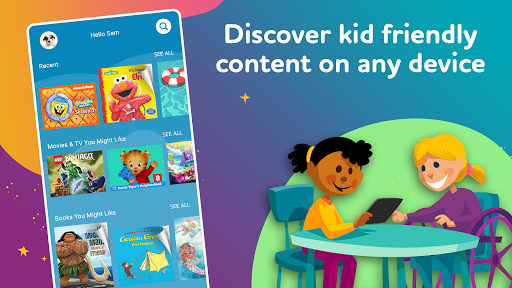
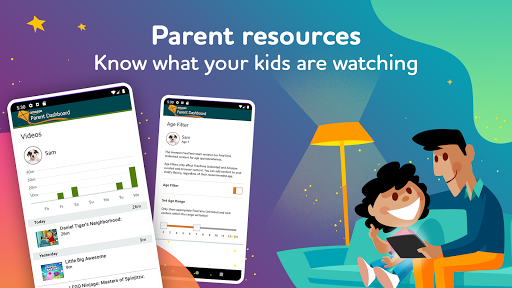
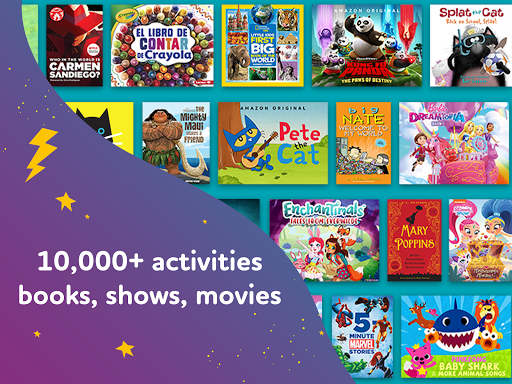
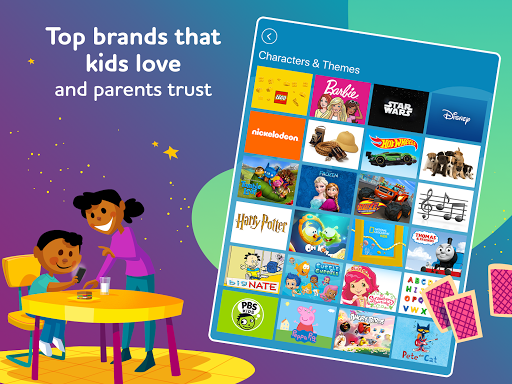
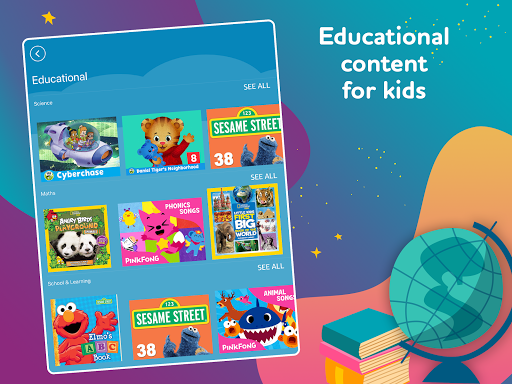
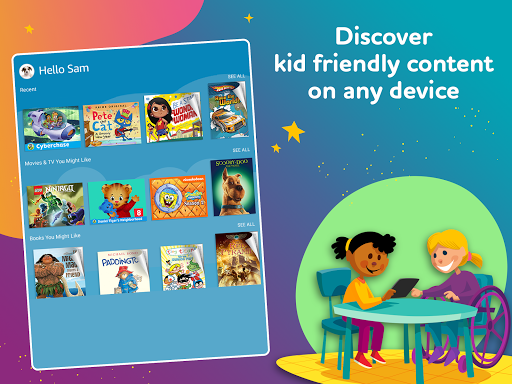
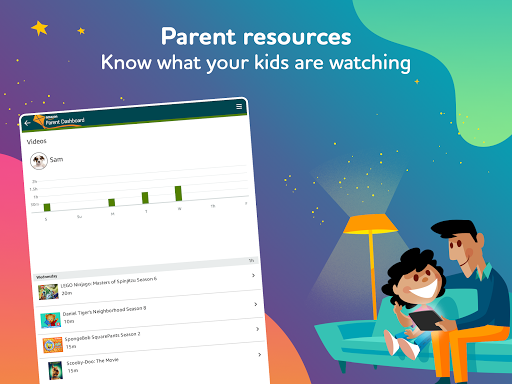
All‑in‑one kids hub combining books, videos, and games with robust parental controls. Parents create up to four child profiles, set age filters, time limits, educational goals, and language preferences (English/Spanish). Kids browse popular franchises (Disney, PBS Kids, Nick Jr., Marvel) plus Amazon Originals, and can search by character, title, or author. Works across Fire, Android, iOS, Chromebook, Kindle, Echo, and Fire TV devices; ad‑free experience with a free trial via Amazon Kids+ subscription.
Verdict
Verdict: A versatile, ad‑free kids content hub with strong parental controls, best if you’re comfortable with a subscription after the trial.
Who is it for
Best for:
- Families wanting a curated, ad‑free library of kids books, videos, and games in one app
- Parents who value granular controls (age filters, time limits, educational goals) and multiple child profiles
- Households already using Amazon devices/services and seeking cross‑device access
Not ideal for:
- Parents seeking a completely free solution without subscriptions
- Users needing niche or specific titles not included in Amazon Kids+ or restricted by region
- Older kids/teens who may outgrow the curated, younger‑leaning catalog
Real-world User Experience
Users like it:
Broad catalog spanning popular franchises and Amazon Originals; simple child profile setup with effective age filters; clear time limits and bedtime settings; ad‑free environment that feels safe for young kids; convenient cross‑device access under one subscription.
Users complain about:
Subscription required after the first free month; occasional reports of sign‑in or syncing hiccups across devices; some titles unavailable depending on region/device; interface can feel busy when browsing large catalogs.
Is it Worth Paying For?
If you want a single subscription that covers thousands of kid‑friendly books, videos, and games across up to four child profiles with strong parental controls and no ads, the value is compelling—especially in Amazon‑centric households. If you only need free educational apps or a single content type (e.g., just books), piecing together free alternatives may be cheaper, but requires more management.
How it Compares to Alternatives
Compared to YouTube Kids, Amazon Kids+ offers an ad‑free, subscription‑based library with tighter content curation and deeper parental controls, but less breadth of user‑generated videos. Versus Disney+ or PBS Kids Video, it’s broader (books, games, multi‑studio content) but may lack complete catalogs of any one network. Against Epic! (books) or Khan Academy Kids (education‑focused and free), Amazon Kids+ trades depth in a single category for a balanced, mixed‑media library and device‑wide parental controls. For pure parental management, Google Family Link offers stronger device supervision but no bundled content.
Summary
Amazon Kids+: Books, Videos… is a curated, ad‑free playground for children that unifies books, TV shows, movies, and games under robust parental controls. Parents can tailor each of up to four profiles by age, language, time limits, and educational goals, while kids explore popular franchises and Amazon Originals with simple search by character or title. The 3.9 rating suggests a generally positive experience tempered by typical subscription and availability frustrations and occasional app quirks. If you want an all‑in‑one kids entertainment and learning hub—especially across Amazon and mobile devices—the subscription delivers strong value; if you prefer free, single‑purpose apps, you may not need its breadth.
Ratings
Trending APP










Alternative to this app










