
Copyright 2026 © swekartor. All Rights Reserved.



App Feature
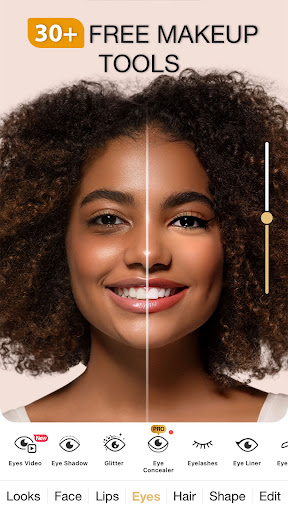
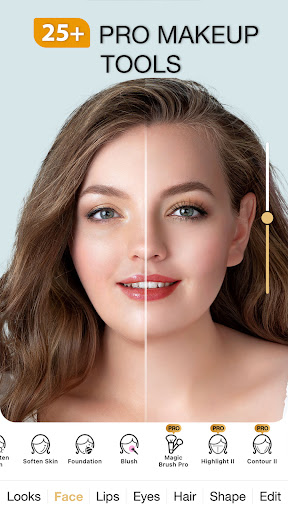
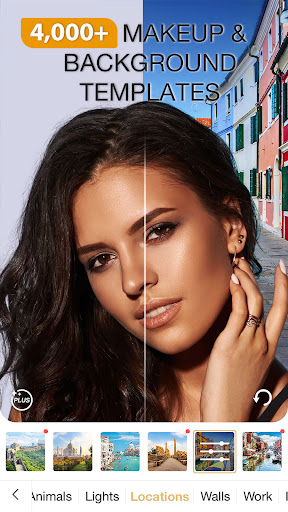
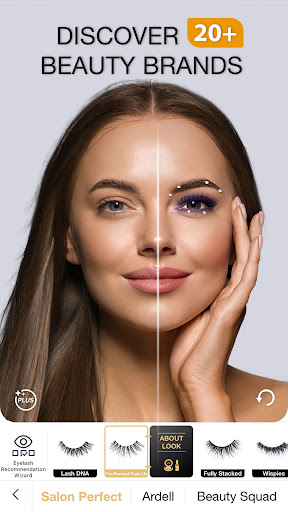
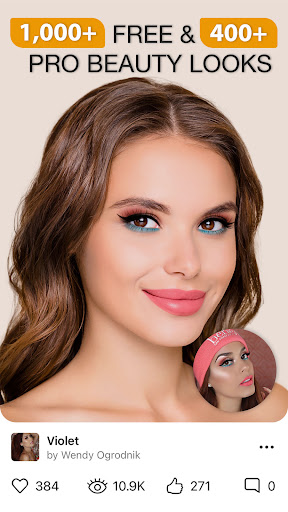
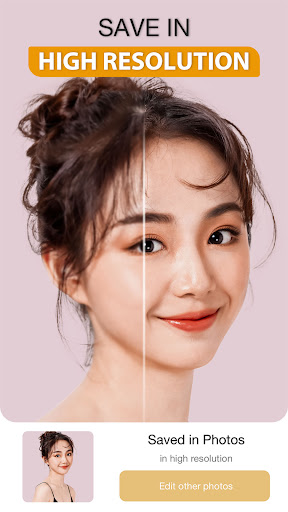
Perfect365 Makeup Photo Editor is a virtual makeup and beauty retouching app with smart facial detection, offering instant try-on looks, detailed manual adjustments (skin smoothing, teeth whitening, blemish removal, eye color), a beauty camera, thousands of preset styles, and pro color palettes—plus tutorials and social sharing without watermarks.
Verdict
Verdict: A powerful, easy-to-use virtual makeup editor with generous free tools, tempered by ads, monetization prompts, and occasional stability hiccups.
Who is it for
Best for:
- Selfie enthusiasts and creators wanting quick, realistic makeup try-ons
- Beginners and pros seeking fast touch-ups and inspiration via presets and tutorials
- Photographers needing lightweight portrait tweaks without full desktop workflows
Not ideal for:
- Users wanting gender/face swap features rather than makeup-focused edits
- Anyone sensitive to ads, gem/coin prompts, or subscription nudges
- Power editors who require granular, pro-grade layer-based photo editing
Real-world User Experience
Users like it:
Intuitive editing with realistic results; wide range of free tools for smoothing, dark-circle removal, and makeup; fast workflow compared to full editing suites; useful for testing looks (hair, lipstick) and learning via tutorials; no watermark on shares.
Users complain about:
Frequent prompts for gems/coins and subscriptions; occasional stability or loading issues (e.g., 'Failed to load files'); updates sometimes change behavior and require relearning; preset makeup styles not to everyone’s taste.
Is it Worth Paying For?
The free tier is robust enough for most casual users, offering many tools and presets without watermarks. Paying (via IAP/subscription) mainly unlocks more styles, colors, and likely removes some friction from ads/prompts. Worth it if you edit frequently, want premium looks, or rely on the app for content creation; otherwise, stick with the free version.
How it Compares to Alternatives
Compared to YouCam Makeup, Perfect365 focuses strongly on realistic makeup placement and curated presets with solid face tracking; YouCam offers similarly broad AR features and a rich community but may feel busier. Versus Facetune/AirBrush, Perfect365 shines in makeup try-ons and beauty looks, while Facetune/AirBrush excel at fine-tuned skin/structure edits. PicsArt is broader for creative edits but less specialized in makeup realism. Overall, Perfect365 is a top choice for makeup-first editing and try-ons.
Summary
Perfect365 blends strong facial detection with a deep library of makeup presets and practical touch-up tools, making it a go-to for quick glam and subtle corrections alike. With tutorials, a beauty camera, and no-watermark sharing, it suits both casual users and creators. Its drawbacks—ads, monetization prompts, and occasional loading or update-related issues—are real but manageable for the value provided. If makeup try-ons and effortless selfie enhancement are your priorities, Perfect365 is an excellent, widely trusted pick with a generous free experience and worthwhile premium extras for frequent editors.
Ratings
Trending APP









Alternative to this app










