
Copyright 2026 © swekartor. All Rights Reserved.




App Feature
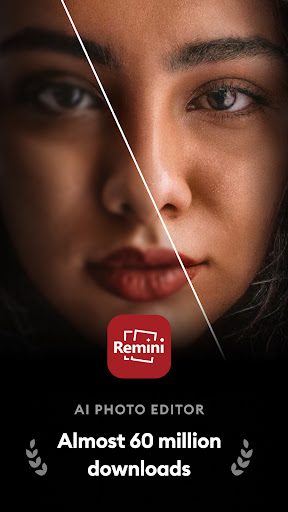
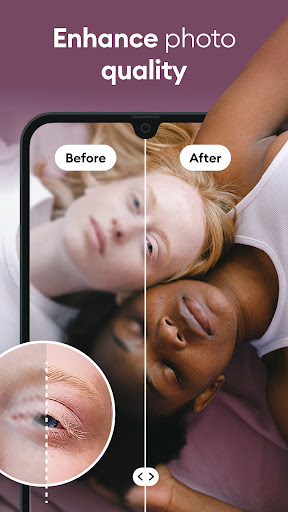
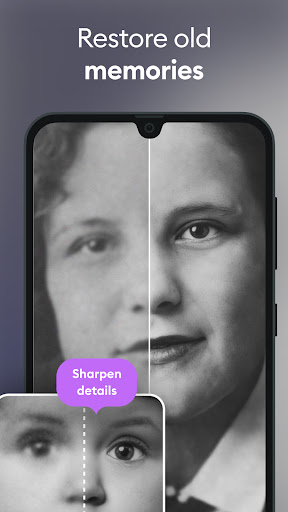
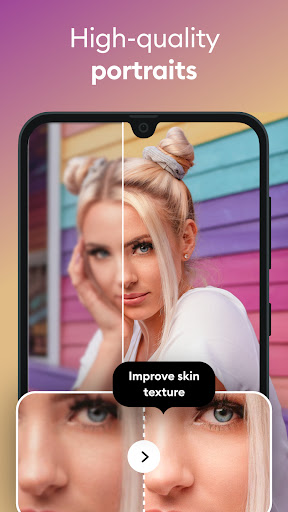
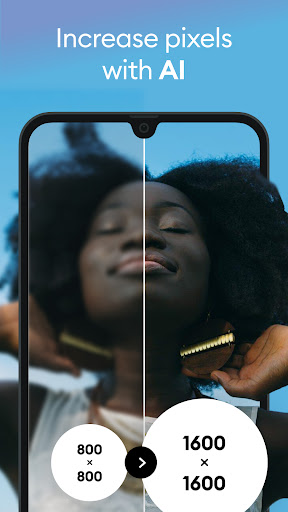
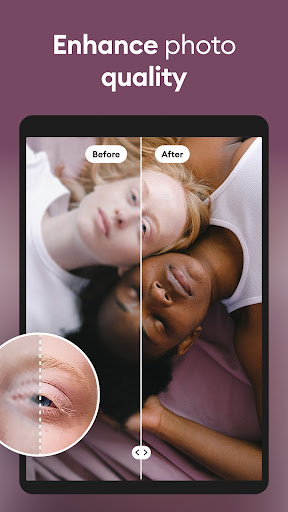
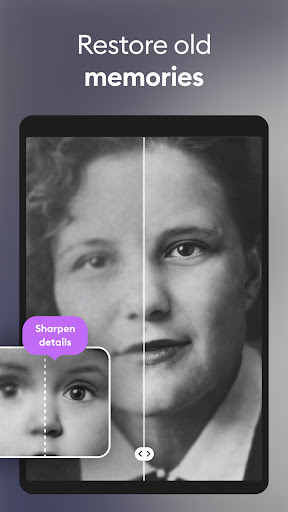
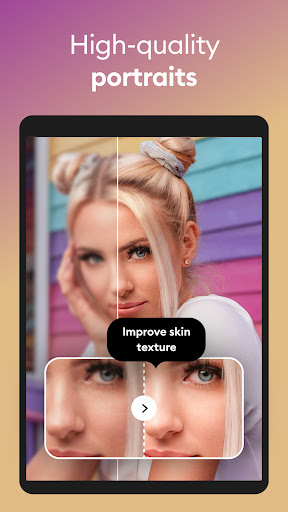
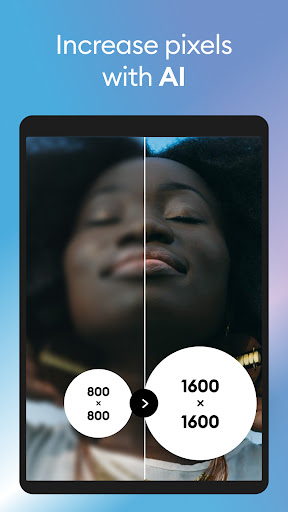
Remini is an AI-powered photo enhancer focused on restoring old, blurry, or low-resolution images to high-definition with one tap. It excels at facial detail enhancement, upscaling, sharpening, and repairing scratches, and also offers AI-generated portraits. The app supports multiple languages and updates its AI models regularly.
Verdict
Verdict: Exceptional one-tap photo restoration for faces, but pricey and limited for heavy casual use.
Who is it for
Best for:
- People restoring old family photos or low-res portraits
- Social/profile photo polishers who want fast, convincing results
- Small businesses needing quick product/portrait fixes without pro tools
Not ideal for:
- Users seeking deep manual controls and fine-tuning
- Budget-conscious users averse to subscriptions or limited free runs
- Power users needing batch processing or a desktop/PC workflow
Real-world User Experience
Users like it:
Striking quality improvements on faces and textures; turns unusable, blurry shots into sharp, realistic photos. Results often look more natural than many competitors. Free tier works with ads, and customer support can be responsive with refunds. Great for quick LinkedIn/profile upgrades and reviving childhood photos.
Users complain about:
Premium is considered expensive (weekly pricing); free tier has limited daily uses and ad gates. Processing can be slow or hang occasionally. Over-smoothing or inaccuracies may appear on extremely blurry faces. Lacks batch processing and a dedicated PC app.
Is it Worth Paying For?
If you frequently restore or enhance photos—especially portraits—the subscription can be worth it for speed and unlimited use. For occasional, casual needs, the ad-supported free tier may suffice, making the weekly price hard to justify. Many users wish for a cheaper ad-free plan or one-time purchase.
How it Compares to Alternatives
Compared to general editors like Adobe Lightroom/Photoshop Express and PicsArt, Remini’s strength is automated, superior face restoration and upscaling with minimal effort. Lensa adds stylistic AI portraits but is less focused on true restoration. Desktop tools like Topaz Gigapixel AI offer more control and batch options, but Remini wins for mobile convenience and one-tap turnarounds.
Summary
Remini stands out as a powerful, mobile-first AI enhancer that excels at reviving old or blurry photos—especially faces—into convincing HD results with almost no learning curve. Its automation, multilingual support, and consistent upgrades make it a go-to for quick transformations and social-ready images. However, the subscription cost and limits on the free tier, occasional processing delays, and lack of batch/desktop options mean it’s not perfect for every workflow. If portrait restoration is your main need, Remini is arguably best-in-class on mobile; if you want granular edits, batch work, or lower long-term cost, a traditional editor or desktop enhancer may fit better.
Ratings
Trending APP





Alternative to this app










