
Copyright 2026 © swekartor. All Rights Reserved.


App Feature
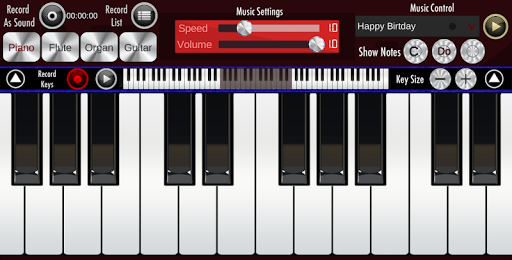
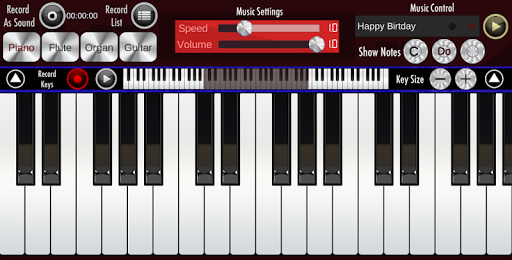
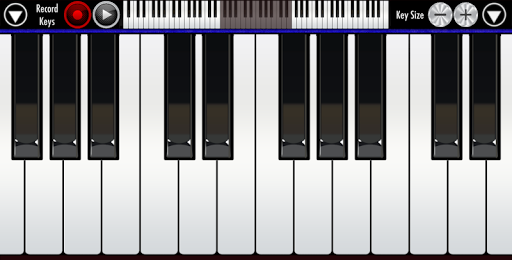
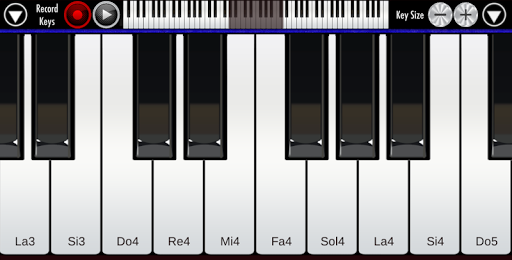
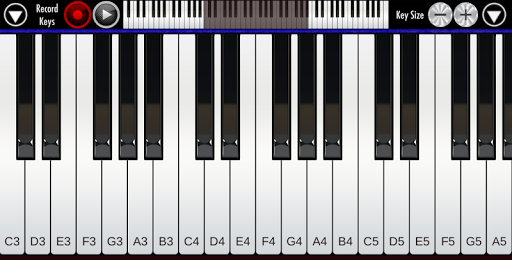
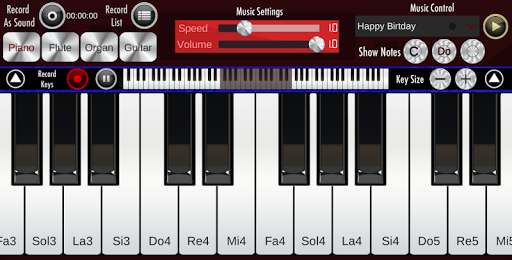
Real Piano is a free, ad-supported piano keyboard app with 88 keys, multitouch, adjustable keyboard size, multiple instrument sounds (piano, organ, guitar, flute, synth), recording (audio or key-press), looping, and sharing—aimed at quick practice, pitch checking, and casual play on phones or tablets.
Verdict
Verdict: A lightweight, handy piano keyboard for casual practice and pitch work, but not a substitute for lesson-based or pro-grade tools.
Who is it for
Best for:
- Singers and choir members needing quick pitch checks and part practice
- Beginners and hobbyists wanting a simple, responsive on-screen keyboard
- Users who value adjustable key size and multiple instrument sounds
Not ideal for:
- Learners seeking structured lessons, songs, or guided tutorials
- Serious producers needing MIDI support, ultra-low latency, or studio features
- Anyone who needs an ad-free experience (no paid removal option)
Real-world User Experience
Users like it:
Good sound quality for a mobile keyboard, easy and intuitive controls, adjustable keyboard size, octave navigation, offline usability, and functional recording/sharing that helps with choir practice and casual composition.
Users complain about:
Banner ads at the bottom can cause accidental taps; occasional lag or faint piano timbre for some devices; recording playback list may truncate long takes; some pitch discrepancies and end-note cutoffs; missing features like built-in songs, chords/lessons, transposition, and an ad-free option.
Is it Worth Paying For?
There’s no paid plan or IAP; it’s fully free but ad-supported. Value is strong for zero cost, though users wanting ad-free or advanced features have no upgrade path.
How it Compares to Alternatives
Compared to lesson-centric apps like Simply Piano or Yousician, Real Piano is far lighter: no courses, song libraries, or progress tracking, but also no paywall. Against practice keyboards like Perfect Piano or Walk Band, it’s competitive in simplicity and responsiveness, though it lacks richer features (MIDI, community songs, learning modes, transposition) and an ad-removal option that some rivals offer.
Summary
Real Piano delivers a straightforward, reliable on-screen keyboard with adjustable size, multiple instruments, and basic recording—ideal for quick pitch checks, casual play, and on-the-go practice. Its massive install base reflects a simple value proposition: launch and play with minimal friction. However, ad placement can interrupt performance, and a few users report recording quirks (truncated playback, pitch discrepancies). It also omits learning tools, transposition, and premium removal of ads. If you want a free, no-frills keyboard for practice or accompaniment, it’s a solid pick; if you need guided lessons, advanced features, or an ad-free environment, consider alternatives.
Ratings
Trending APP




Alternative to this app










