
Copyright 2026 © swekartor. All Rights Reserved.




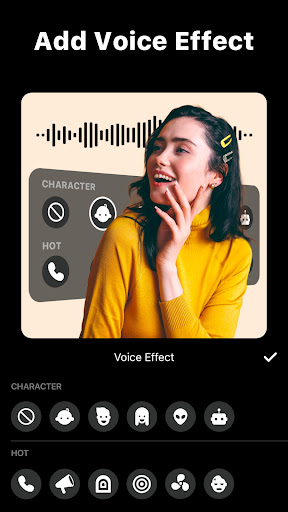
App Feature
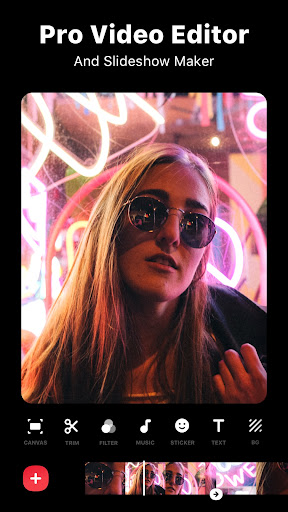
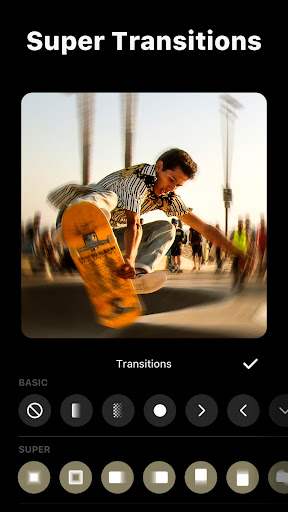
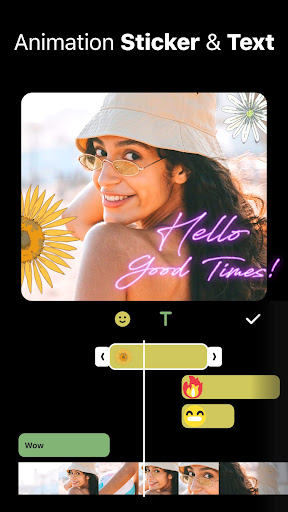
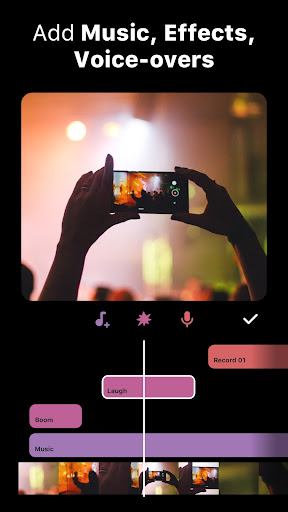
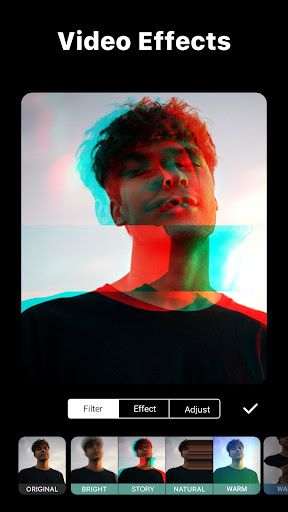
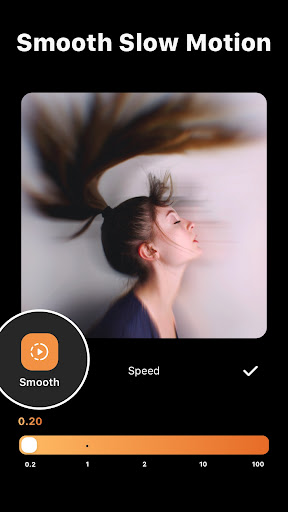
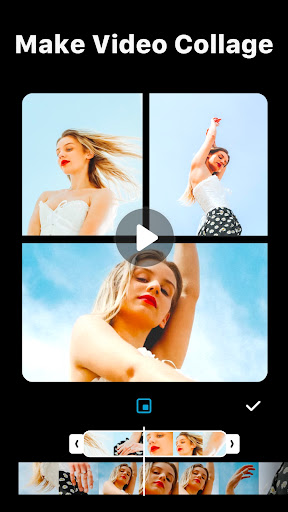
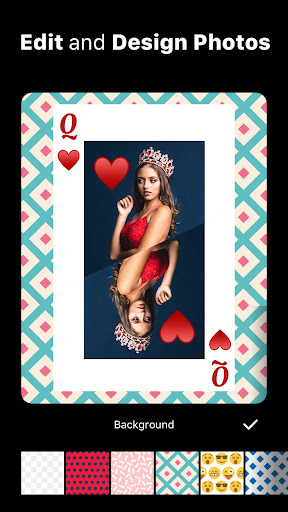
All-in-one mobile video and photo editor focused on quick, social-ready creation. Core tools include trimming/merging, keyframes, speed ramping, PIP, chroma key, AI captions, AI background removal, motion tracking, slow motion, filters/transitions, stickers/text, photo editor/collage, custom canvas ratios, and 4K/60fps export with easy one-tap sharing.
Verdict
Verdict: A fast, feature-rich mobile editor that nails social content creation, with a generous free tier and optional pro upgrades.
Who is it for
Best for:
- Creators making shorts, Reels, and TikToks who want quick edits on phone
- Beginners to intermediates seeking powerful tools with a gentle learning curve
- On-the-go editors needing AI captions, background removal, and 4K export
Not ideal for:
- Advanced filmmakers needing multi-track timelines with many layers and granular audio tools
- Users requiring desktop-grade color workflows or intricate motion graphics
- Those who must avoid any ads or subscription upsells
Real-world User Experience
Users like it:
Smooth, reliable, and intuitive editing with strong features for mobile: easy trimming, speed curves, PIP, transitions, and text; accurate AI captions; watch-an-ad unlocks many premium items and removes watermark; projects save reliably with minimal lag; excellent for quick, professional-looking social videos; frequent improvements.
Users complain about:
Requests for more dynamic/text customization and fonts; occasional bugs (e.g., recorded voice clip cutting, rare audio/music glitches); background eraser accuracy can be messy; desire for more effects and more than four layers; missing finer controls like pitch shifting and batch chroma settings; ads exist (generally acceptable); caution using in-app music due to possible YouTube copyright claims.
Is it Worth Paying For?
Yes for frequent creators: the free version is highly usable, with ads to unlock premium features and remove watermarks per export. Pro removes ads/watermarks by default, unlocks asset packs/effects, and streamlines workflow—worth it if you edit often or need broader assets. Casual users can comfortably stay free.
How it Compares to Alternatives
Versus CapCut, InShot feels simpler and more consistent for quick edits, with comparable core tools and a friendlier ad-to-unlock model; some users find it more stable. Compared to Adobe Premiere Rush, it’s cheaper and faster for casual/mobile workflows, though Rush integrates better with desktop pipelines. KineMaster offers deeper timeline/layer control but with a steeper learning curve. VN Editor is a strong free alternative, but InShot’s AI captions, background tools, and asset library often feel more polished.
Summary
Video Editor & Maker - InShot delivers a polished, mobile-first editing experience that balances power and simplicity. It covers the essentials—trim/merge, PIP, keyframes, speed ramping, chroma key—and adds practical AI features like captions, background removal, and tracking. The photo editor/collage maker and rich filters/transitions round it out for social content. Exports up to 4K/60fps are smooth, and the generous free tier (with ad unlocks) makes it accessible, while the Pro plan is worthwhile for frequent creators. Minor gripes include occasional audio glitches, background eraser precision, and a desire for more layers and text/dynamic caption options. Overall, it’s a top pick for fast, high-quality mobile edits.
Ratings
Trending APP

Alternative to this app










