
Copyright 2026 © swekartor. All Rights Reserved.



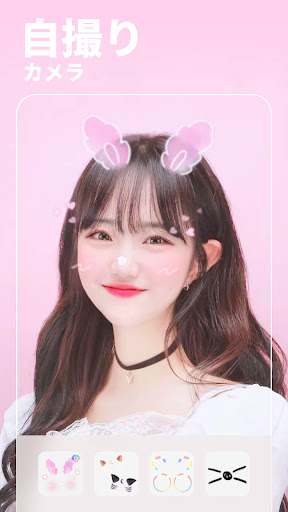
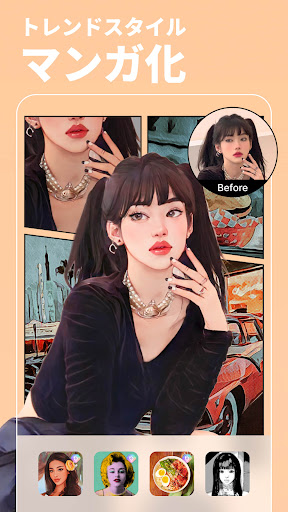
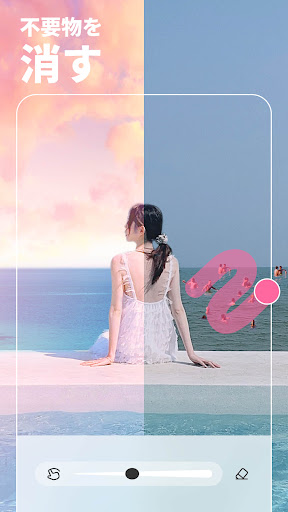

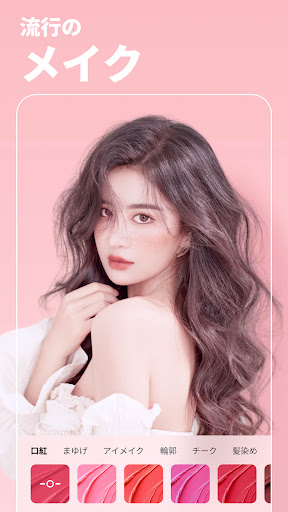
App Feature
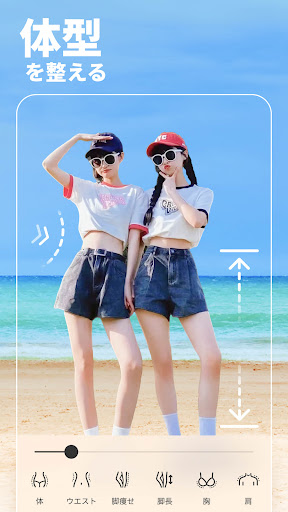
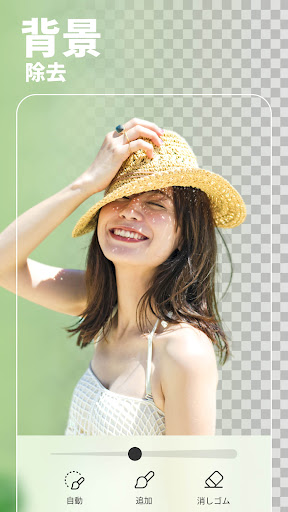
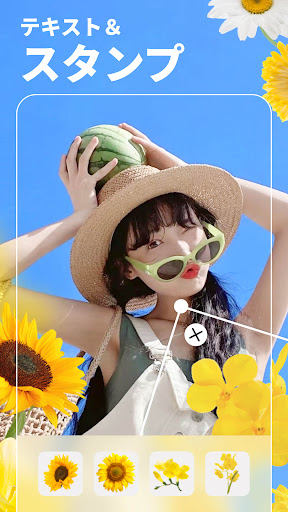
AI-powered selfie and photo/video editor focused on beautification, retouching, and quick creative effects. Core tools include one-tap HD retouch, blemish and wrinkle removal, teeth whitening, makeup editor, hair color changer, body shaping, background eraser/blur, filters/stickers/fonts, AI anime/avatars/object removal, enhancer for unblur/restore, and a vintage film camera for photos/videos.
Verdict
Verdict: A top-tier, beginner-friendly beauty editor with powerful AI tools and generous free features, but occasional bugs and paywalls may frustrate power users.
Who is it for
Best for:
- Selfie lovers and casual creators wanting fast, natural-looking retouching
- Social media users who need all-in-one edits (filters, backgrounds, stickers) on mobile
- Subscribers seeking frequent new effects and robust beautification controls
Not ideal for:
- Professional photographers needing granular, layer-based workflows like Lightroom/Photoshop
- Users who avoid subscriptions or any gated premium effects
- Video-first editors needing flawless audio and advanced color/grading tools
Real-world User Experience
Users like it:
Highly intuitive with smooth, accurate beautification tools that feel natural; strong all-in-one toolkit replacing multiple apps; frequent new filters/stickers; generous free tier with try-before-pay for premium; effective background/object removal and enhancements; long-term users and subscribers report strong value and consistent improvements.
Users complain about:
Some features are paywalled (e.g., AI/anime limits); occasional bugs (video recording without sound, login issues), and a video hair dye tool called out as poor; requests for dark mode and more granular control (partial filter application, tone by area, missing 'Detail' tool); occasional sticker loading glitches.
Is it Worth Paying For?
Yes for frequent editors: the premium plan is routinely praised as worth it, with many noting ample added tools and updates. The free tier remains unusually capable, letting most users achieve natural touch-ups and try premium effects once before deciding. If you only need basic edits, the free version is sufficient.
How it Compares to Alternatives
Compared to PrettyUp and Wink, users note fewer but better-implemented features with faster improvement cadence and more accurate retouching. Versus Snapseed/Lightroom, BeautyPlus excels at automated beautification, AI effects, and playful assets, while those pro tools win for RAW, color grading, and layer-like precision. Against generic background erasers or enhancer apps, BeautyPlus offers a stronger, unified toolkit with solid object removal and restorations.
Summary
BeautyPlus-AI Photo/Video Edit is a polished, AI-forward beauty camera and editor that streamlines selfies, portraits, and quick creative edits. It pairs reliable one-tap retouching with makeup, hair and body tools, background control, and playful AI transformations, while also offering practical enhancers for unblur and photo restoration. The interface is approachable, results look natural, and the free tier is generous, though premium unlocks the full breadth of options. Occasional bugs and some uneven video features (notably hair dye) are drawbacks, and professionals may miss pro-grade controls. Overall, it’s one of the strongest choices for everyday mobile beautification and social-ready edits.
Ratings
Trending APP






Alternative to this app










