
Copyright 2026 © swekartor. All Rights Reserved.


App Feature
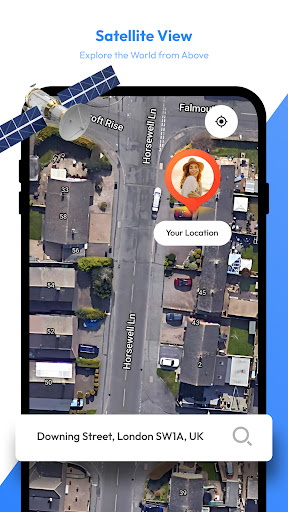
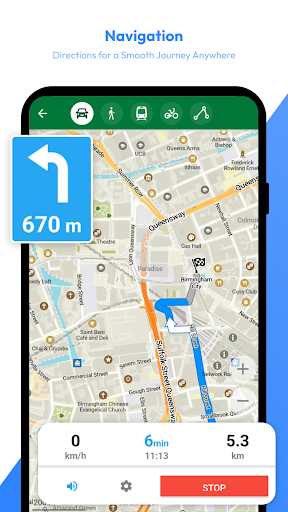
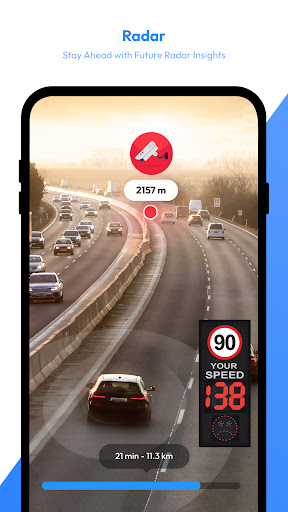
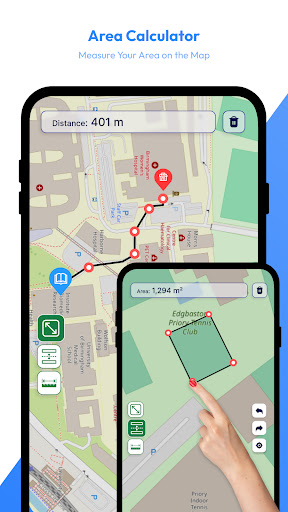
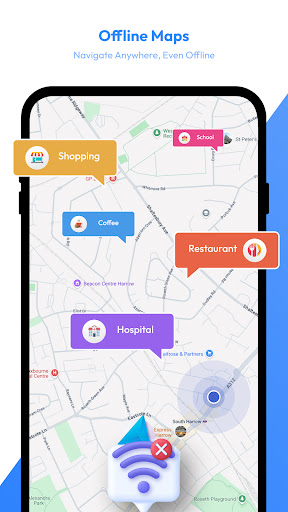
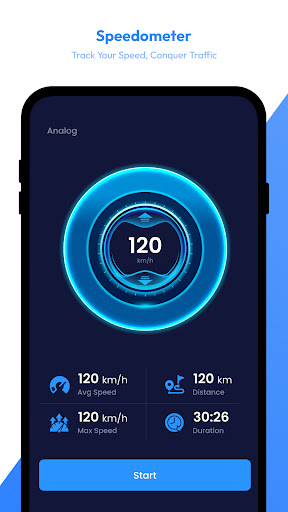
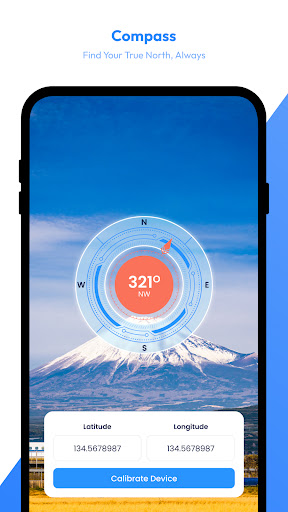
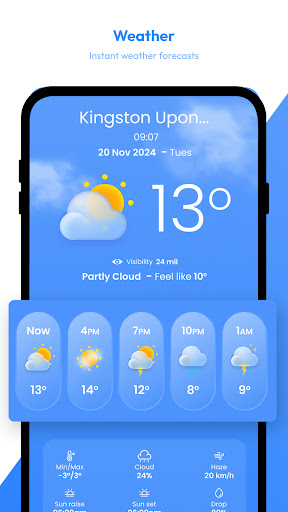
All-in-one travel helper combining satellite-style maps, live weather radar, offline maps, and utility tools (AI trip assistant, saved places, speedometer, compass, distance/area measurement) to plan routes and stay aware of conditions.
Verdict
Verdict: A handy, feature-packed map and weather companion, but not ideal if you expect true real‑time satellite imagery or pro-grade radar detail.
Who is it for
Best for:
- Travelers who want maps, radar, and basic tools in one app
- Users needing offline maps and simple waypoints for low-connectivity areas
- Casual explorers who enjoy browsing satellite/terrain views
Not ideal for:
- Users expecting up-to-the-minute, high-resolution satellite imagery
- Weather enthusiasts who need professional radar analytics and layers
- Anyone sensitive to ads or who needs precise unit controls by default
Real-world User Experience
Users like it:
Many praise the clean, easy-to-use interface, accurate navigation, and the convenience of having maps, radar, and utilities in one place. Users highlight clear visuals, helpful speedometer/alerts, and the ability to locate areas of interest with good detail. Several reviews call it dependable for travel planning and enjoyable for casual map browsing.
Users complain about:
Some report confusion or disappointment about 'real-time' satellite, noting imagery appears sourced from standard map providers and can be months to a year old. A few want better unit options (e.g., Fahrenheit by default), and advanced users may find weather layers limited. As a free app with ads/IAP, ad presence can be a downside for some.
Is it Worth Paying For?
The app is free with ads and offers in‑app purchases (likely for ad removal or extra features). Given the 3.9 rating and breadth of tools, the free tier is good value for casual use. Consider paying only if you rely on it regularly (offline maps, fewer ads, or added layers) and find the bundled tools meaningfully useful.
How it Compares to Alternatives
Versus Google Maps/Apple Maps: this bundles radar, compass, speedometer, and area measurement more prominently, but base map freshness and navigation depth generally trail Google. Versus dedicated weather apps (Windy, Ventusky, RadarScope): offers easier, all‑in‑one simplicity, yet fewer professional radar layers, models, and controls. For pure satellite currency and resolution, Google Earth usually offers fresher, higher-quality imagery; this app trades top-tier imagery for convenience and travel utilities.
Summary
Satellite View – Maps – Radar aims to be a travel cockpit: browse satellite/terrain maps, check live radar, save places, use offline maps, and access helpful extras like a speedometer, compass, and area calculator. Reviews commend its intuitive design and solid practicality for trip planning and casual exploration. Expectations management matters: the ‘real-time’ satellite phrasing does not imply continuous, minute-by-minute imagery; many tiles reflect standard provider updates. If you want an approachable, multipurpose map-and-weather tool for everyday travel, the free version is easy to recommend. If you need cutting-edge satellite recency or professional-grade weather visualization, pair this with a specialized app.
Ratings
Trending APP












Alternative to this app










