
Copyright 2026 © swekartor. All Rights Reserved.



App Feature
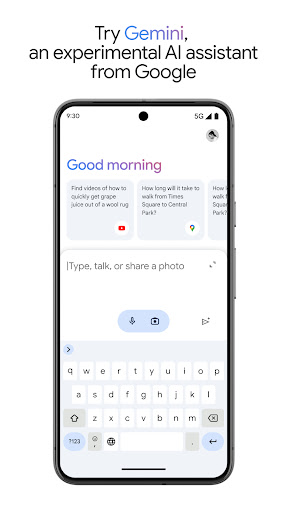
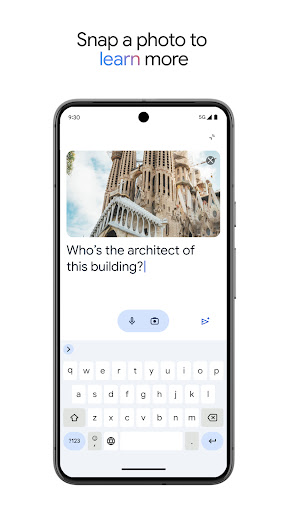
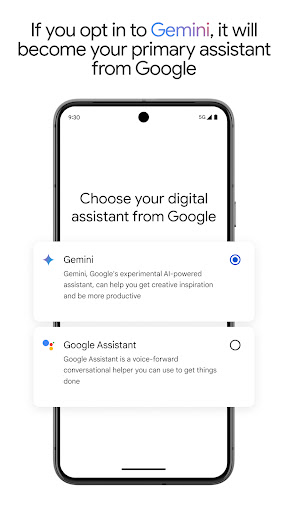
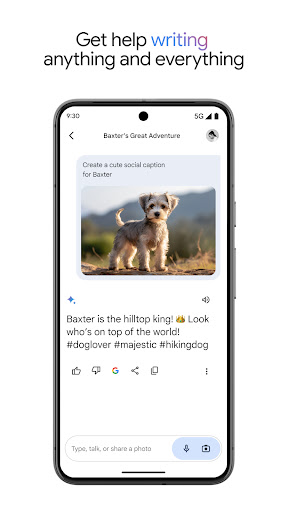
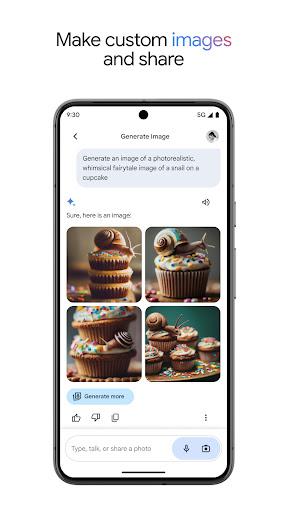
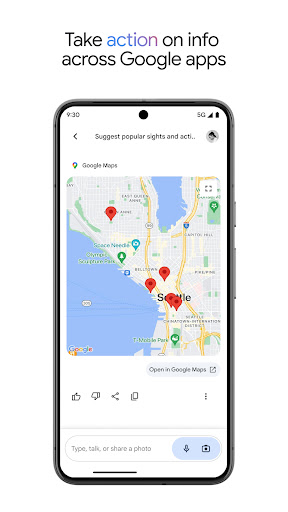
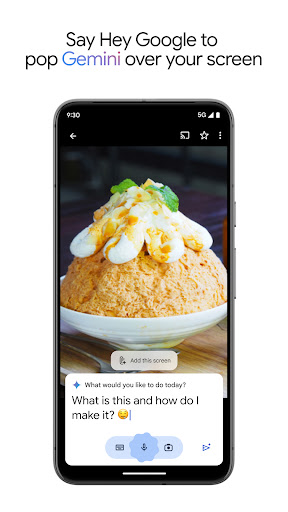
Google Gemini is a free, multimodal AI assistant from Google that helps with writing, brainstorming, studying, planning, image generation/editing, and live voice/screen conversations. It integrates tightly with Google services (Search, YouTube, Maps, Gmail), offers Canvas for prototyping apps and visuals, and supports large-context tasks; advanced capabilities (bigger models, Deep Research, Veo video) are available via separate Google AI Pro/Ultra subscriptions.
Verdict
Verdict: A powerful, Google-integrated AI assistant for everyday creativity and productivity, with standout multimodality but occasional stability and voice-capture quirks.
Who is it for
Best for:
- Writers, students, and creators needing real-time feedback, brainstorming, and study aids
- Users invested in Google’s ecosystem who want Search/Maps/YouTube/Gmail integration
- People who value voice, image, and screen-sharing interactions (Gemini Live, Canvas)
Not ideal for:
- Users who need rock-solid reliability; some report intermittent errors after updates
- People requiring advanced highlighting/annotation or custom note workflows inside the app
- Those who prefer long, uninterrupted dictation—voice detection can cut speakers off
Real-world User Experience
Users like it:
Strong creative and writing support with actionable feedback; effective study help (quizzes, flashcards, explanations); tight Google integration; good image-related assistance and generation; simple, friendly interface; multiple natural-sounding voices; helpful for ideation, coding hints, and contextual recommendations.
Users complain about:
Intermittent errors after recent updates; aggressive voice end-detection that cuts users off; missing quality-of-life tools like text highlighting and easy export-to-Docs; desire for audio file uploads/transcription; occasional stability hiccups.
Is it Worth Paying For?
The core app is free with no in-app purchases. If you frequently tackle long, complex projects (large context windows, deep research, or video generation), the external Google AI Pro/Ultra subscriptions can be worthwhile for heavier workloads. Casual users get excellent value without paying.
How it Compares to Alternatives
Compared to ChatGPT and Microsoft Copilot, Gemini stands out for native Google integration, strong multimodality (Live voice/screen, Canvas), and very large context options via paid tiers. Versus Claude, it’s more ecosystem-centric with broader media tools; Claude often excels at long-form reasoning and writing polish. Against DeepSeek and other budget-friendly AIs, users note Gemini offers more features with fewer limits for free, though occasional reliability issues and strict voice cutoff can lag competitors.
Summary
Google Gemini delivers a versatile, multimodal AI experience that meaningfully boosts creativity and productivity—whether you’re drafting stories, polishing emails, studying complex topics, or generating images. Its tight integration with Google services, Canvas prototyping, and live voice/screen interactions make it feel like an always-on creative partner. While some users report post-update errors and a too-eager voice cutoff, the overall experience is polished and helpful, with rapid, contextually aware answers. The free tier is generous; power users can consider Google AI Pro/Ultra for larger context, deeper research, and video generation. For most Android users in the Google ecosystem, Gemini is an easy recommendation.
Ratings
Trending APP




Alternative to this app









