
Copyright 2026 © swekartor. All Rights Reserved.



App Feature
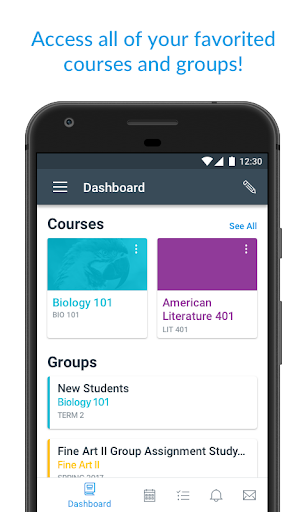
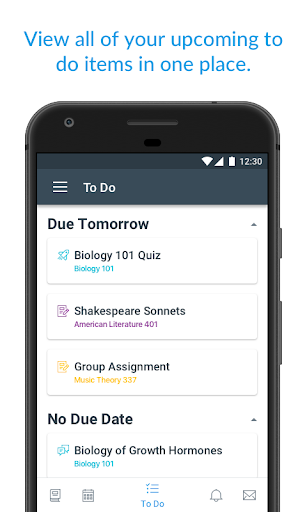
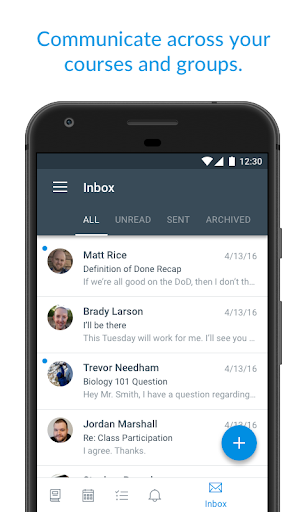
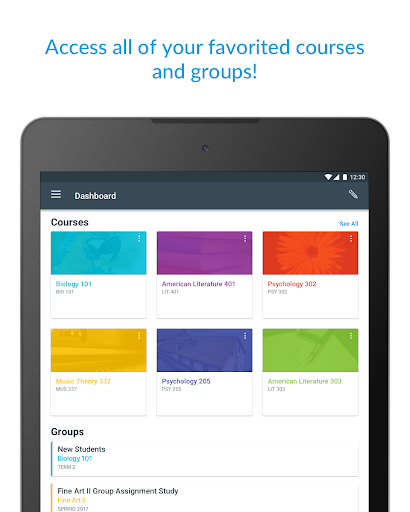
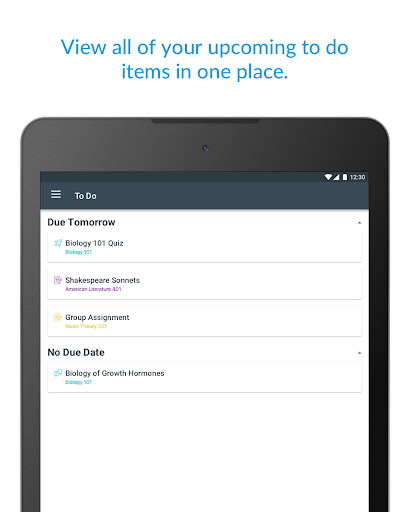
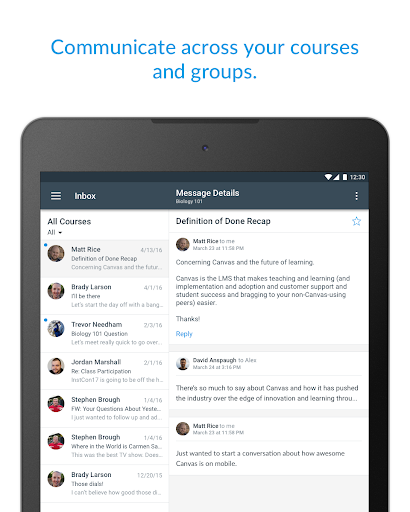
Canvas is a student-focused learning management app that centralizes courses, assignments, grades, and communications. It offers a clean to‑do list and calendar, real-time notifications, discussion and messaging tools, assignment submission (files, docs, media), quizzes, What‑If grade simulations, offline course downloads, dark mode, accessibility support, and integrations with institutional tools.
Verdict
Verdict: A polished, reliable LMS companion that excels at keeping students organized on mobile, though complex work is smoother on a laptop.
Who is it for
Best for:
- Students who want a fast overview of deadlines, grades, and announcements
- Learners who need on-the-go access, offline study, and quick submissions
- Schools using Canvas who value accessibility and integrated tools
Not ideal for:
- Users expecting deep UI personalization or custom layouts
- Students planning to complete extensive writing or complex projects solely on a phone
Real-world User Experience
Users like it:
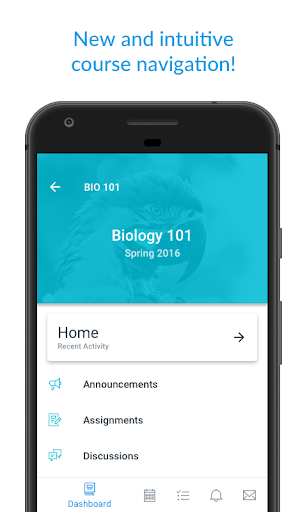
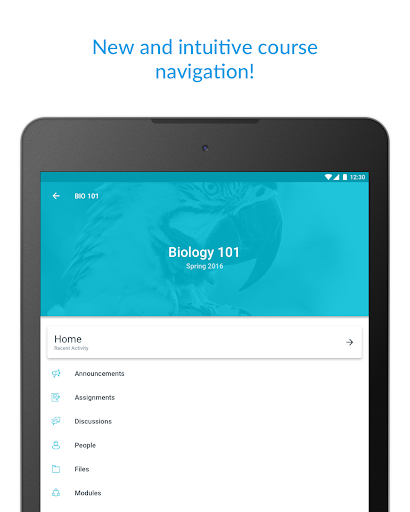
Consistently praised for an intuitive interface, organized card view and to‑do list, easy setup, reliable notifications, quick access to grades and due dates, and strong feature parity with desktop. Users appreciate offline access, compatibility across devices, and the What‑If grade simulator for planning.
Users complain about:
Some reports of issues launching external content (e.g., Zoom/videos) in older versions, occasional limitations when doing full coursework on a phone, and requests for more UI customization. Most video/Zoom launch problems appear resolved after updates.
Is it Worth Paying For?
The app is free with no ads or in‑app purchases; there’s nothing to pay for, and the value is excellent if your institution uses Canvas.
How it Compares to Alternatives
Compared to Blackboard and Moodle, Canvas’s mobile app feels faster, cleaner, and closer to desktop parity, with a standout to‑do list and notifications. Versus Google Classroom, Canvas offers deeper LMS features (grading workflows, LTIs, What‑If grades, richer course structures), while Classroom remains simpler for lightweight use. Overall, Canvas is among the most polished mobile LMS experiences.
Summary
Canvas By Instructure delivers a high-quality mobile LMS experience that keeps students organized and engaged. With a streamlined to‑do list, robust notifications, easy assignment submissions, grade tracking with What‑If simulations, and offline course downloads, it covers daily academic needs well. Reviews highlight smooth navigation, speed, and reliability, with only minor caveats around heavy content creation on phones and past external content launch issues largely fixed. For institutions on Canvas, this free, ad‑free app is a must-have companion and one of the strongest options among education platforms on Android.
Ratings
Trending APP










Alternative to this app










