
Copyright 2026 © swekartor. All Rights Reserved.



App Feature
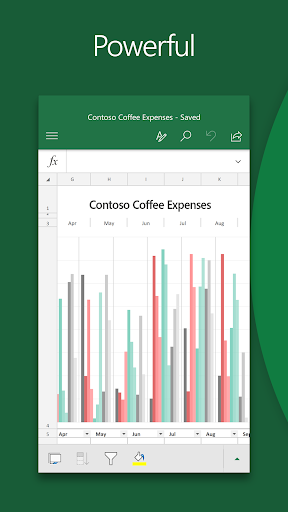
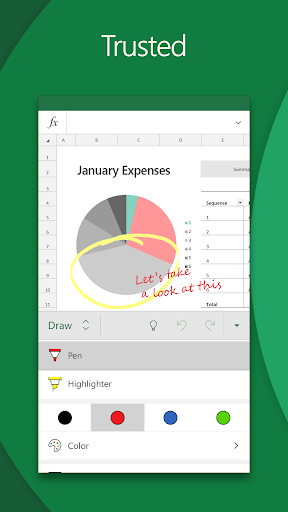
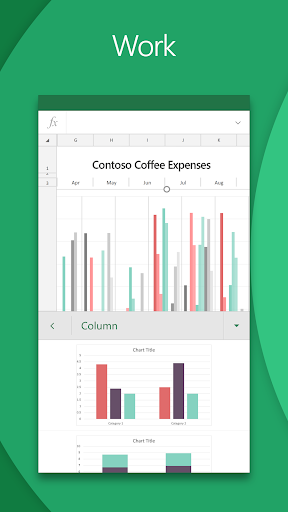
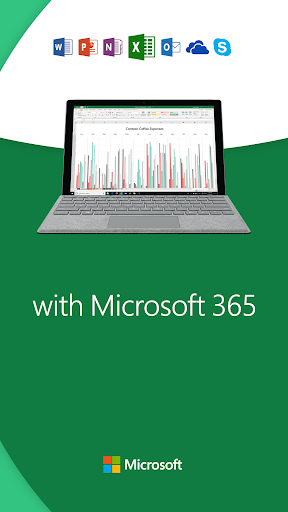
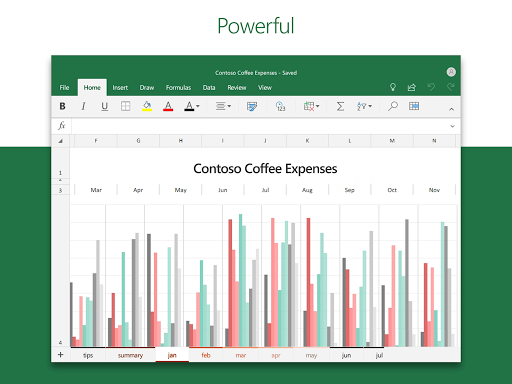
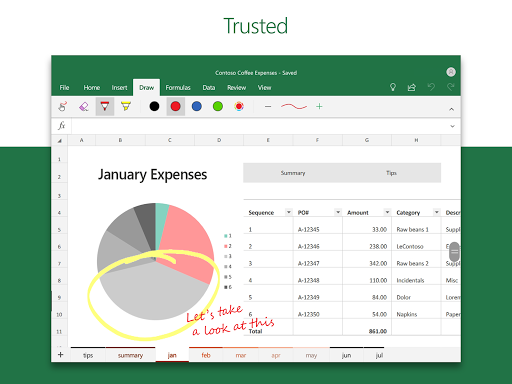
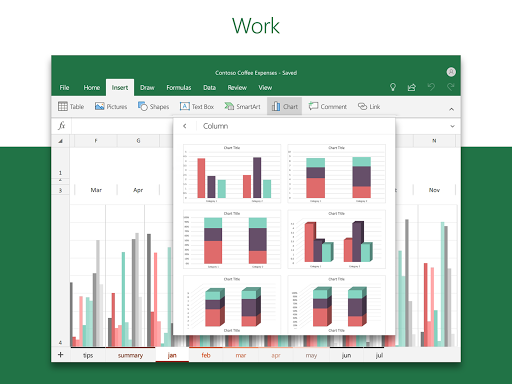
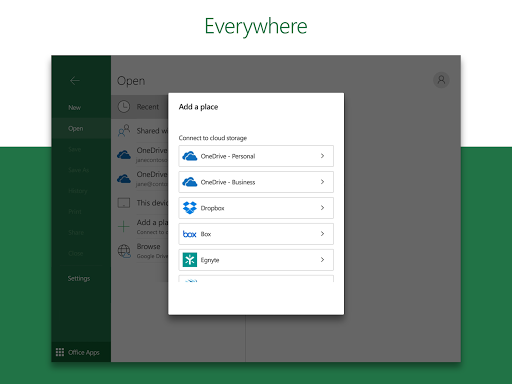
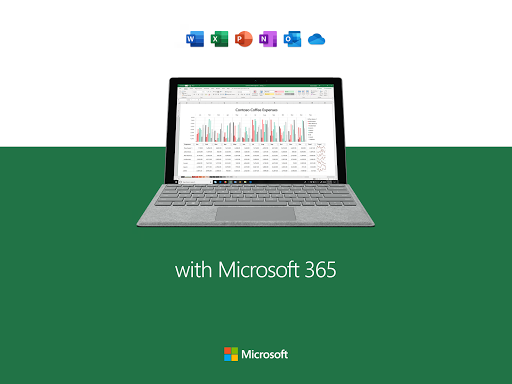
Microsoft Excel: Spreadsheets brings desktop-grade spreadsheet creation, editing, and analysis to mobile. It supports formulas, templates, pivot tables, sorting/filtering, drawing/annotations on touch devices, chart and graph creation (including AI-assisted visuals), and seamless collaboration via sharing, comments, and cloud sync.
Verdict
Verdict: A powerful, ad-free mobile spreadsheet workhorse, best for Excel users who value compatibility and charting, but not ideal if you need full desktop-level features or strictly offline workflows.
Who is it for
Best for:
- People who already use Excel on desktop and need reliable mobile access and compatibility
- Users managing budgets, lists, and reports with charts/pivot tables on the go
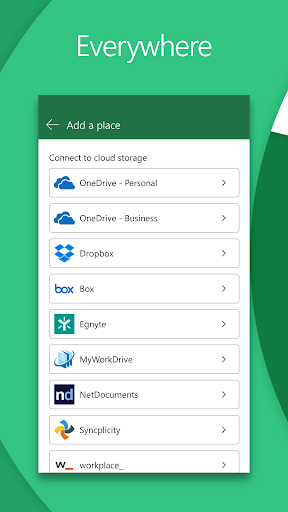
- Teams collaborating through OneDrive/SharePoint with comments and version continuity
Not ideal for:
- Power users who require macros/VBA or every desktop feature
- Users who avoid cloud storage or need robust offline editing and local-only saving
- Anyone sensitive to UI learning curves or mobile formatting quirks
Real-world User Experience
Users like it:
No ads; strong core spreadsheet functions with templates, charts, pivot tables, and familiar formulas; smooth cross-device access via cloud sync; handy numeric keypad and generally responsive mobile UI; reliable for budgeting, organizing lists, and quick calculations; good handling of legacy .xls files for many users.
Users complain about:
Color palettes differ from desktop expectations; nudges toward saving to OneDrive and concern about autosave targets; some features feel limited vs desktop (no macros/VBA); initial learning curve and some formatting actions feel unintuitive; occasional issues with pinned files and offline reliability reported by a few users.
Is it Worth Paying For?
Core use on small screens is free with a Microsoft account, but advanced capabilities and the full Microsoft 365 experience require a subscription. If you frequently collaborate, use advanced features across devices, or live in the Microsoft ecosystem, the subscription offers solid value. If your needs are basic (budgets, lists, simple charts), the free tier is likely sufficient. Note: subscriptions can’t be canceled mid-period; you can disable auto-renew in Play Store settings.
How it Compares to Alternatives
Compared to Google Sheets, Excel offers stronger compatibility with complex Excel files, robust charting/pivots, and familiar Excel formulas, while Sheets tends to be simpler for always-online collaboration and is broadly free. Versus mobile office suites (e.g., WPS/Polaris), Excel is the safest bet for fidelity with existing Excel workbooks and enterprise workflows, though some alternatives may feel lighter or more offline-friendly. Excel’s edge is power and compatibility; alternatives may win on simplicity or cost structure.
Summary
Microsoft Excel: Spreadsheets delivers an ad-free, capable mobile version of the industry-standard spreadsheet tool, with formulas, templates, pivot tables, and charting (including AI-assisted visuals) that carry over well from desktop. It shines for budgeting, reports, and quick analysis, and its cloud sync makes cross-device work seamless for Microsoft 365 users. Trade-offs include a learning curve, some UI/formatting quirks, no macros/VBA, and a tendency to steer files to OneDrive, which may frustrate local-only or offline-first users. For most professionals and students who want dependable Excel compatibility and strong charting on mobile, it’s an excellent choice; casual users can thrive on the free tier, while heavy collaborators and power users will benefit from the Microsoft 365 subscription.
Ratings
Trending APP





Alternative to this app









