
Copyright 2026 © swekartor. All Rights Reserved.









App Feature
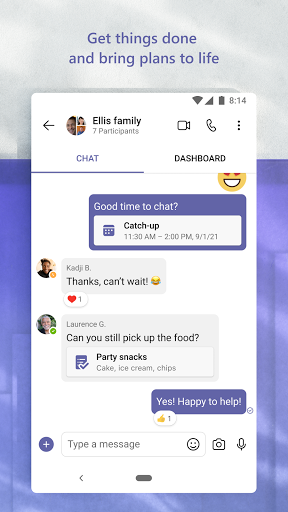
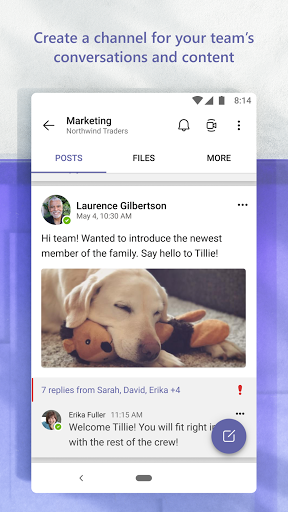
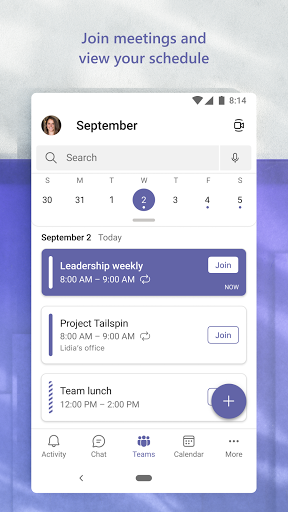
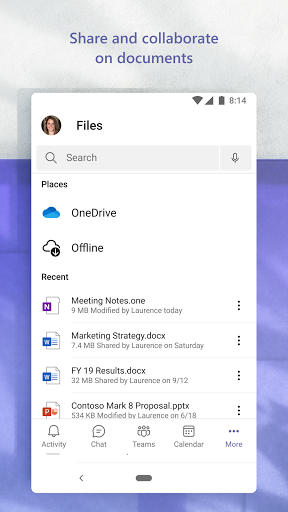
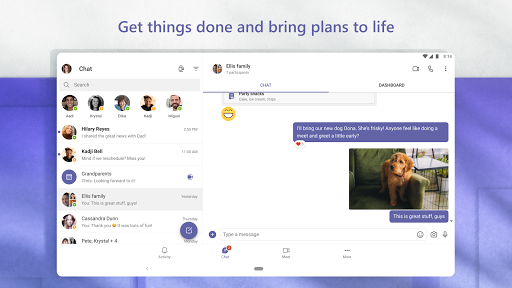
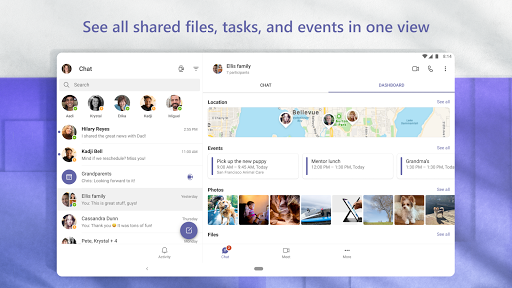
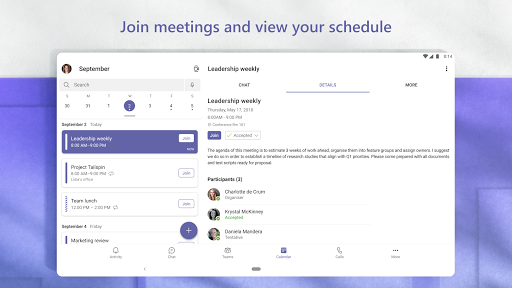
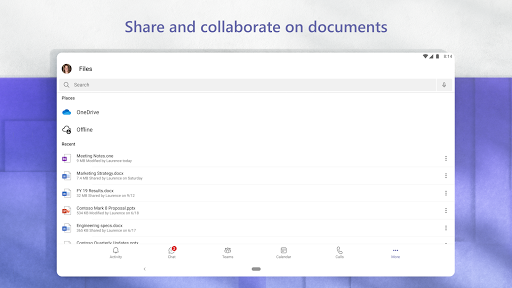
Microsoft Teams centralizes chat, channels, video meetings, calling, file sharing, tasks, and calendars with tight Microsoft 365 integration, enterprise-grade security, and community features (including Skype migration) for work, school, and personal collaboration.
Verdict
Verdict: An all-in-one collaboration hub that excels with Microsoft 365, but can feel heavy and complex for casual users.
Who is it for
Best for:
- Organizations and schools standardized on Microsoft 365 needing secure, integrated collaboration.
- Teams managing projects with chats, meetings, files, and task lists in one place.
- Multi-device users who switch between mobile and desktop frequently.
Not ideal for:
- Users who want a lightweight, ultra-simple chat or meeting app.
- Teams prioritizing advanced remote-control and low-resource performance over deep M365 integration.
Real-world User Experience
Users like it:
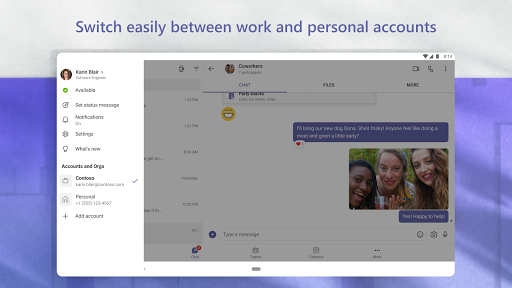
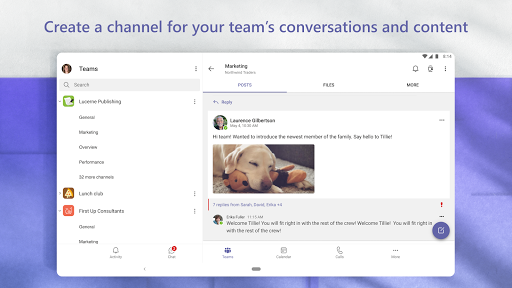
Reliable meetings, easy chat/voice/video, strong integration with Excel/Word/PowerPoint/Outlook, multi-account support, file and channel organization, good security and transcription, and seamless multi-device meeting handoff.
Users complain about:
Steep learning curve and cluttered UX, occasional performance heaviness and RAM usage, sporadic bugs (e.g., Bluetooth audio, tasks tab not loading), inconsistent notification timing across devices, repetitive sign-ins, limited/laggy remote control, and feature inconsistency between desktop and mobile (e.g., replies).
Is it Worth Paying For?
The core app is free and sufficient for personal use and small communities. Paid Microsoft 365 plans unlock advanced enterprise features, compliance, and admin controls—worth it if your company already uses M365 or needs robust security/governance; otherwise, the free tier covers most basics.
How it Compares to Alternatives
Compared to Slack, Teams offers deeper Microsoft 365 document and calendar integration and built-in meetings, but Slack often feels simpler for pure messaging and third‑party app ecosystems. Versus Zoom or Google Meet, Teams’ meetings are competitive and tightly tied to files and channels, though Zoom is often preferred for video polish and large webinars. Cisco Webex can offer more mature remote control; Teams’ remote control is slower and less intuitive per users. Teams can feel heavier than these alternatives, but it replaces multiple tools when used end-to-end.
Summary
Microsoft Teams combines messaging, meetings, calling, files, and tasks into a secure, Microsoft 365–integrated workspace used by hundreds of millions. Users praise its reliability, multi-account/device convenience, and deep Office integration, while noting a learning curve, occasional bugs, heavier resource usage, and weaker remote-control capabilities. For organizations living in Microsoft 365, it’s a natural fit and a strong value—especially on paid plans that unlock enterprise features. For casual or lightweight needs, the free version is capable, though simpler alternatives may feel faster. Overall, Teams excels as a comprehensive collaboration platform when you want everything in one place.
Ratings
Trending APP


Alternative to this app










