
Copyright 2026 © swekartor. All Rights Reserved.



App Feature
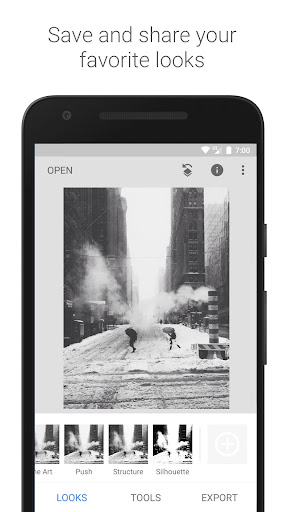
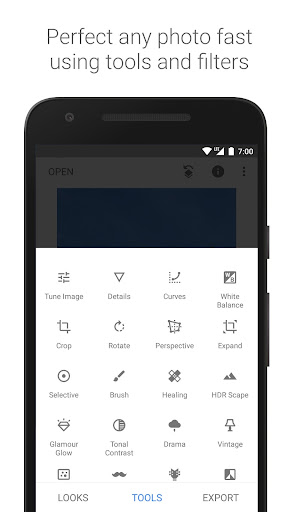
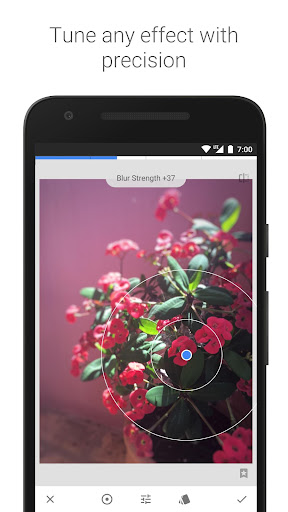
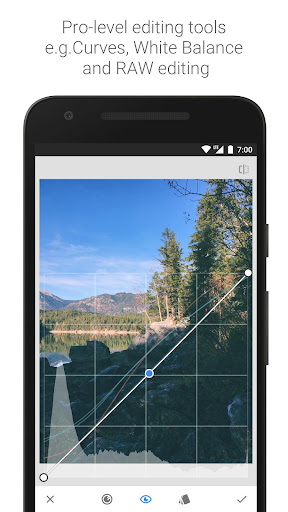
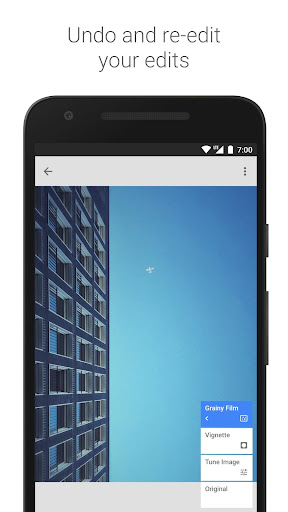
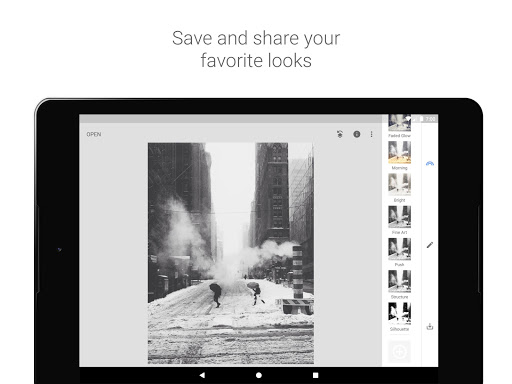
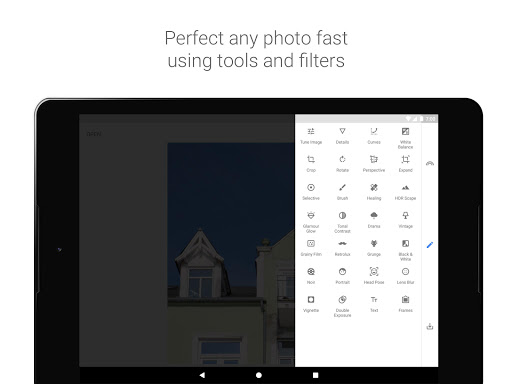
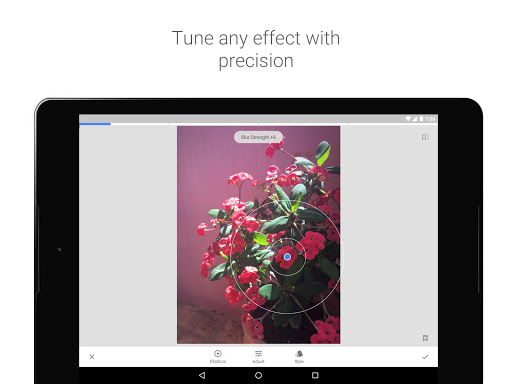
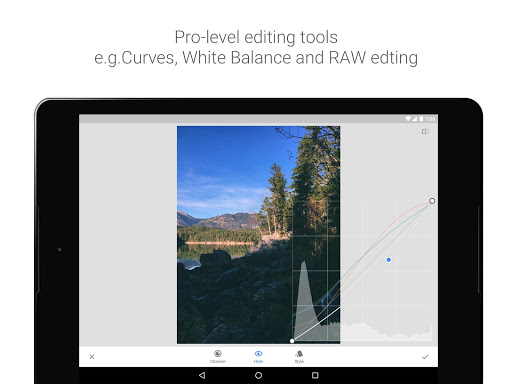
Snapseed is a free, professional-grade mobile photo editor by Google offering 29+ tools and filters (RAW develop, curves, selective edits, healing, HDR, perspective, lens blur, double exposure, text, etc.), precise control with non-destructive stacks, and support for JPG/RAW.
Verdict
Verdict: A powerful, ad-free pro editor on mobile that excels at precise adjustments, but lacks some modern conveniences like denoise, richer text/drawing tools, and finer workflow controls.
Who is it for
Best for:
- Photographers and creators wanting precise, pro-level edits on mobile (RAW, curves, selective)
- Power users who value ad-free, offline editing with fine control and reusable looks
- Beginners seeking a free upgrade from basic editors without a subscription
Not ideal for:
- Users needing built-in noise reduction, drawing/annotation, or advanced text/typography
- Social/content creators who want stickers, collages, and templates
- Those who require layered workflows, mask reordering, or multi-layer double exposure controls
Real-world User Experience
Users like it:
Consistently praised as the best free mobile editor: robust toolset comparable to desktop apps, excellent selective editing and curves, handy Expand and Healing tools, intuitive gesture-based UI, reliable for everyday edits (crop, tonal contrast, filters), no ads or IAP, and seamless integration as a system editor.
Users complain about:
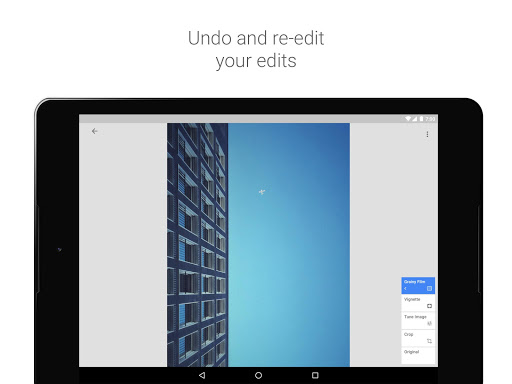
Common requests include better Healing (especially center sampling), true noise reduction/denoise, richer text/fonts and drawing/annotation tools, PNG support in double exposure, option to blur borders in Expand, improved crop zoom for small images, ability to hide/reorder edits in the stack, configurable export folder, and more reliable session autosave; some note color/temperature mismatch between preview and export and occasional progress loss during long edits.
Is it Worth Paying For?
It’s completely free with no ads or in-app purchases, so there’s nothing to pay for—and the value is exceptional given the pro-level toolset.
How it Compares to Alternatives
Against Adobe Lightroom Mobile, Snapseed is free and strong on selective tools and curves, but lacks Lightroom’s denoise, catalog/cloud sync, and guided workflows (many of which require a Lightroom subscription). Versus Photoshop Express and Picsart, Snapseed is more photography-focused and precise, while those emphasize creative overlays, stickers, and social features (often paywalled). Compared to Google Photos’ editor, Snapseed offers far deeper control and RAW support. VSCO has popular presets and community but sits behind subscriptions; Snapseed’s filter set is broad and free, though less community-driven.
Summary
Snapseed remains a standout in mobile photo editing: an ad-free, pro-caliber toolkit with RAW support, curves, selective adjustments, perspective fixes, HDR, healing, and double exposure—all for free. Real users highlight its intuitive gesture-based controls and reliability for both quick fixes and nuanced adjustments, with many relying on it as their primary editor. Its shortcomings are focused on workflow and specialty tools—no native denoise, limited text/typography and drawing, constrained layer/stack management, and some export/preview inconsistencies—plus requests for better autosave and minor UI tweaks. If you prioritize high-quality, precise edits without paying for a subscription, Snapseed is an easy recommendation; if you need advanced noise reduction, annotations, or robust layer management, you may pair it with Lightroom or Photoshop Express. Overall, it’s one of the best values in mobile photography editing.
Ratings
Trending APP








Alternative to this app










