
Copyright 2026 © swekartor. All Rights Reserved.


App Feature
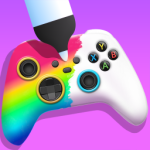
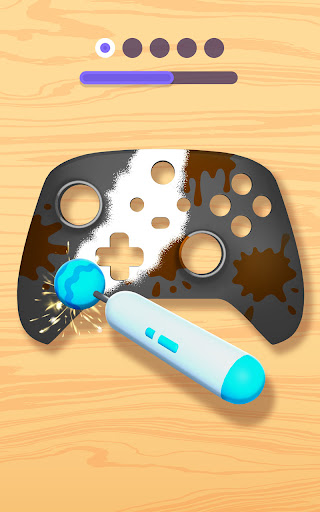
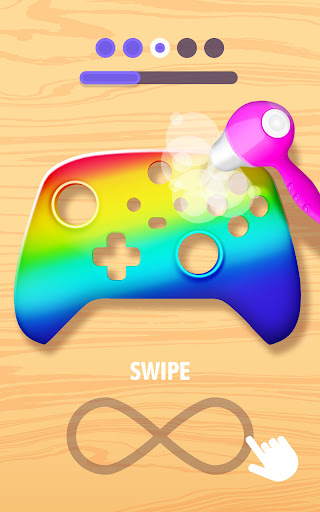
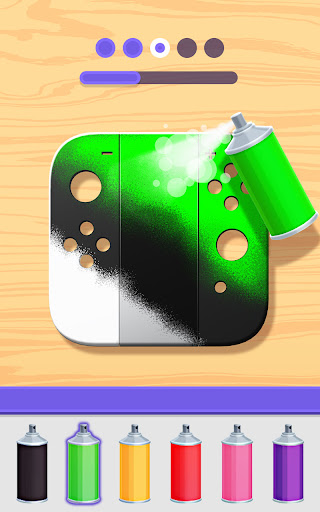
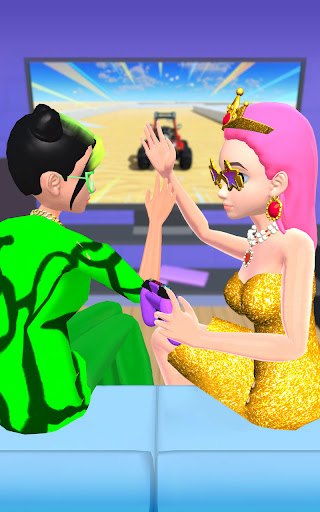
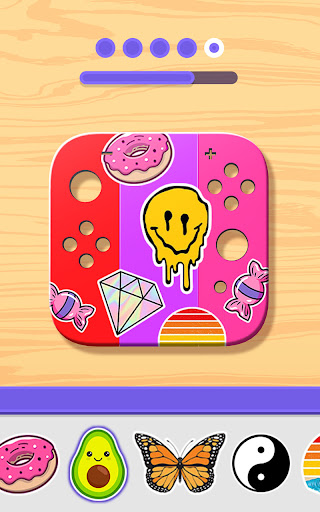
DIY Joystick is a creative simulation/DIY art app where you customize virtual game controllers and accessories using spray paint, brushes, stencils, stickers, and marble dipping. It focuses on aesthetic design rather than gameplay, offering a broad catalog (PS-style pads, headsets, VR sets, Switch-like controllers, etc.) and frequent unlockable rewards.
Verdict
Verdict: A relaxing, highly satisfying controller-customization sandbox best for casual creativity, but repetitive progression and frequent ads hold it back for long sessions.
Who is it for
Best for:
- Players who enjoy ASMR-style painting, stenciling, and casual art creation
- Gamers who like designing themed controllers and accessories for quick, low-stress sessions
- Kids and teens looking for colorful, reward-driven customization
Not ideal for:
- Users seeking deep mechanics, progression, or realistic hardware simulation
- Players who dislike frequent ads or gated unlocks (unless playing offline)
- Those wanting up-to-date, brand-accurate controller models and exhaustive design catalogs
Real-world User Experience
Users like it:
Creative freedom with stencils, stickers, spray paint, and color mixing; relaxing, satisfying visuals; broad variety of items to decorate beyond controllers; frequent free rewards without mandatory VIP; runs smoothly and works well offline to avoid ads.
Users complain about:
Frequent ads, sometimes triggered during color/tool selection; limited levels/designs and some outdated controller models; occasional bugs (e.g., not letting players finish a design).
Is it Worth Paying For?
The app is free with ads and optional IAP/VIP. Core features are accessible without spending, and playing offline removes most ad interruptions. IAP mainly accelerates unlocks and removes friction; worthwhile only if you want faster content access or dislike grinding. For most users, the free/offline experience offers solid value.
How it Compares to Alternatives
Compared with other casual DIY/paint sims (e.g., DIY Keyboard Art, Tie Dye, spray/paint makeover games), DIY Joystick stands out with its gamer-centric theme and wider accessory set. It matches peers on satisfying paint/stencil mechanics but trails the best-in-class apps on variety depth, modernity of models, and ad pacing. It is more of a soothing art toy than a systems-driven simulator.
Summary
DIY Joystick delivers a colorful, low-pressure creative outlet centered on painting and decorating virtual game controllers and accessories. Its stencils, stickers, and marble-dipping make designs pop, while frequent rewards keep short sessions engaging. However, heavy ad cadence, limited levels, and occasional glitches curb its long-term appeal. If you’re after a relaxing, offline-friendly customization sandbox with a gaming twist, it’s an easy install—just temper expectations on depth and consider IAP only if you want faster unlocks and fewer interruptions.
Ratings
Trending APP





Alternative to this app










