
Copyright 2026 © swekartor. All Rights Reserved.



App Feature
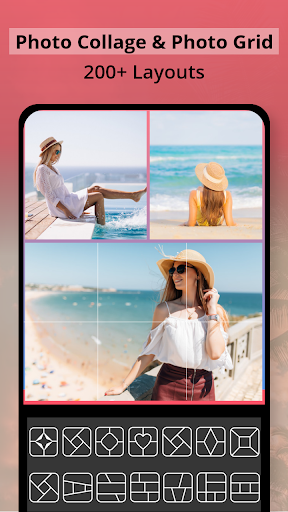
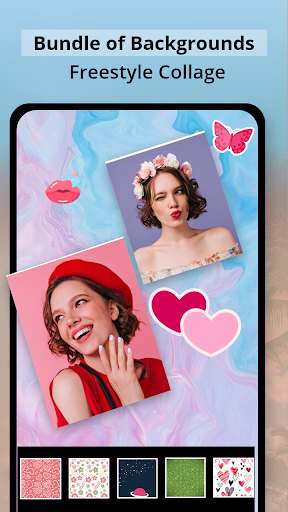
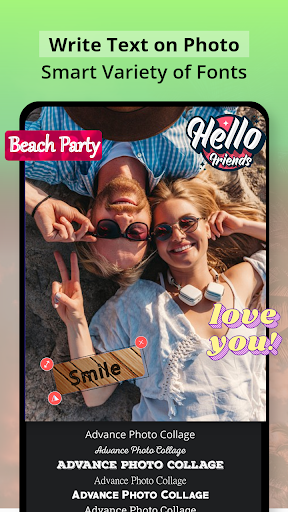
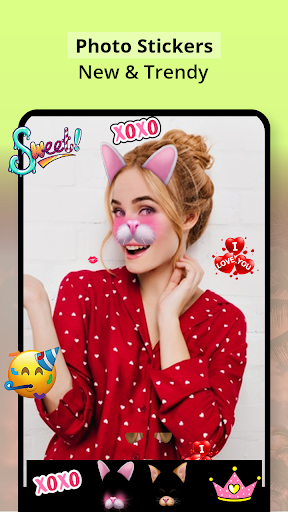
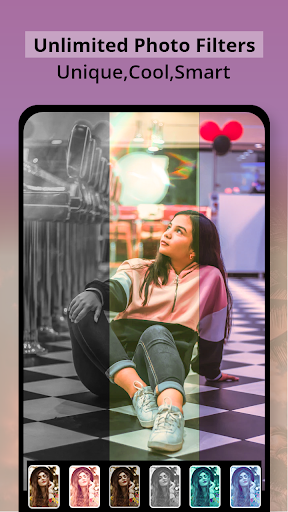
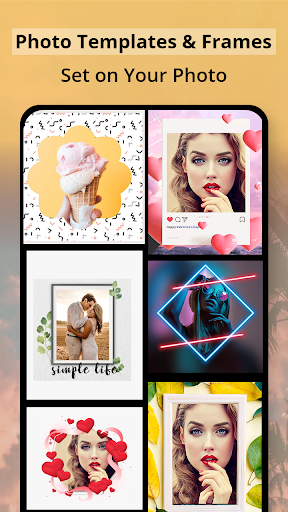
Collage Maker – Framed Picture is a free photo collage and framing app that lets you combine multiple photos into themed grids, apply filters and effects, add stickers and text, and finish with occasion‑ready photo frames and backgrounds.
Verdict
Verdict: A capable, beginner‑friendly collage editor with plentiful templates, but light on pro‑grade controls.
Who is it for
Best for:
- Casual users wanting quick, attractive photo grids with frames
- Social sharers who add stickers, filters, and text to memories
- Parents and event organizers compiling themed photo keepsakes
Not ideal for:
- Power users needing layer control, masking, or advanced retouching
- Anyone who dislikes ads or prefers fully offline, ad‑free editing
- Designers seeking brand kits and cross‑platform project syncing
Real-world User Experience
Users like it:
Overall sentiment is strong (≈4.6/5 from thousands of ratings). Users appreciate the straightforward collage workflow, attractive grids and frames, playful stickers, and the ability to add text for dates/events—good for quick memory boards and social posts.
Users complain about:
Common pain points likely include frequent ads in the free tier, occasional requests for more advanced editing options, and sporadic stability issues typical of image editors on lower-end devices; a smaller number of written reviews suggests limited detailed feedback.
Is it Worth Paying For?
The core feature set works free with ads. In‑app purchases likely unlock premium assets or remove ads. If you plan to create collages frequently or want more frames/backgrounds without interruptions, the upgrade is reasonable; otherwise, the free version should suffice.
How it Compares to Alternatives
Compared to Canva or Adobe Express, this app is simpler and faster for collage‑only tasks but lacks brand kits, cloud sync, and robust design tools. Versus PicCollage or PhotoGrid, it’s competitive on grids, frames, and stickers, though some rivals offer larger asset libraries, better text effects, and more polished ad experiences. It stands out for ease of use and themed framing; it trails in professional controls and cross‑device workflow.
Summary
Collage Maker – Framed Picture focuses on quick, attractive collages with ready‑made grids, themed frames, stickers, filters, and easy text overlays. Its high rating suggests most users find it intuitive and fun for sharing holiday moments, family events, or milestone highlights. The trade‑offs are expected for a free app: ads, a consumer‑oriented toolset, and fewer pro editing capabilities. If you want a lightweight, no‑frills collage maker that delivers good‑looking results fast, it’s an excellent pick; if you need professional design features or an ad‑free, synced workflow, consider premium alternatives.
Ratings
Trending APP







Alternative to this app










