
Copyright 2026 © swekartor. All Rights Reserved.





App Feature
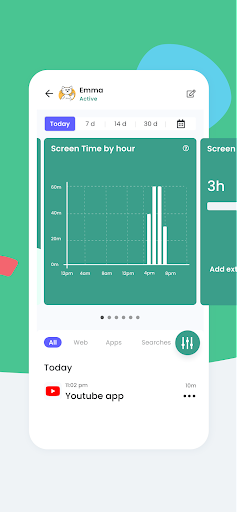
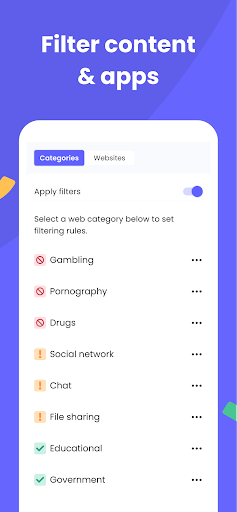
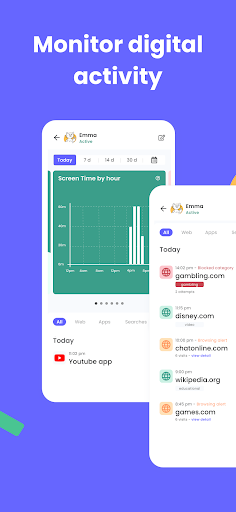
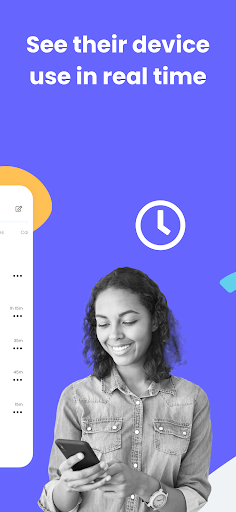
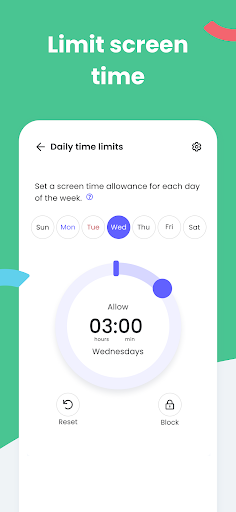
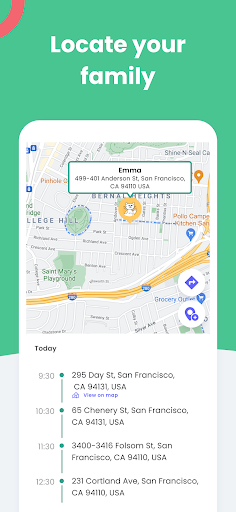
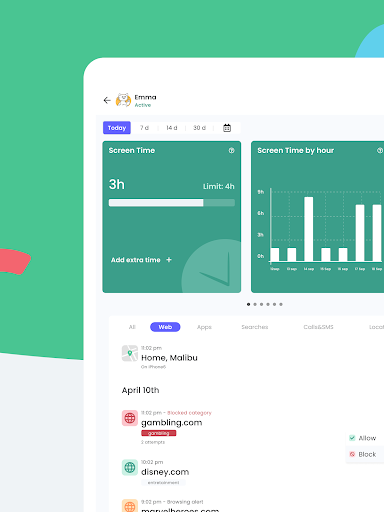
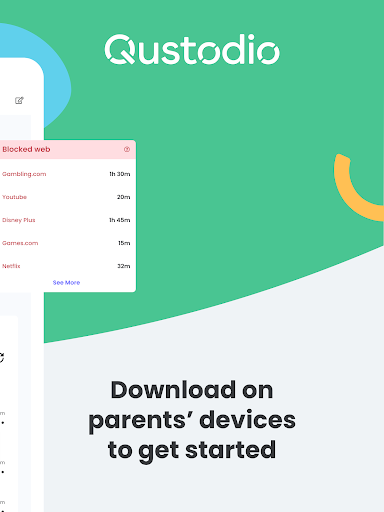
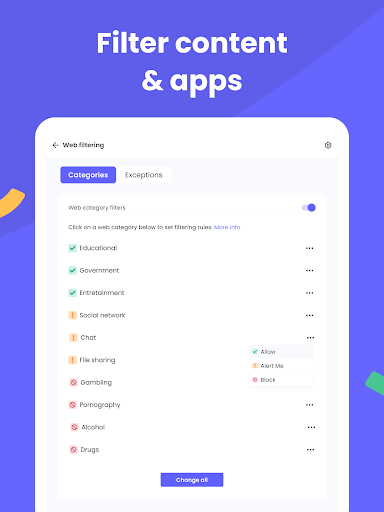
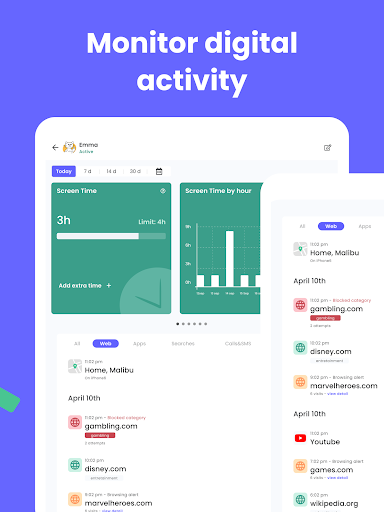
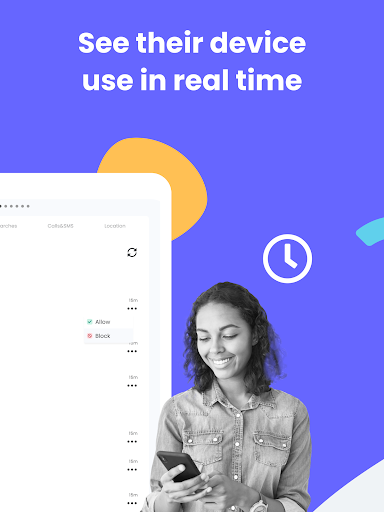
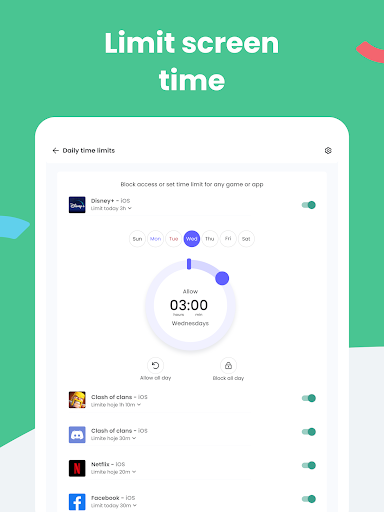
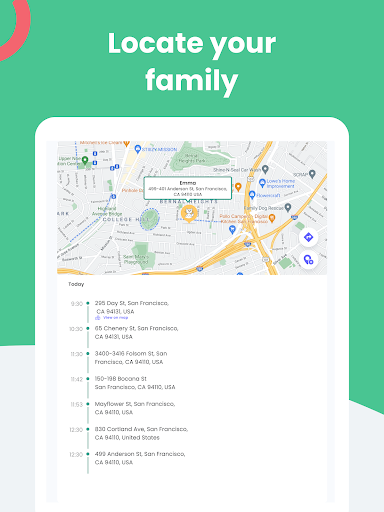
Comprehensive parental control suite that sets screen time limits, blocks inappropriate apps/websites, tracks location, and provides AI-powered alerts for searches, SMS, and select social apps; includes co-parenting, YouTube activity monitoring, call/SMS controls, panic button, and multi-platform support.
Verdict
Verdict: A robust, feature-rich parental control app ideal for families that want granular controls and cross-platform coverage.
Who is it for
Best for:
- Parents seeking detailed monitoring (web, apps, searches, SMS/social alerts).
- Families needing time limits, app blocking, and GPS location across multiple devices.
- Households with co-parents who want shared oversight and reports.
Not ideal for:
- Caregivers wanting entirely free access to advanced features without a subscription.
- Users who prefer ultra-simple, one-tap profiles over granular rule setup.
Real-world User Experience
Users like it:
Fine-grained, per-app controls and the ability to tailor rules beyond broad categories; overall reliability and usefulness for setting boundaries.
Users complain about:
Toggling groups of apps for special situations (e.g., allowing video apps only during trips) can feel cumbersome without quick presets.
Is it Worth Paying For?
The free tier covers basics, but the premium plan unlocks the full toolkit (social/SMS alerts, detailed reports, broader blocking and monitoring). Given the breadth (AI alerts, GPS, co-parenting, cross-platform), premium is good value for families that will actively use these features; light users may be fine on the free plan.
How it Compares to Alternatives
Versus Google Family Link, Qustodio offers more advanced monitoring (AI search/SMS alerts, reports) and cross-platform support beyond Android. Compared to Bark, Qustodio emphasizes time limits, app blocking, and location in addition to alerts. Against Net Nanny or Norton Family, it’s competitive on web filtering and reports while adding practical extras like call/SMS controls (where supported) and co-parenting. Overall, it balances monitoring depth with strong device and app management.
Summary
Qustodio Parental Control & Screen Time App delivers a powerful blend of monitoring, filtering, and management tools that help families set healthy digital boundaries. Parents can block inappropriate content, cap screen time, manage apps, track location, and receive AI-driven alerts for searches, SMS, and select social apps, all with cross-platform coverage and co-parenting options. While some workflows (like temporarily enabling a group of apps for travel) could be smoother, the app’s depth, reliability, and clear reporting make it a top choice for parents who want both visibility and control. The premium plan justifies its cost for those who need comprehensive oversight; casual users can start with the free tier and upgrade as needs grow.
Ratings
Trending APP












Alternative to this app










