
Copyright 2026 © swekartor. All Rights Reserved.



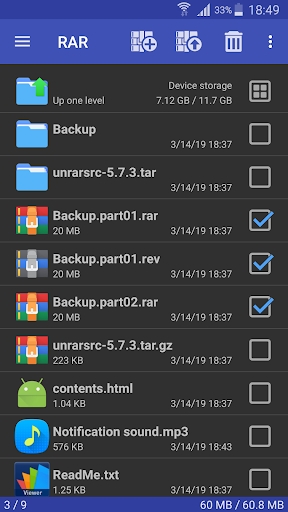
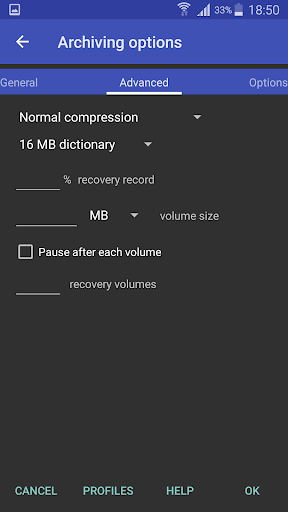
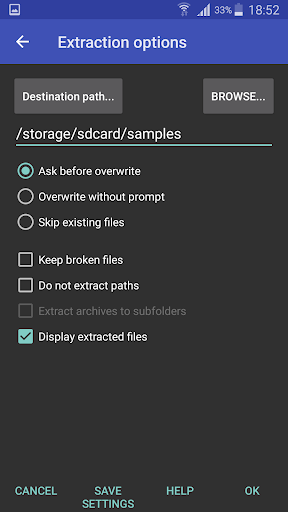
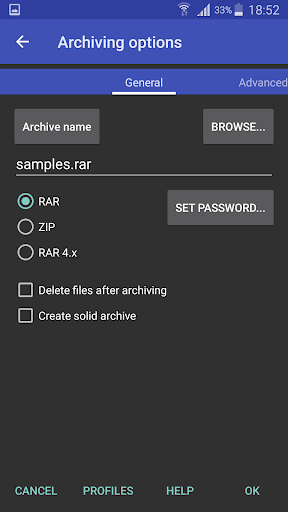
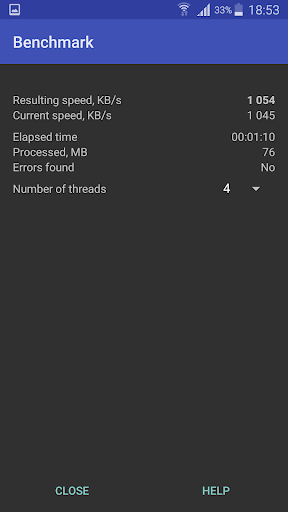
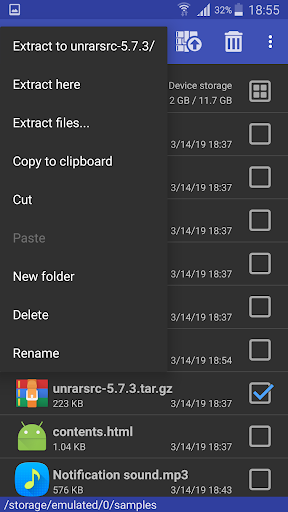
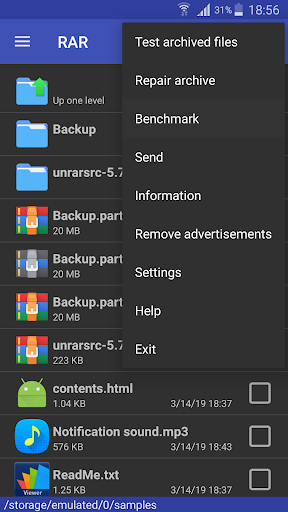
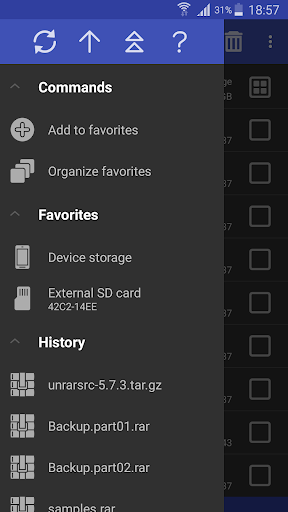
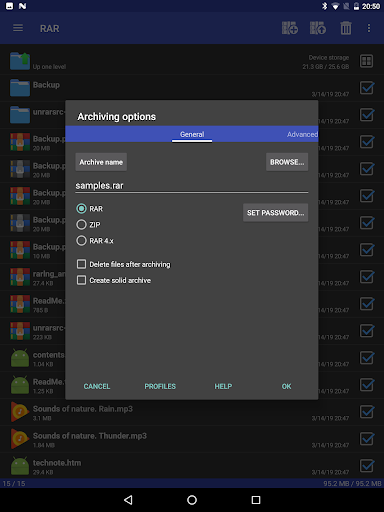

App Feature
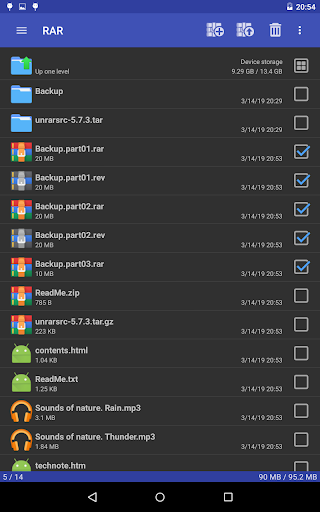
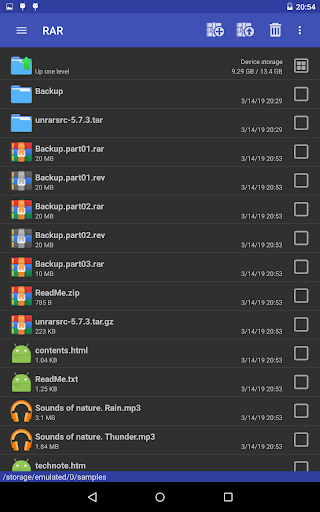
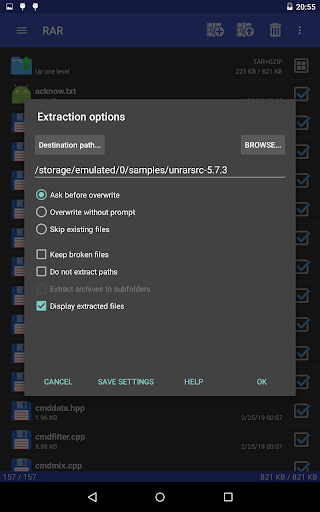
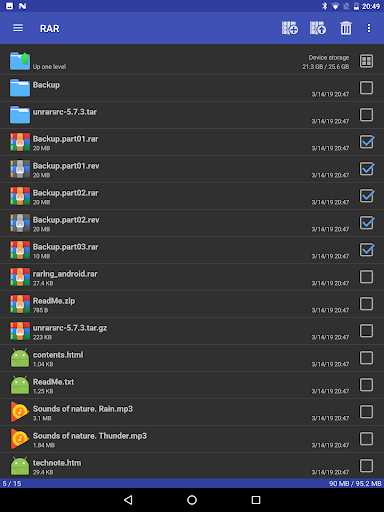
RAR is an official all-in-one archiver and basic file manager from RARLAB that creates RAR/ZIP, extracts most major formats (RAR5, ZIP/ZIPX, 7z, TAR, GZ, BZ2, XZ, ISO, ARJ), and adds pro-grade tools like repair, recovery records/volumes, encryption, solid archives, and multi-core compression.
Verdict
Verdict: A fast, trustworthy mobile archiver with power-user features, best if you want desktop-grade RAR/ZIP handling on Android.
Who is it for
Best for:
- Users who need reliable RAR/ZIP creation and extraction across many formats
- Power users handling large archives, recovery records, and encryption
- People who prefer an ad-free, official RARLAB solution with optional support
Not ideal for:
- Those wanting a modern, highly visual UI with hand-holding
- Users needing niche WinRAR desktop features (lock archive, CLI, full timestamp controls) on mobile
- Anyone expecting automatic file discovery and one-tap workflows without manual navigation
Real-world User Experience
Users like it:
Consistently praised for doing exactly what it promises: fast, reliable compression/decompression (including big jobs and background runs), broad format support (incl. RAR5, password-protected archives), minimal friction, and strong extras like repair and recovery records. Many appreciate the absence of intrusive ads and the low-cost, optional subscription to support development. Users highlight stability, control over archives (add/remove files without full extraction), and parity of behavior with WinRAR for core tasks.
Users complain about:
A learning curve and old-school, directory-based interface; occasional missing parity with WinRAR (e.g., auto-recreating recovery record after deletions, lock archive, timestamp handling, command-line); feature requests like auto-delete after extraction, file association controls (e.g., OBB), a search button, and true black theme. Isolated bugs (e.g., names containing '*') and historically some ad-related gripes, though current builds are reported ad-free.
Is it Worth Paying For?
Yes—though the app is fully usable for free and currently ad-free, the optional ~€0.99/year subscription is excellent value to support ongoing maintenance of a best-in-class, official tool. Power users who rely on repair/recovery and frequent archiving will likely find the small fee well justified.
How it Compares to Alternatives
Compared to ZArchiver and 7Zipper, RAR is typically more reliable with RAR-specific features (RAR5, recovery records) and professional-grade repair tools. Versus WinZip for Android, RAR tends to be less pushy about subscriptions and offers deeper RAR handling. Many third-party extractors struggle with very large archives or fail late in processing; user reports indicate RAR completes these tasks faster and more consistently. It lacks some modern UI polish found in a few competitors, but wins on stability, speed, and format depth—especially for RAR workflows.
Summary
RAR by RARLAB brings the credibility and capability of WinRAR to Android: quick creation of RAR/ZIP, dependable extraction across nearly all common archive formats, and advanced utilities like repair, recovery records, encryption, and solid archiving. It doubles as a competent file manager for moving, renaming, and organizing files—handy when working inside archives. Real users praise its speed, reliability, and minimal friction, while noting a more utilitarian interface and a few missing desktop-level options. With an ad-free experience and a tiny optional subscription to support development, RAR is a top pick for anyone who regularly handles archives on mobile, and an especially strong choice if RAR compatibility and repairs matter to you.
Ratings
Trending APP












Alternative to this app










