
Copyright 2026 © swekartor. All Rights Reserved.



App Feature
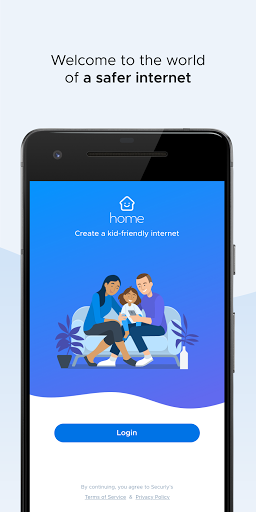
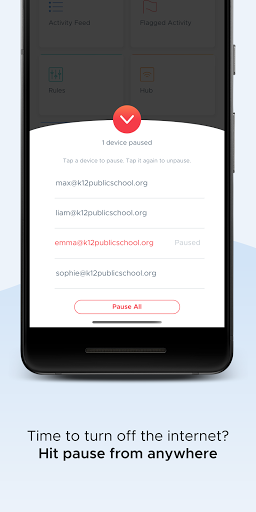
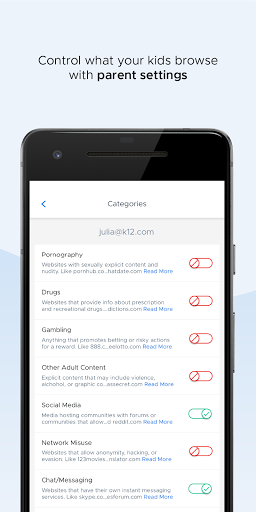
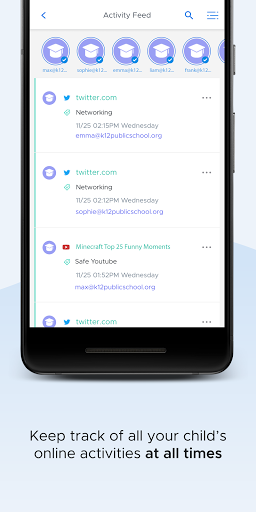
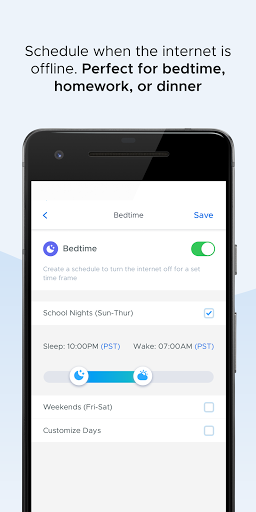
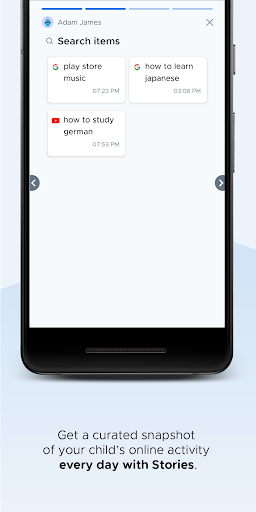
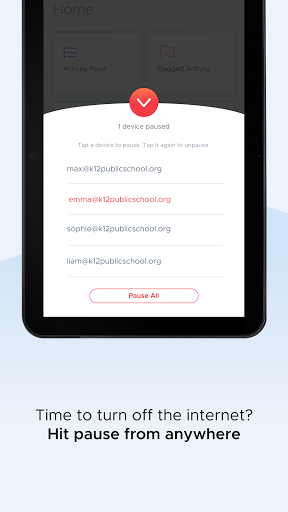
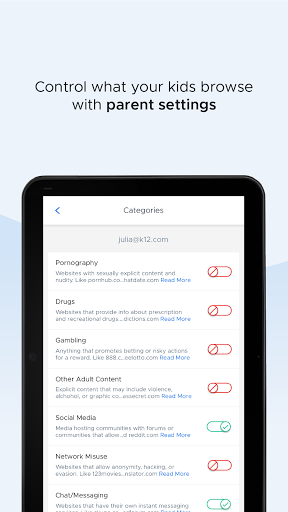
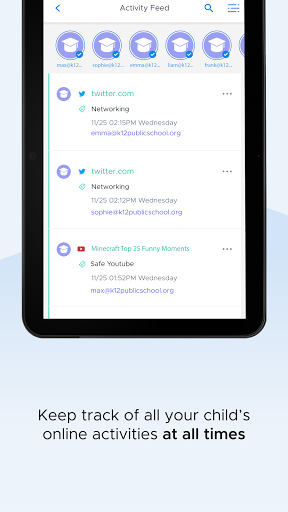
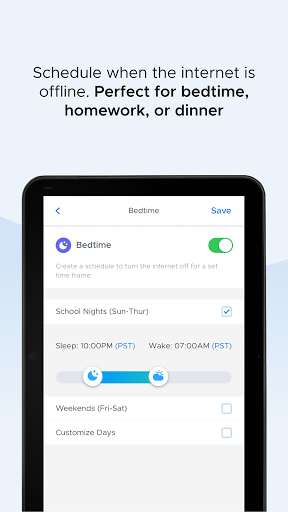
Securly Home is a free companion to Securly’s school web filter that lets parents manage and monitor school-owned devices at home. Core features include web filtering and site restrictions, safe search enforcement, screen-time controls with a pause button and offline scheduling, a real-time activity feed, and alerts for concerning activity like bullying or self-harm.
Verdict
Verdict: Excellent for managing school-issued devices at home, but not a fit if you need controls on personal devices.
Who is it for
Best for:
- Parents whose children use school-owned, Securly-managed devices
- Families wanting simple screen-time limits, filters, and real-time activity visibility
Not ideal for:
- Households needing controls on personal phones, tablets, or unmanaged devices
- Power users seeking granular, cross-platform monitoring beyond school policies
Real-world User Experience
Users like it:
High ratings suggest parents find it reliable and easy to use, with clear activity feeds, effective content filtering, quick pause controls, and helpful notifications about concerning behavior.
Users complain about:
Limitations tied to school-owned devices and school policy can restrict what parents can change; some users report occasional sign-in or sync hiccups and desire broader device coverage.
Is it Worth Paying For?
The app is free with no ads or IAP. It’s included as part of the school’s Securly Filter purchase, so there’s nothing extra for parents to buy—value is strong if your child’s school already uses Securly.
How it Compares to Alternatives
Compared to Bark, Qustodio, Mobicip, or Google Family Link, Securly Home is narrower in scope but frictionless for school devices: it excels at managing and monitoring the school-issued Chromebook/iPad at home. Alternatives typically support personal devices and offer broader cross-platform coverage and social media monitoring on those devices, but require separate subscriptions and setup. Securly Home’s advantage is tight integration with school policies and simple parental controls; its trade-off is that it generally doesn’t extend to unmanaged personal devices.
Summary
Securly Home brings school-grade web filtering and oversight into the home for school-owned devices, giving parents practical controls—blocking inappropriate content, enforcing safe search, setting screen-time rules, viewing real-time activity, and getting alerts about risky behavior. The experience is streamlined, benefiting from the school’s existing setup, and the high rating indicates strong reliability and usability. The main limitation is scope: controls apply only to school-issued, Securly-managed devices and may be bounded by school policy. If your goal is to supervise that device outside school hours, it’s an excellent, no-cost solution. If you need coverage for personal devices or more expansive, customizable monitoring, consider a dedicated family safety suite instead.
Ratings
Trending APP











Alternative to this app










