
Copyright 2026 © swekartor. All Rights Reserved.


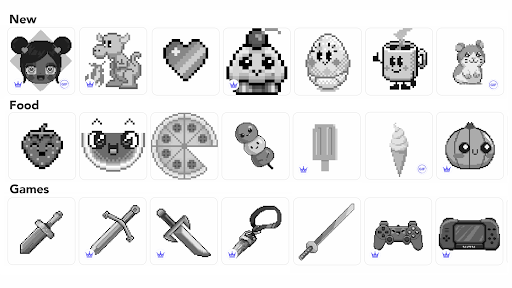
App Feature
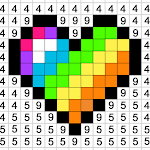
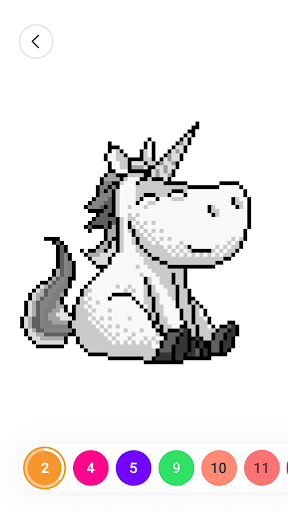
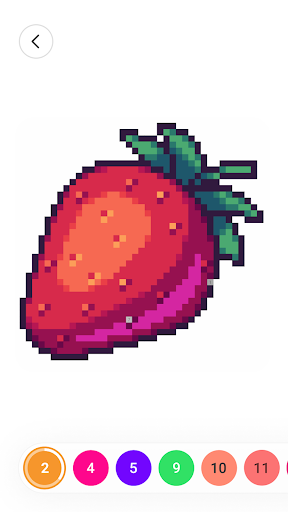
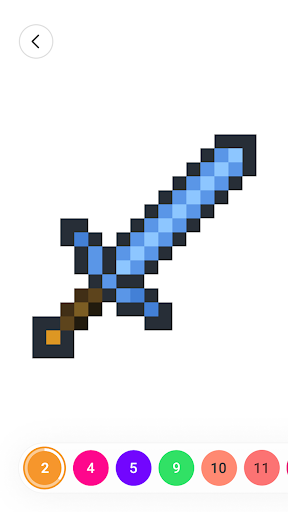
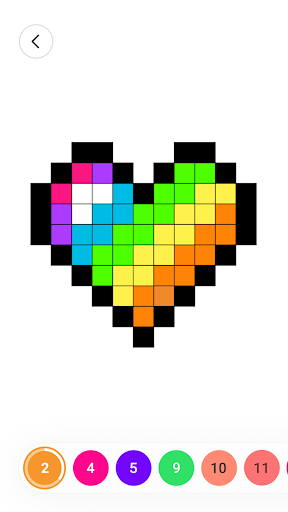
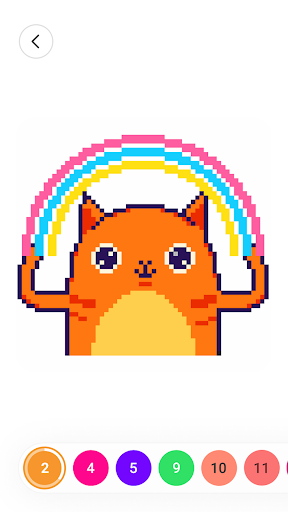
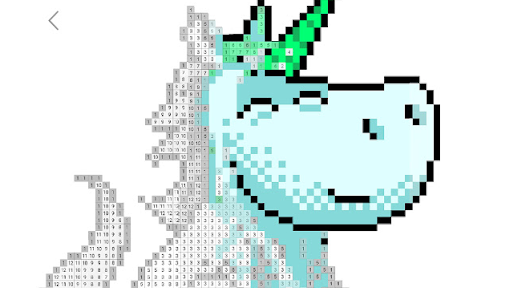
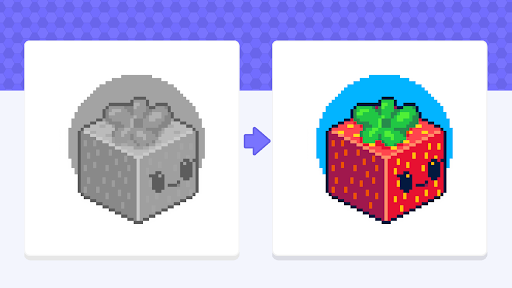
A relaxing pixel art coloring app where you tap or swipe to fill numbered cells, browse a large catalog of images, import your own photos to auto-generate pixel art, and share creations with a built-in community; includes handy tools (e.g., glitter effect, multi-cell swipe fill) and works offline for coloring.
Verdict
Verdict: A polished, highly satisfying color-by-number app with vast content and strong creation/sharing tools, best if you can tolerate frequent ads.
Who is it for
Best for:
- Users seeking stress relief and idle, satisfying coloring sessions
- Fans of pixel art and big libraries of community images
- People who want to turn their own photos into color-by-number pieces
Not ideal for:
- Anyone who dislikes ad-supported apps or repetitive interstitials
- Users wanting advanced freehand drawing/painting tools over guided coloring
- Those expecting full social features on every device/region
Real-world User Experience
Users like it:
Relaxing, time-filling gameplay; huge selection of images (including community uploads); smooth, intuitive controls with swipe-to-fill multiple cells; glitter and other tools add flair; photo-import feature is a standout; can color offline; generally fewer or more tolerable ads than some competitors; helpful for focus/anxiety for some users.
Users complain about:
Ads show up frequently for some (especially between pages) and reward ads may not always grant items; occasional glitches (progress not recognized when switching tools); social features (followers/comments) appear inconsistent or unavailable for some users; some users note trending content saturation (e.g., specific fandoms) in community feed.
Is it Worth Paying For?
The app is free with ads and offers optional IAPs (likely for premium content or ad reduction). Given the large free catalog and robust photo-import, most users will be satisfied without paying. If ads bother you or you want premium packs, an ad-removal or content unlock purchase can be worthwhile.
How it Compares to Alternatives
Compared to Pixel Art and Happy Color, it stands out with smoother multi-cell swipe filling, strong community sharing, and an easy photo-to-pixel importer. Versus general drawing apps (e.g., ibis Paint), this focuses on guided coloring rather than freehand creation. Ad load is present but, per users, often less intrusive than some rivals; the content breadth and community feed feel broader than many color-by-number peers.
Summary
Color by Number: Coloring Games delivers a calm, satisfying pixel coloring experience with a massive library, a vibrant community, and a powerful photo-import feature that turns your own images into tappable art. The controls feel great—swipe-to-fill speeds up large pieces, and effects like glitter add fun polish. While many appreciate the ad balance, others encounter frequent interruptions and occasional glitches, and social features may vary by device or region. For relaxed coloring, commuting, or winding down, it’s one of the more generous, engaging options; the free tier is robust, and optional IAPs mainly make sense if you want fewer ads or specific premium content.
Ratings
Trending APP




Alternative to this app










