
Copyright 2026 © swekartor. All Rights Reserved.



App Feature
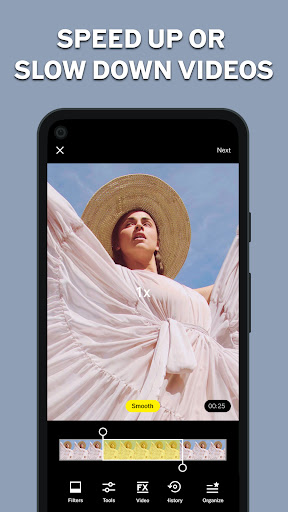
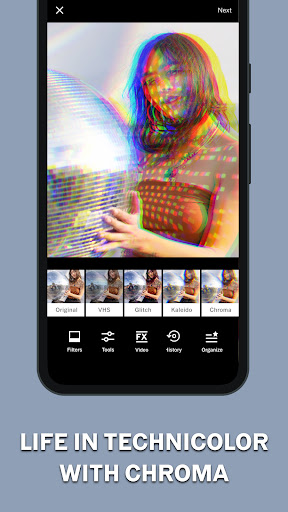
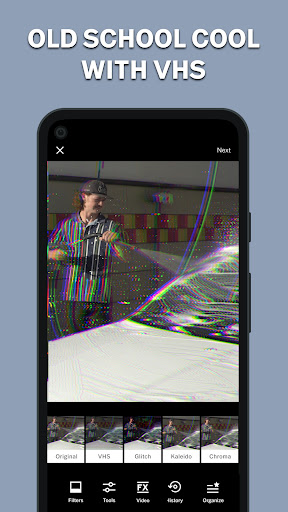
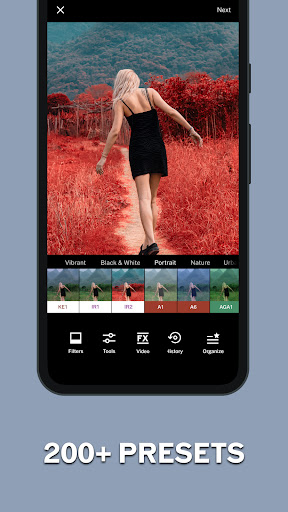
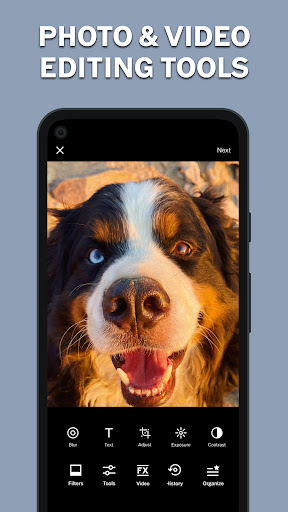
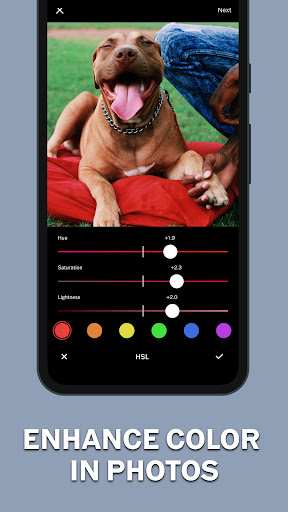
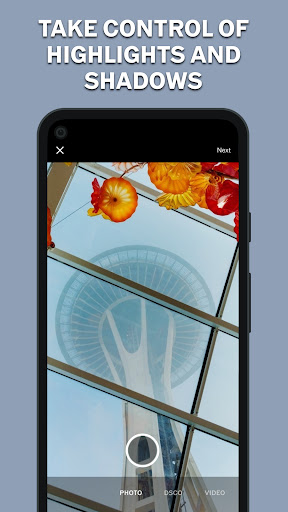
VSCO is a mobile-first photo and video editor with a strong creative community. It focuses on film-style presets (200+ with membership), fine-tuned controls (HSL, grain with size/color, dodge & burn), collage tools, and a built-in camera with Burst/Retro/Prism/DSCO. VSCO Spaces enables collaborative galleries and feedback, while a streamlined interface makes editing and sharing straightforward.
Verdict
Verdict: A top-tier preset-driven editor and mellow creative community, but stability issues and paywalled tools may frustrate casual Android users.
Who is it for
Best for:
- Photographers and enthusiasts who love film-like presets and quick, cohesive looks
- Creators who value a distraction-free, feedback-oriented community (VSCO Spaces)
- Mobile editors wanting precise controls like HSL, grain, and dodge & burn
Not ideal for:
- Users needing rock-solid stability on all Android devices or full draft autosave
- Those wanting extensive free tools and filters with no subscription
- Power users seeking deep pro workflows (RAW/cloud catalogs/masks) like Lightroom
Real-world User Experience
Users like it:
High-quality filters/presets that preserve image quality; intuitive, fast editing flow; strong creative community without algorithmic noise; good balance of quick looks and deeper controls; many find the membership good value; inspiring discovery via curated content and user codes.
Users complain about:
Reports of crashes, black screens, and save/export failures on some updates; occasional loss of montage work/drafts when switching apps; limited free preset selection and some iOS/Android feature parity gaps; minor UX regressions (e.g., filter swipe behavior changes).
Is it Worth Paying For?
If you frequently edit and want cohesive, film-inspired aesthetics, the membership (reported around ~$20/year, pricing may vary) is good value for the 200+ presets and advanced tools. Casual users can do well with the free 16 presets but may feel constrained. Factor in occasional Android stability hiccups before subscribing.
How it Compares to Alternatives
Compared to Lightroom Mobile, VSCO excels at tasteful film presets and a calmer community, while Lightroom offers pro-grade RAW handling, masking, and cloud workflows. Snapseed is a robust, free alternative with strong tools but fewer signature presets and no social layer. PicsArt offers playful effects and social virality but less of VSCO’s refined, cohesive look. Instagram’s editor is basic and social-first; VSCO remains edit- and aesthetics-first.
Summary
VSCO pairs standout film-style presets with precise editing tools and a serene creative community geared toward photographers. It’s fast, intuitive, and capable of polishing photos and videos without sacrificing quality. The downside is that many of the best features live behind a membership, and Android users periodically report stability issues and lost edits. If you prioritize consistent, refined looks and a distraction-free place to share and collaborate, VSCO is a strong choice—especially with membership. If you need pro RAW workflows or want everything free, consider Lightroom or Snapseed instead.
Ratings
Trending APP









Alternative to this app










