
Copyright 2026 © swekartor. All Rights Reserved.


App Feature
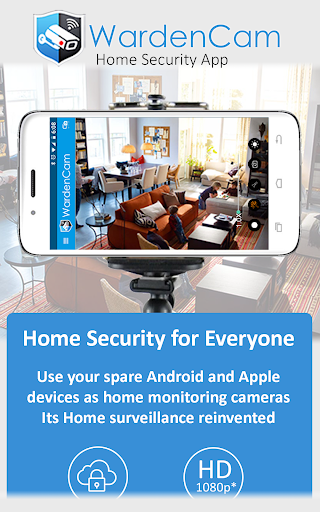
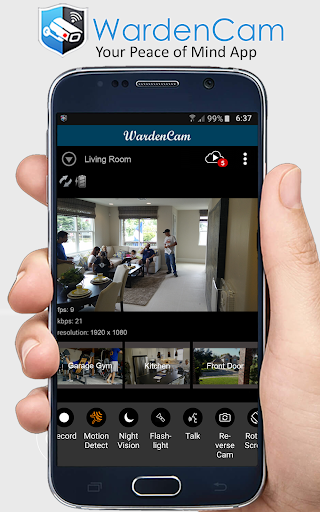
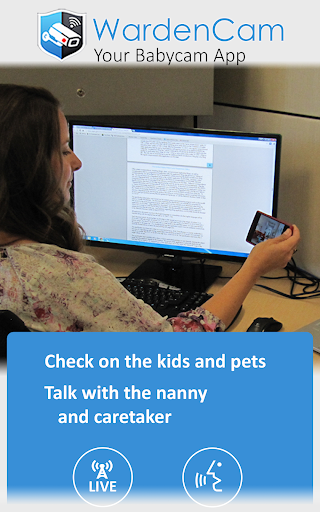
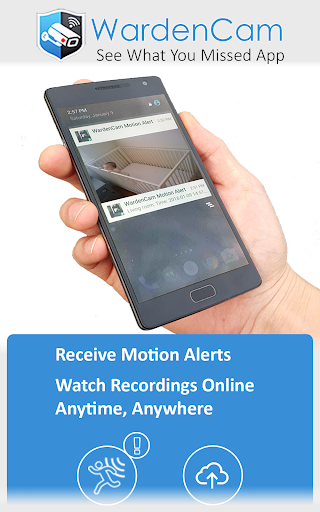
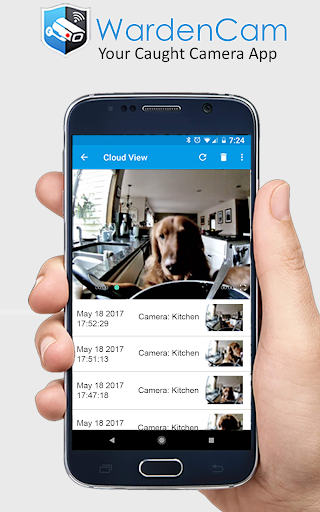
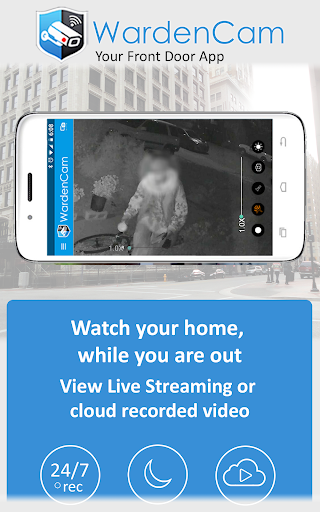
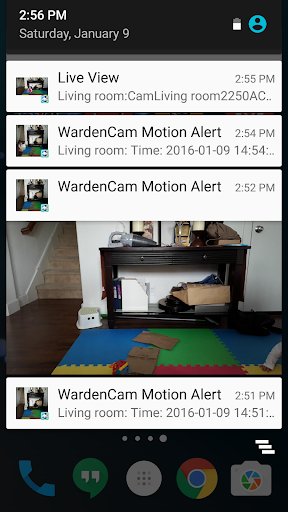
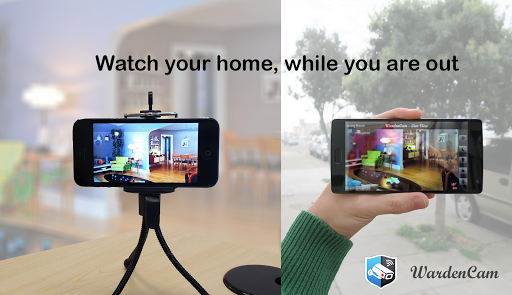
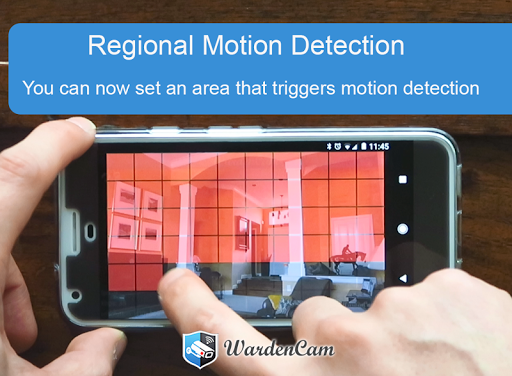
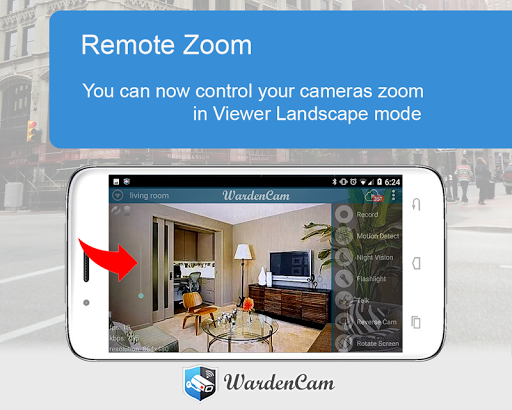
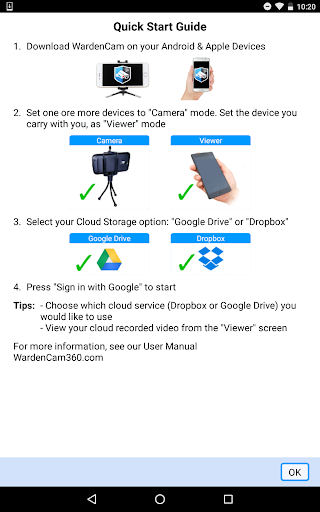
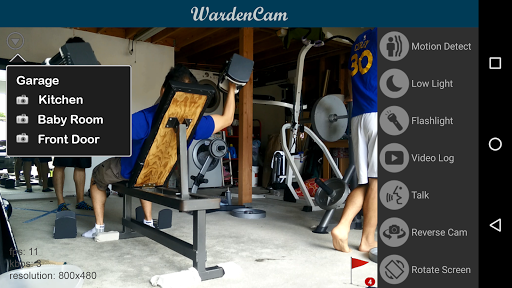
Home Security Camera WardenCam turns spare Android phones/tablets into DIY security cameras with live streaming, motion detection alerts, two-way audio, and direct cloud recording to Google Drive/Dropbox. It supports multi-camera setups, remote viewing over Wi‑Fi/3G/4G/LTE, optional siren, and 24/7 recording with a one-time premium upgrade.
Verdict
Verdict: A capable, low-cost way to repurpose old phones into a multi-camera security system, best if you value easy setup and cloud-to-your-drive storage over pro-grade hardware polish.
Who is it for
Best for:
- People wanting a simple, fast setup without networking tinkering
- Budget-minded users repurposing old devices for home/pet/door monitoring
- Privacy-conscious users preferring recordings stored directly in Google Drive/Dropbox
Not ideal for:
- Users needing rock-solid, 24/7 professional-grade reliability and support
- Those with slow/unstable internet or very old phones that struggle with HD
- Power users wanting rich desktop apps or advanced analytics
Real-world User Experience
Users like it:
Extremely easy setup (no IP/ports), clear video, reliable motion detection with push/email alerts, multi-camera viewing, two-way audio, night/flashlight controls, and direct cloud uploads; great value, with many upgrading to Pro after a smooth trial.
Users complain about:
Lag or choppy motion clips at 1080p on older devices, motion recordings can be too short leading to many small clips, occasional slow viewer startup and stability depending on internet/phone age; some wish for desktop/PC viewing and longer pre/post-roll on motion events.
Is it Worth Paying For?
Yes. The one-time ~$5.99 Pro upgrade is good value if you want 24/7 monitoring, 1080p, and to remove trial limits; the free tier works for casual use but Pro meaningfully improves quality and continuity without a subscription.
How it Compares to Alternatives
Compared to AlfredCamera, Presence, AtHome, or Manything, WardenCam stands out for direct Google Drive/Dropbox recording (no vendor cloud lock-in) and a one-time license instead of recurring fees. Alfred’s ecosystem and desktop viewing may be more polished, but often require subscriptions for HD/cloud; WardenCam favors simplicity, privacy, and cost, with performance tied to your device and network.
Summary
WardenCam delivers an easy, affordable DIY security setup by transforming old phones into live, motion-aware cameras that save clips straight to your own cloud. Users highlight painless setup, solid video, multi-camera support, and helpful features like two-way audio and siren. Downsides stem mostly from hardware/network limits: older phones can lag at 1080p, motion clips may be short, and the viewer can open slowly at times. If you want subscription-free monitoring with control over where footage lives, the one-time Pro upgrade is a strong buy; if you need enterprise-grade reliability and desktop software, a dedicated camera system or alternative may suit you better.
Ratings
Trending APP




Alternative to this app










