
Copyright 2026 © swekartor. All Rights Reserved.



App Feature
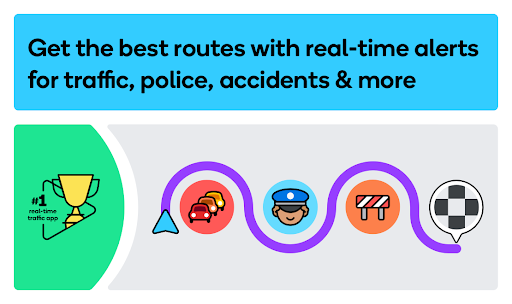
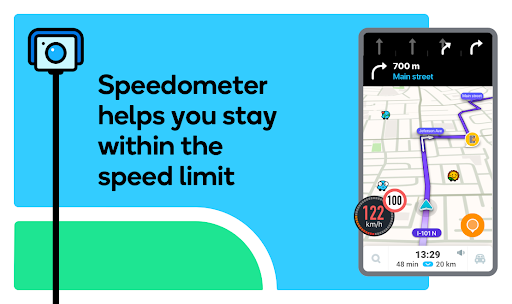
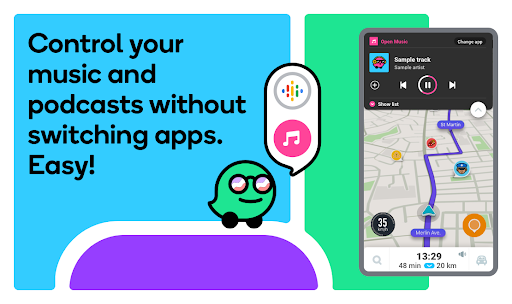
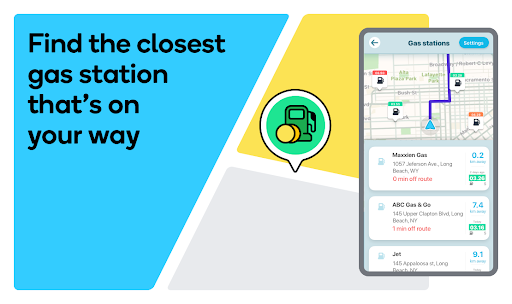
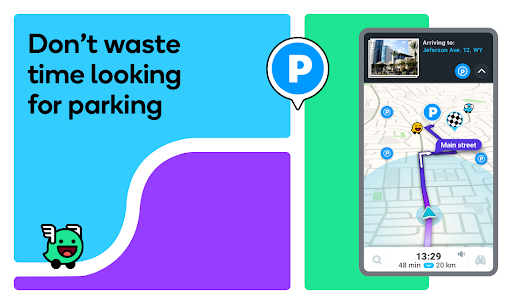
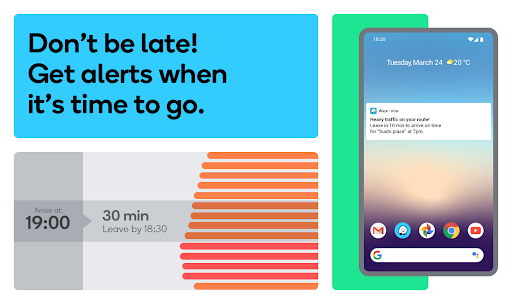
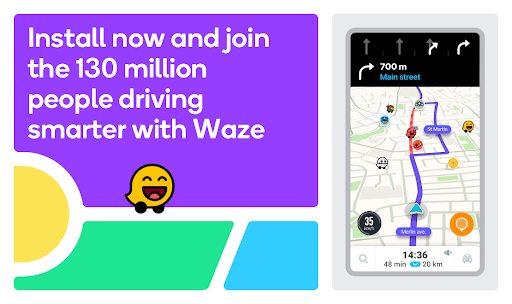
Waze is a free, community-powered GPS app that provides real-time traffic, incident and speed-camera alerts, fast rerouting, lane guidance, toll pricing, fuel prices, parking info, and Android Auto integration with voice-guided navigation and media app support.
Verdict
Verdict: A top-tier, community-driven navigator for real-time traffic avoidance, but less ideal if you need offline maps or rock-solid Android Auto stability.
Who is it for
Best for:
- Commuters who want the fastest route with live, crowd-sourced incident alerts
- Drivers using Android Auto who value proactive speed camera and hazard warnings
- Users who care about accurate ETAs, fuel prices, and dynamic rerouting
Not ideal for:
- Travelers needing full offline navigation and maps overseas
- Drivers sensitive to occasional Android Auto or GPS glitches
- Those who dislike on-screen alerts or prefer minimalist, static guidance
Real-world User Experience
Users like it:
Highly accurate ETAs and routing; timely alerts for police, speed cameras, crashes, roadworks, hazards, and speed limits; strong Android Auto layout; easy search and reliable destination finding; low data use; fun voice options; community reporting that keeps maps and conditions up to date.
Users complain about:
Occasional Android Auto/GPS update lags or map display issues on some phones; past network/notification bugs requiring reinstall (often resolved by updates); no true offline mode; battery drain without constant power; desire for more customization (speedometer position, route priorities, avoid-toll toggle, preferred gas brand) and clearer rationale for reroutes.
Is it Worth Paying For?
It’s free with ads and no in-app purchases; given the robust real-time navigation and community alerts, the value is excellent without spending anything.
How it Compares to Alternatives
Compared to Google Maps, Waze is more aggressive and proactive with crowd-sourced hazards and speed-camera alerts, often shaving minutes off commutes; Google Maps is steadier, with richer place data and offline maps. Apple Maps offers tight CarPlay integration and improving traffic data but fewer community alerts. HERE WeGo excels in offline maps and multi-transport features, better for travel without data. TomTom AmiGO focuses on speed cameras and traffic but lacks Waze’s massive reporting community. For live incident avoidance, Waze remains the standout.
Summary
Waze leverages a huge driver community to deliver rapid, incident-aware routing, accurate ETAs, and highly useful alerts for hazards, speed limits, and enforcement, all integrated smoothly with Android Auto and media apps. It’s excellent for daily commuting and road trips where live traffic conditions matter most, and features like toll pricing, fuel and parking info, and lane guidance add practical value. Trade-offs include the lack of true offline navigation, occasional Android Auto/GPS hiccups on some devices, and limited customization for certain UI elements and routing preferences. If you prioritize real-time awareness and getting there faster, Waze is one of the best free options available.
Ratings
Trending APP


Alternative to this app










