
Copyright 2026 © swekartor. All Rights Reserved.


App Feature
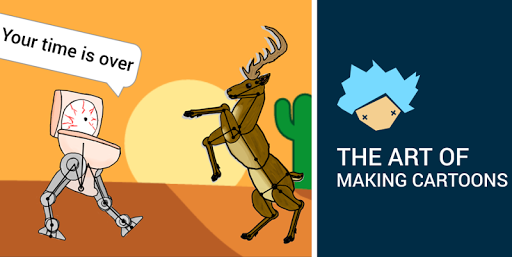
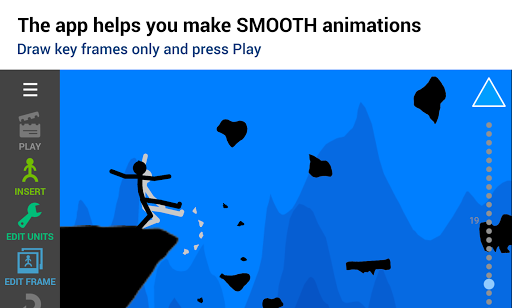
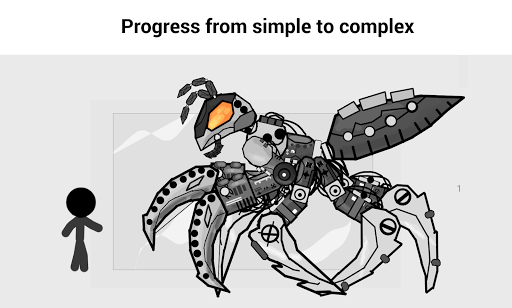
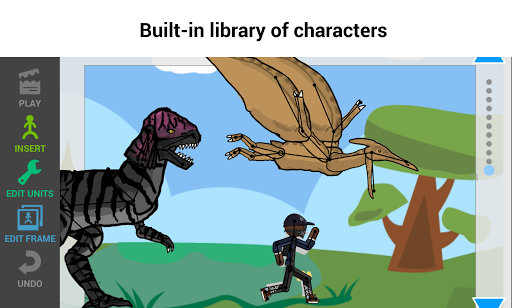
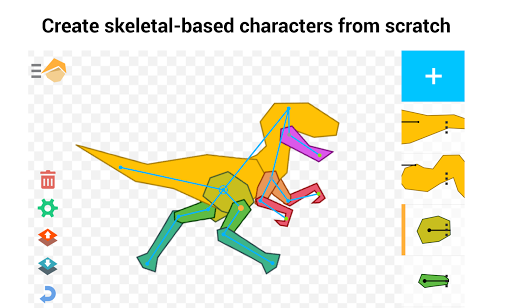
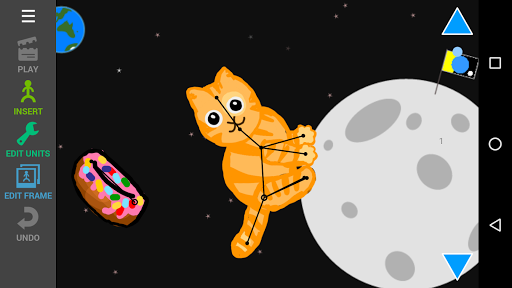
Draw Cartoons 2 is a beginner-friendly 2D animation studio focused on skeletal animation and motion tweening, letting you pose characters and set keyframes instead of redrawing every frame. It ships with a sizable asset library (characters, props, backgrounds), an item constructor for building custom rigs, camera moves/zoom, and variable speed effects. Premium unlocks unlimited export, more assets, advanced constructor tools, and removes ads.
Verdict
Verdict: An approachable, powerful entry point to animation with rig-based tools, best for learners and hobbyists, but limited if you need pro-grade drawing or complex workflows.
Who is it for
Best for:
- Beginners, kids, and educators who want quick, smooth results without drawing every frame
- Hobbyists and content creators needing fast social-ready animations using built-in assets
- Android users seeking a lightweight, low-lag animation app
Not ideal for:
- Artists who prefer full frame-by-frame drawing pipelines and advanced paint tools
- Studios or pros requiring multi-platform support (no iOS) and deep, desktop-level features
- Users who dislike paywalls for exports, scene limits, or asset caps
Real-world User Experience
Users like it:
Very easy learning curve; smooth posing/tweening with quick results; large character/prop/background library; robust custom item/character creation; minimal lag on many devices; great for school projects and first animations; fair premium price according to multiple users.
Users complain about:
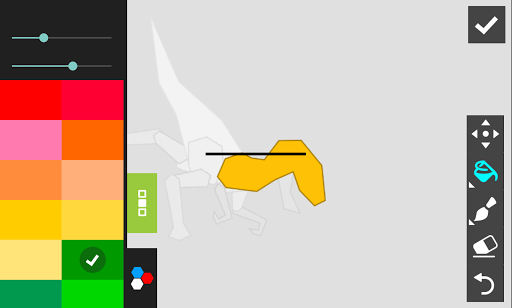
Autosave can miss progress and some projects revert or truncate; occasional playback glitches (e.g., long-scene preview not playing fully, characters jumping on background changes); paint bucket/fill tool feels awkward and lacks symmetry; features and scene/character limits sit behind paywalls; import/export restrictions without premium; Android-only.
Is it Worth Paying For?
If you plan to export frequently, keep many characters/scenes, or want the full asset library and ad-free experience, the one-time premium (reported ~$10) offers strong value for the features unlocked. Casual users can learn and create with the free version, but will hit limits on saved characters, scenes, and exports.
How it Compares to Alternatives
Compared to FlipaClip or other frame-by-frame apps, Draw Cartoons 2 is faster for beginners thanks to rigs and tweening but offers less granular drawing control. Against Toontastic 3D (story-driven, kid-focused), it provides more traditional 2D animation control. Versus Stick Nodes, it’s similarly rig-centric but with broader assets and camera tools. It’s lighter and simpler than pro motion tools (e.g., Alight Motion), trading depth for speed and approachability.
Summary
Draw Cartoons 2 turns animation into an accessible, fun process by prioritizing skeletal rigs, keyframes, and an ample asset library over heavy drawing. The result is smooth, shareable animations in minutes, ideal for learners, teachers, and hobbyists. The item constructor and camera controls add creative depth, while premium removes key friction points like export and library limits. Some users report autosave and preview quirks, and artists seeking advanced drawing tools may find the painting workflow limited. If you’re on Android and want to animate quickly without a steep learning curve, this is one of the strongest, best-value options available.
Ratings
Trending APP



Alternative to this app










