
Copyright 2026 © swekartor. All Rights Reserved.



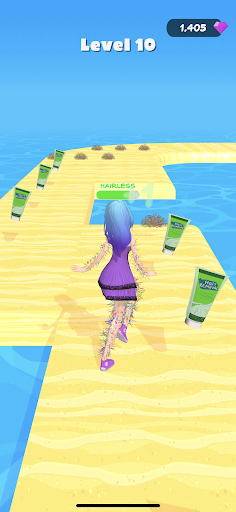
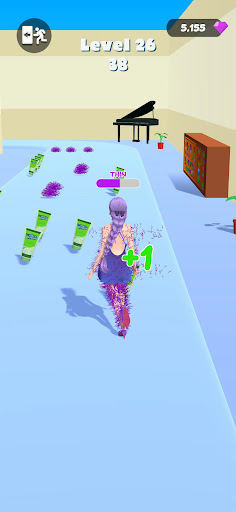
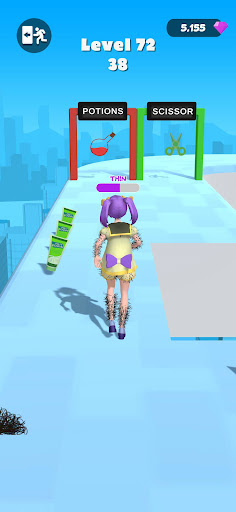

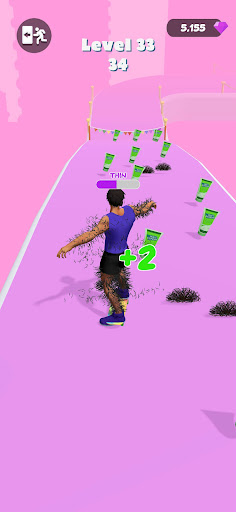
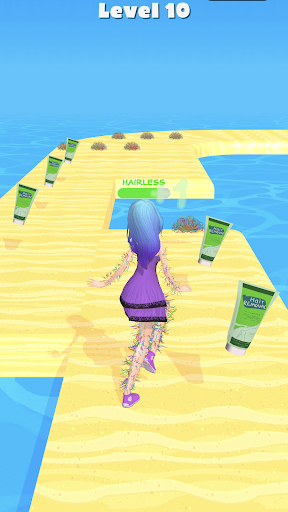
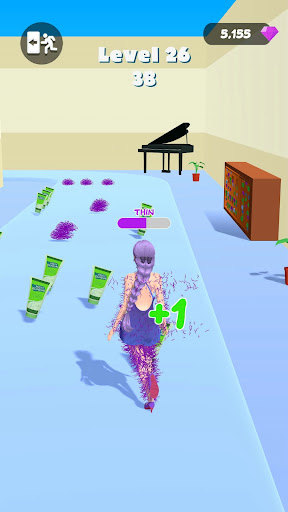
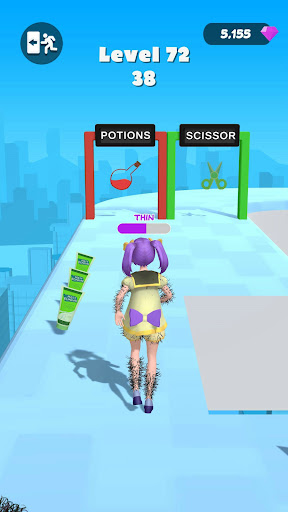

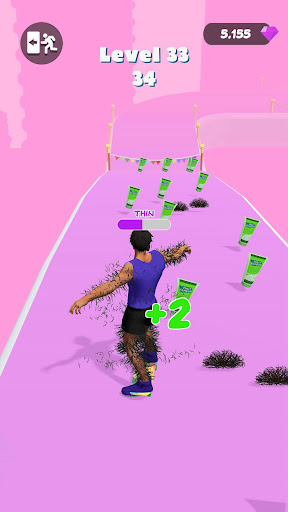
App Feature
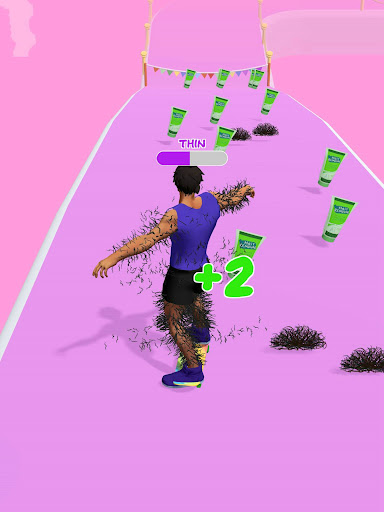
Take Them Off is a free photo editor focused on quick, precise object removal, smooth retouching, and selective adjustments, helping you clean up distractions, fine-tune lighting and color, and apply filters for polished, share-ready images.
Verdict
Verdict: A strong, beginner-friendly object removal editor that excels at quick fixes, but complex scenes may require pro tools.
Who is it for
Best for:
- Users who want fast, one-tap object removal and cleanup
- Casual creators seeking intuitive editing with selective tweaks
- Social media users who need polished photos without a learning curve
Not ideal for:
- Professionals needing granular, layer-based workflows
- Heavy compositing or complex background reconstructions
- Users who require desktop-grade batch or RAW tooling
Real-world User Experience
Users like it:
Overall sentiment (4.3 rating, 5M+ downloads) suggests people find the object removal accurate for everyday shots, the interface approachable, and the editing tools smooth enough to deliver quick, clean results.
Users complain about:
Typical pain points for this category: artifacts or smudging on complex backgrounds, mixed results with large objects, and occasional need for multiple passes for perfect edges.
Is it Worth Paying For?
The app is listed as free and no paid plan is mentioned here, so there’s no cost barrier; as presented, it delivers solid value at no charge.
How it Compares to Alternatives
Versus TouchRetouch, it targets similar one-tap removals and casual retouching; compared to Snapseed or PicsArt, it’s more focused on object cleanup than comprehensive editing suites; Adobe options offer more pro controls but with higher complexity. Take Them Off prioritizes speed and simplicity over deep, pro-grade tools.
Summary
Take Them Off streamlines photo cleanup with capable object removal and selective edits packaged in a friendly, fast interface. It’s ideal for tidying casual shots—removing passersby, blemishes, or small distractions—while providing simple color and lighting tweaks and filters. Results are strongest on uncomplicated backgrounds, and while it won’t replace professional, layer-based editors for demanding compositions, its combination of ease, speed, and respectable quality makes it a compelling, zero-cost choice for everyday photo fixes.
Ratings
Trending APP








Alternative to this app









