
Copyright 2026 © swekartor. All Rights Reserved.



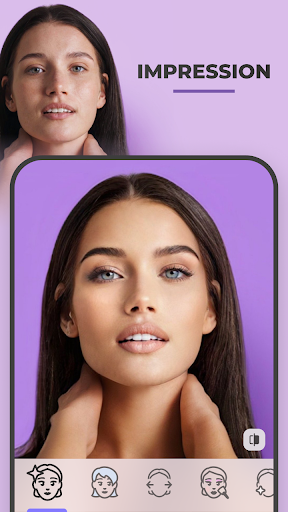

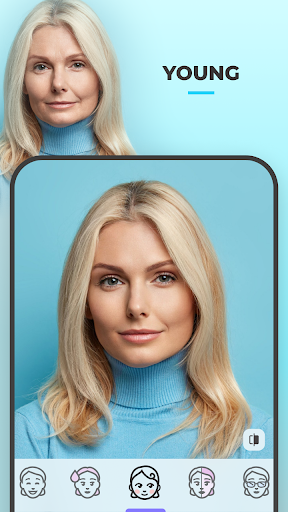
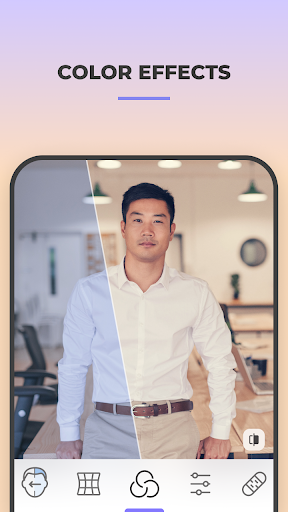
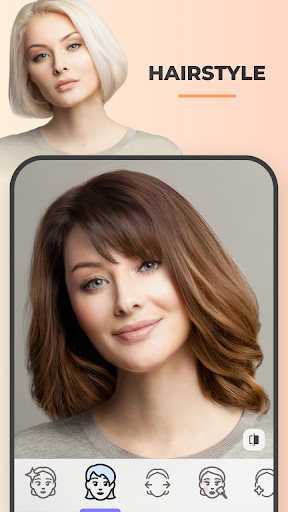
App Feature
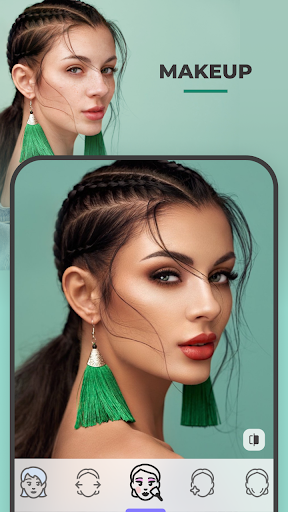
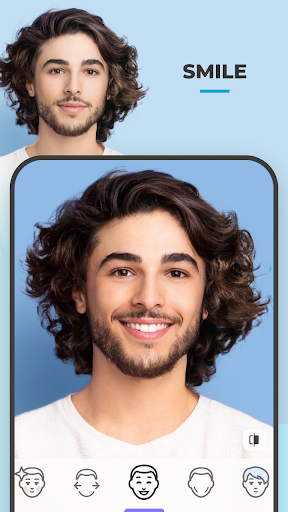
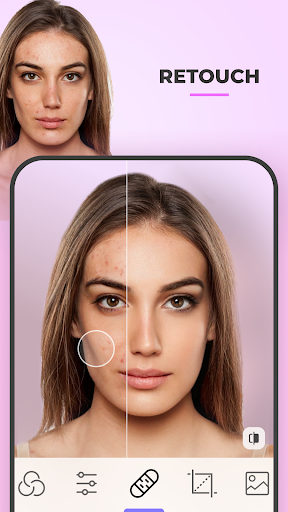
AI-powered selfie and portrait editor focused on one-tap, photorealistic face transformations (age, gender swap, hair color/style, makeup, skin retouching) with creative filters, backgrounds, and fast server-side processing plus easy save/share.
Verdict
Verdict: A top-tier one‑tap face editor for realistic transformations, but gated features and subscriptions may frustrate casual tinkerers.
Who is it for
Best for:
- Users who want quick, realistic selfie makeovers (hair, skin, makeup) without manual editing
- Creators who enjoy fun transformations (aging, gender swap, morphs) and social sharing
Not ideal for:
- Editors who need full manual control, desktop workflow, or pro-grade granular retouching
- Budget users who dislike subscriptions or want all features free/unlocked
Real-world User Experience
Users like it:
Highly realistic results for hair color/style, face shaping, and age filters; fast processing that usually works in seconds; free tier still useful with no ads; backgrounds and impression filters feel natural; simple, fun to experiment with and share.
Users complain about:
Many top features locked behind Pro; occasional processing failures with face morphs; a few tool gaps (fewer makeup colors, missing favorite filters) and occasional hair artifacts; subscription pricing and renewal/support hiccups; no native PC app.
Is it Worth Paying For?
If you edit selfies often or want the full set of transformations (video face features, more filters, advanced retouching), the subscription offers strong value given the realism and speed. Light users can comfortably stay on the free tier, which is ad-free but limited. Lack of a one-time purchase may deter some.
How it Compares to Alternatives
Compared to Facetune or YouCam Makeup, FaceApp excels at one-tap, photorealistic face changes (aging/gender swap/hair) with minimal tweaking. PicsArt offers broader creative tools and community but feels less specialized for facial realism and may show more ads. Remini is stronger for AI upscaling/clarity rather than stylistic face edits. PhotoRoom leads in background removal/product shots, while FaceApp’s backgrounds focus on quick portrait enhancements. Overall, FaceApp is among the best for instant, realistic face transformations.
Summary
FaceApp: Perfect Face Editor delivers remarkably realistic, fast AI transformations for selfies—think hair color and style changes, age swaps, skin smoothing, and engaging filters—wrapped in a simple, one-tap workflow. With a 4.3 rating and massive adoption, it’s praised for natural-looking results, speedy server-side processing, and a surprisingly capable free tier (no ads). Trade-offs include a heavy tilt toward Pro-locked features, occasional processing hiccups or hair artifacts, and subscription-only pricing with rare renewal issues reported. If your priority is quick, convincing face edits and playful transformations for social media, it’s a standout; power editors needing desktop control or granular manual tools may prefer alternatives. For frequent selfie enhancers, Pro is worthwhile; for casual users, the free features already impress.
Ratings
Trending APP



Alternative to this app










