
Copyright 2026 © swekartor. All Rights Reserved.



App Feature
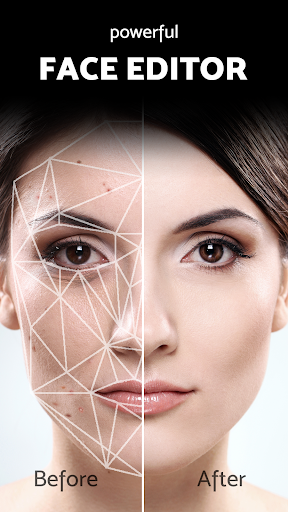
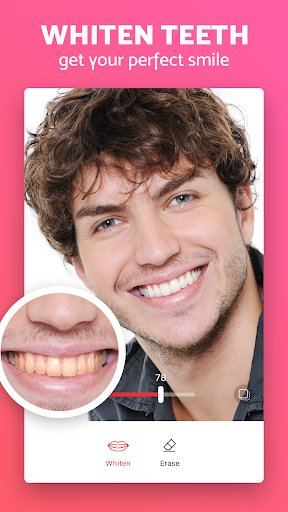
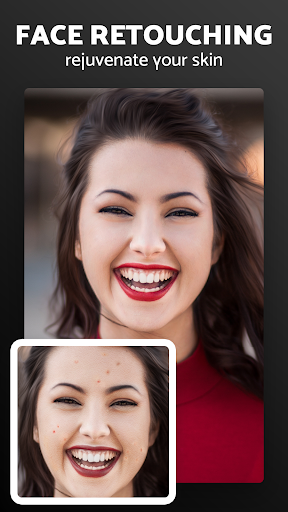
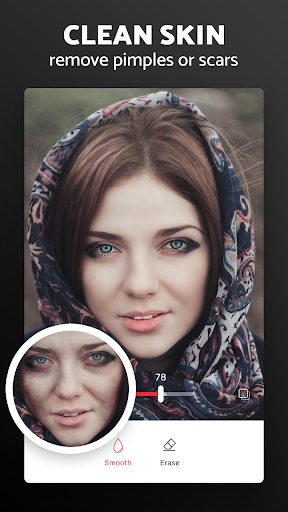
Pixl is a free face retouching photo editor focused on quick, natural-looking fixes: remove acne and blemishes, smooth skin, reduce dark circles and wrinkles, whiten teeth, and make simple photo adjustments (crop, rotate, color) with easy, tap-based tools.
Verdict
Verdict: A streamlined, effective face retouch app that delivers natural results without cost or clutter, but it’s not a full pro editor.
Who is it for
Best for:
- Users who want fast, natural blemish and acne removal
- Selfie and portrait edits without complex workflows
- Anyone seeking a free, no-ads retouch tool
Not ideal for:
- Power users needing pro-grade, multi-layer editing
- Creators wanting advanced color grading or creative effects
- Users expecting extensive non-portrait editing features
Real-world User Experience
Users like it:
Consistently praised for realistic blemish removal that doesn’t look blurry or artificial, easy controls, effective dark-circle reduction, flexible adjustment of tools, and overall high-quality results that match what the app promises.
Users complain about:
Few explicit complaints in the sampled reviews; some users may want more advanced controls or broader editing features beyond face retouching.
Is it Worth Paying For?
There’s nothing to pay—no ads and no in-app purchases—so it’s excellent value if you need reliable, natural face retouching for free.
How it Compares to Alternatives
Compared to Facetune or AirBrush (often freemium with paywalled tools), Pixl offers core face retouching for free with natural results. It lacks the breadth of global edits and pro workflows found in Snapseed or Lightroom, but it outperforms many basic beauty apps by avoiding the telltale blur and focusing on realistic corrections.
Summary
Pixl - Face Retouch & Blemish Remover Photo Editor focuses on what most people want for selfies: quick, natural enhancements without a learning curve or paywalls. Its acne/blemish removal, skin smoothing, dark-circle reduction, and teeth whitening tools are straightforward and produce convincing results, as echoed by users who value realistic, non-blurry edits. While it doesn’t compete with pro editors for advanced compositing or extensive color grading, it excels as a dedicated retouching tool—free, effective, and easy to trust for everyday portrait cleanups.
Ratings
Trending APP







Alternative to this app










