
Copyright 2026 © swekartor. All Rights Reserved.



App Feature
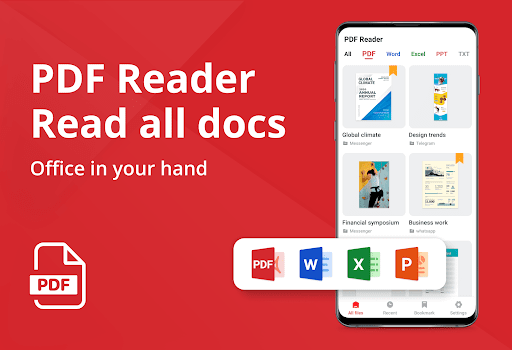
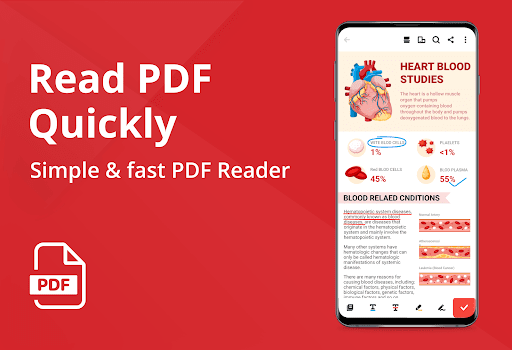
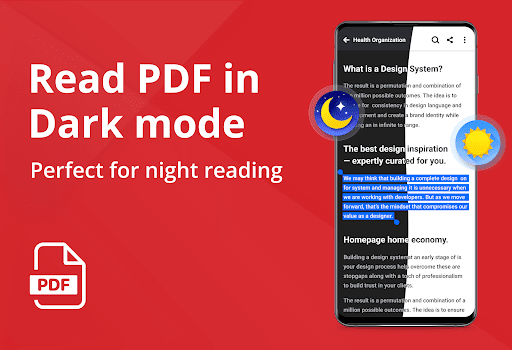
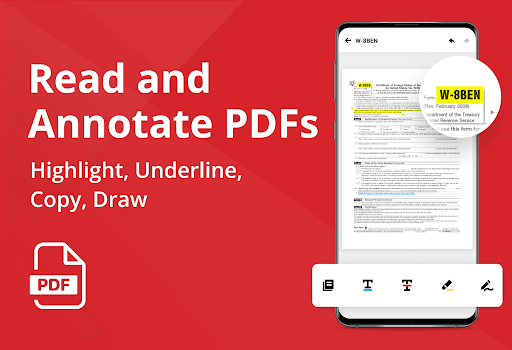
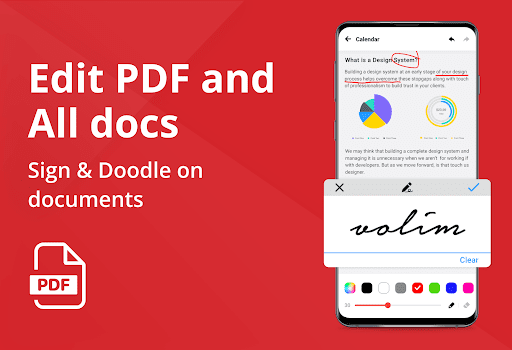
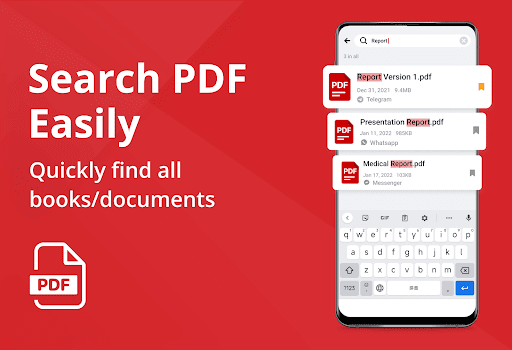
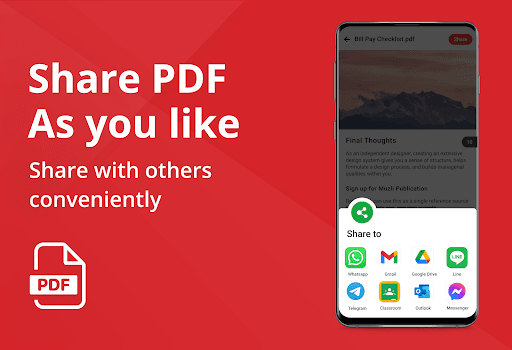
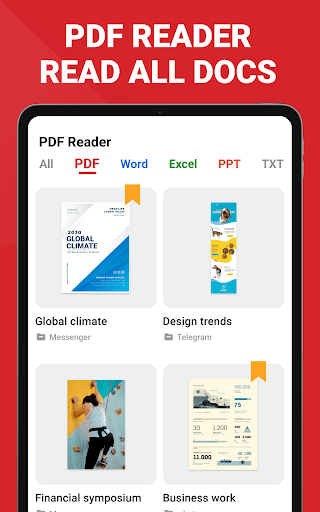
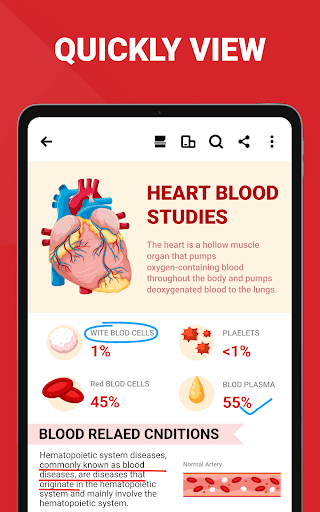
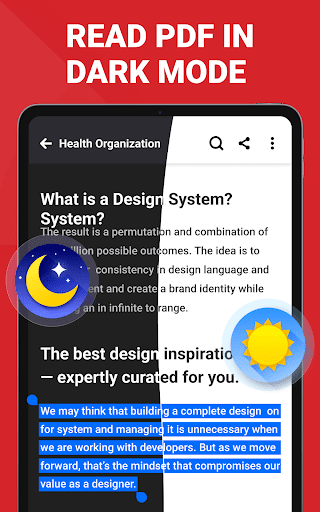
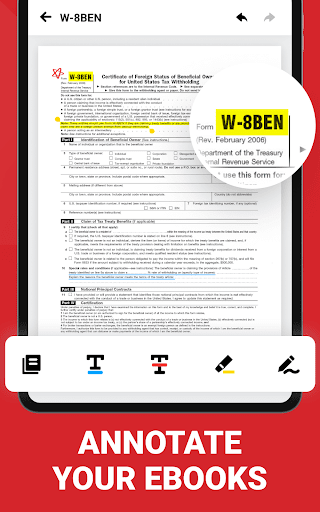
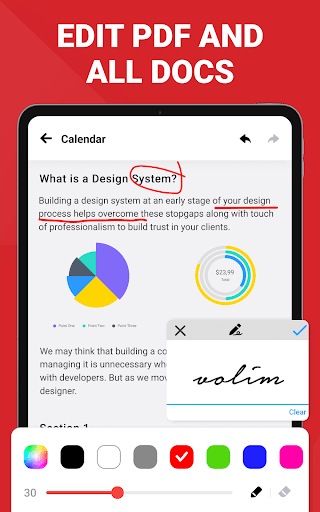
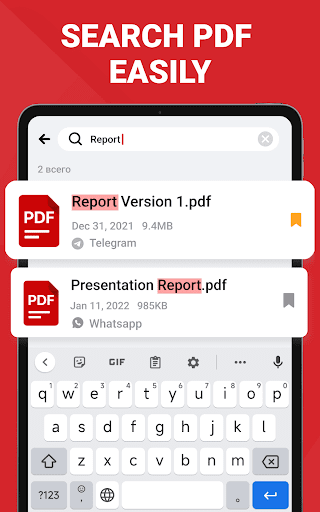
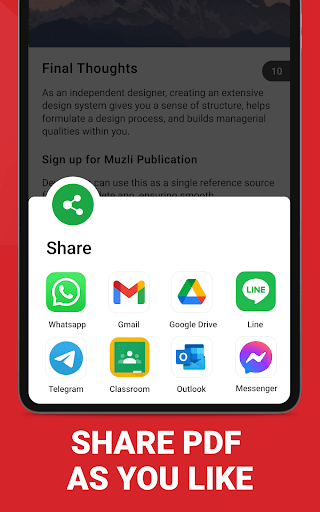
A free, AI-powered document hub for Android that auto-detects PDFs and Office files (PDF, Word, Excel, PPT), offers fast reading modes (reflow, dark mode, continuous scroll), and bundles PDF editing (annotate, highlight, fill forms, e-sign), management (merge/split, protect with passwords, bookmarks), and conversion tools (scan-to-PDF, image↔PDF, Word↔PDF), with cloud-friendly sharing and an integrated AI assistant for summaries, translation, read‑aloud, and content refinement.
Verdict
Verdict: A feature-rich, fast PDF reader-editor with helpful AI tools, best for everyday reading and light document work, but ad-supported and not a full desktop-class editor.
Who is it for
Best for:
- Students and casual readers needing fast viewing, annotations, and reflow mode
- Professionals who want quick scan-to-PDF, merging/splitting, and e-sign on mobile
- Users who value AI summaries, translations, and read‑aloud for long documents
Not ideal for:
- Power users needing advanced layout editing or enterprise-grade PDF workflows
- Ad-averse users unwilling to tolerate banners or interstitials
- Those who prefer a minimalist, viewer-only app without extra toolsets
Real-world User Experience
Users like it:
Consistently praised for being easy to use, fast, and reliable at opening PDFs; strong text reflow quality, smooth scrolling, clear interface, and handy tools like highlight, copy text, rename, convert, and scan-to-PDF. Many note it works offline, organizes diverse document types in one place, and that premium isn’t required for core tasks. Support responsiveness also called out positively.
Users complain about:
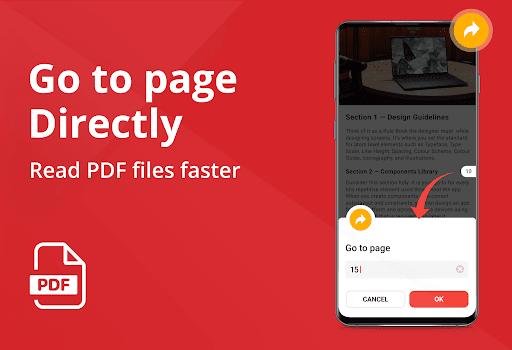
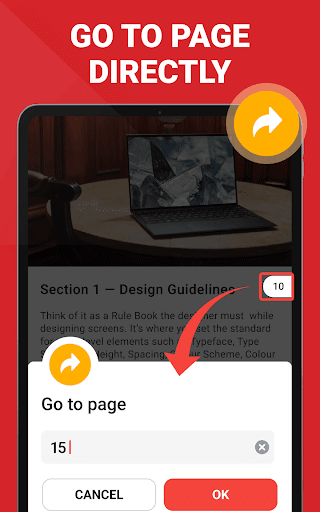
Ads appear at start or when switching files and can feel intrusive; occasional file management quirks (e.g., disappearing entries or naming conflicts) reported by a few; some desire better in-app foldering/grouping and richer navigation features (page links, geometric shapes) for study workflows.
Is it Worth Paying For?
The free tier covers most reading, annotation, and basic editing well, making it sufficient for many. The paid plan removes ads and unlocks additional tools/features; worthwhile if you work with PDFs daily, want fewer interruptions, or need advanced capabilities. Casual users can likely skip IAP.
How it Compares to Alternatives
Compared to Adobe Acrobat Reader, this app matches core reading/annotating and adds convenient AI features and conversions, though Acrobat still leads in advanced PDF services and ecosystem integration. Versus Xodo, it’s similarly strong for annotations and reflow, while Xodo may offer a cleaner ad experience and robust syncing. Against WPS Office, it avoids heavy paywalls for basics and feels lighter for pure PDF tasks, though WPS remains broader for Office editing. It’s more capable than Google Drive’s built-in viewer for editing and management.
Summary
PDF Reader - PDF Viewer delivers an all-in-one mobile toolkit for reading, editing, converting, and organizing PDFs and Office files, enhanced by an AI assistant that summarizes, translates, and reads aloud. It’s fast, intuitive, and generous in its free offering, with smooth text reflow, solid annotations, scan-to-PDF, and practical management tools like merge/split and password protection. Ads and occasional file-handling quirks are the main trade-offs, and it isn’t a replacement for desktop-grade editing. For students, casual readers, and professionals seeking efficient, on-the-go PDF tasks—with the bonus of AI productivity features—it’s an easy recommendation.
Ratings
Trending APP







Alternative to this app









