
Copyright 2026 © swekartor. All Rights Reserved.



App Feature
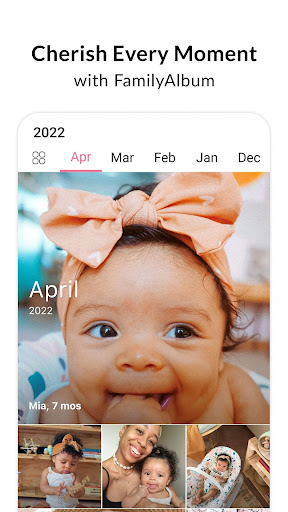
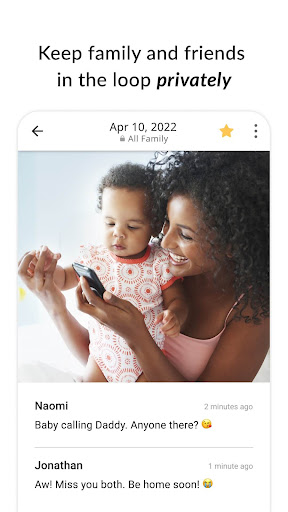
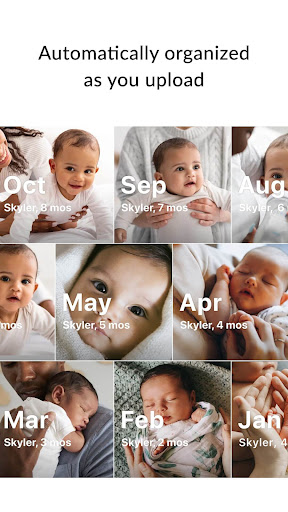
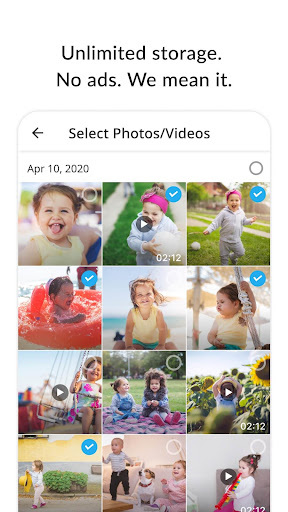
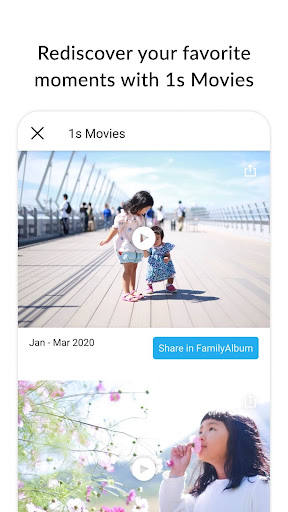
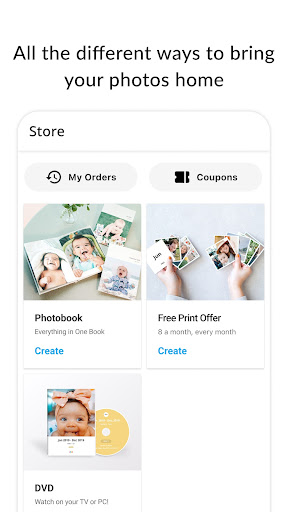
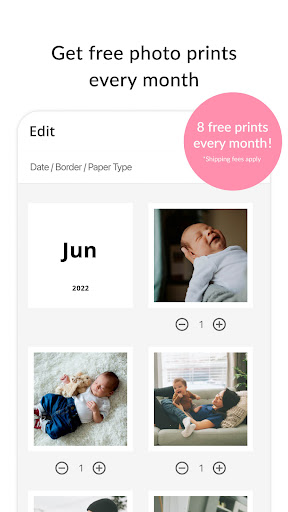
FamilyAlbum is a private, family-focused photo and video sharing app that automatically organizes memories by month and child’s age, offers unlimited cloud storage, secure invite-only access, auto-generated compilation videos, and convenient print products (including a monthly free prints offer). Premium adds longer uploads, desktop uploading, child-based views, journals, more auto-movies, and extra sharing options.
Verdict
Verdict: A top-tier private family photo hub with thoughtful automation and generous free storage, best for sharing kids’ milestones without social media.
Who is it for
Best for:
- Parents and caregivers wanting a private, invite-only timeline for kids’ photos
- Families with grandparents or non-techy relatives who need a simple viewer
- Households that value auto-movies and easy prints/photobooks
Not ideal for:
- Power users needing pro-level editing, search, or face recognition like Google Photos
- People who prefer public/social feeds and viral sharing
- Users who need complex collaboration workflows or bulk metadata management
Real-world User Experience
Users like it:
Reliable private sharing across extended family; intuitive interface for all ages; unlimited backup; lovely monthly/quarterly/yearly auto-video summaries; ability for members to comment and save originals; easy, low-cost printing with a recurring free prints perk; strong overall value even without Premium.
Users complain about:
Can’t add a caption at upload time (must comment after); lacks a simple Like button and richer comment view; no bulk date-editing for large batches; occasional photo display cropping confusion for first-time viewers; periodic purchase prompts; isolated reports of recent-photos access issues after an update on specific devices.
Is it Worth Paying For?
The free plan is unusually generous (unlimited storage, private sharing, auto-movies, and monthly free prints with shipping). Premium is worth it if you upload many long videos, want desktop uploads, per-child sorting, and journaling, or you value extra compilation movies and shipping perks. Casual users can comfortably stay free; heavy users and memory-keepers may find Premium a fair upgrade.
How it Compares to Alternatives
Compared to Google Photos or iCloud Shared Albums, FamilyAlbum prioritizes privacy, kid-centric timelines, and family-friendly simplicity over advanced search, editing, or face clustering. Versus Tinybeans/23snaps, it offers stronger free value (unlimited storage, recurring free prints) and more effortless auto-movies, while competitors may lean more into milestone tracking and may gate features behind subscriptions. Messaging apps (WhatsApp/Signal) are convenient but messy for archiving; FamilyAlbum feels purpose-built for long-term family memories.
Summary
FamilyAlbum - Photo Sharing excels as a private, invite-only space to chronicle a child’s life, automatically organizing uploads by month and age while backing up everything for free. Families love the frictionless sharing, elder-friendly viewing, heartwarming auto-video recaps, and easy prints and photobooks. While it lacks advanced photo management features (pro search, editing, bulk metadata tools) and could improve captions-at-upload, likes, and comment viewing, it delivers standout simplicity and value. The free plan is sufficient for most; Premium adds meaningful conveniences for power users who upload long videos, curate by child, and journal regularly. For parents moving off social media or seeking a calmer, safer family archive, it’s one of the best options available.
Ratings
Trending APP









Alternative to this app










