Copyright 2026 © swekartor. All Rights Reserved.



Information about AI Art Generator: Photo, Draw
App Feature
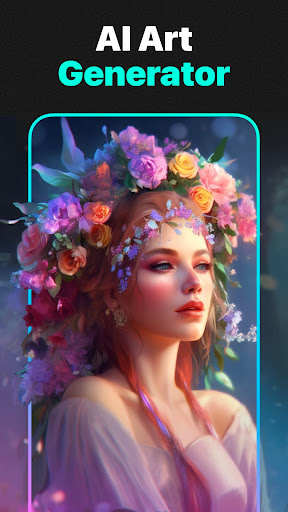
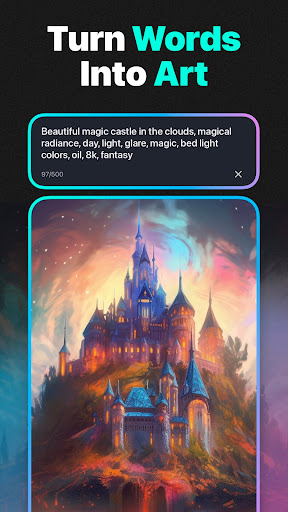
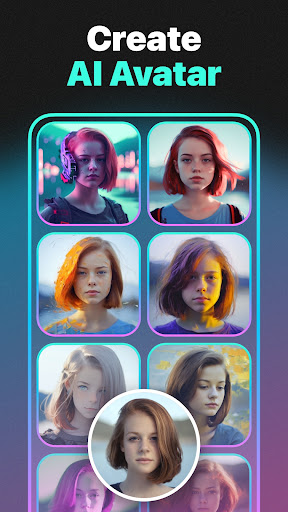
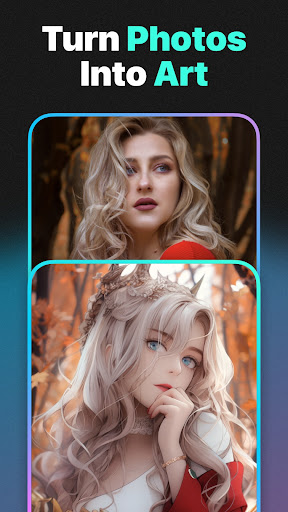
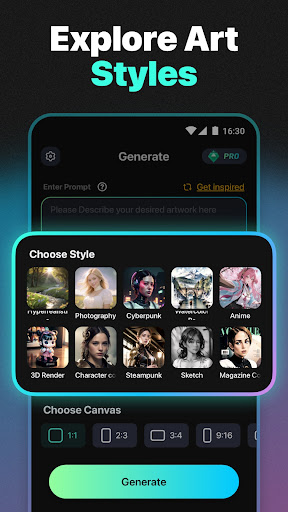
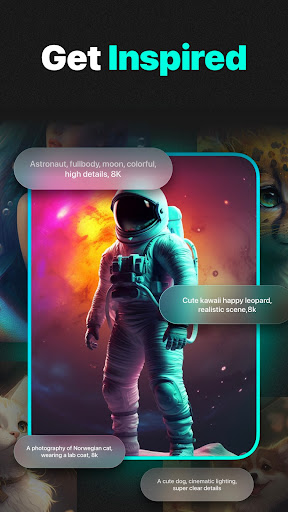
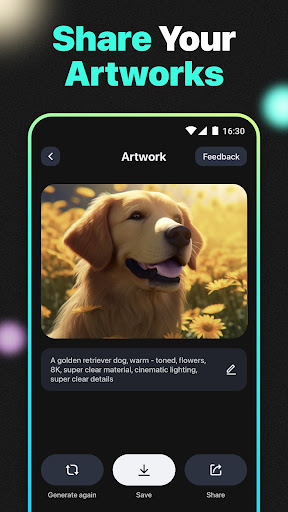
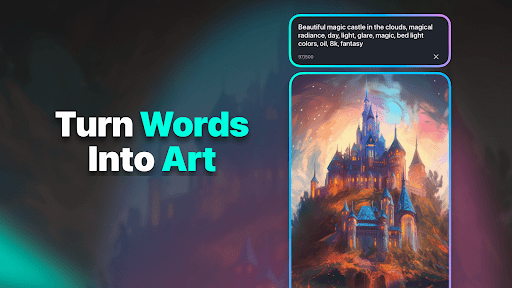
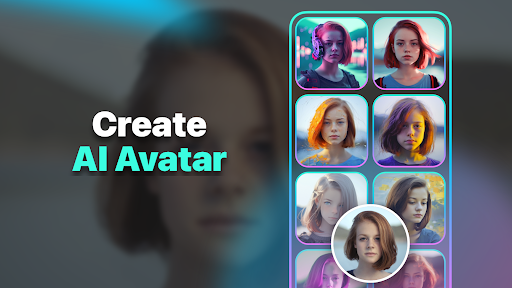
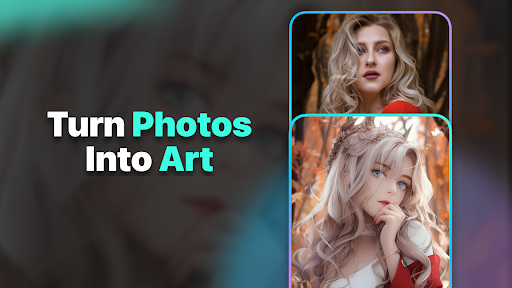
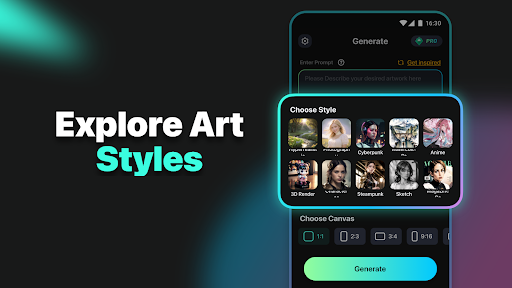
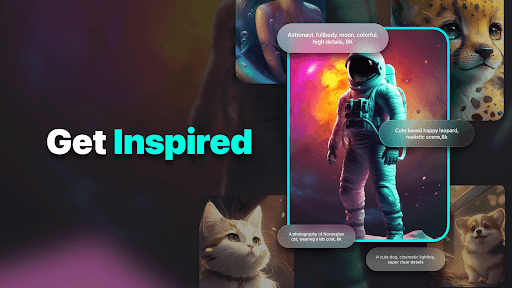
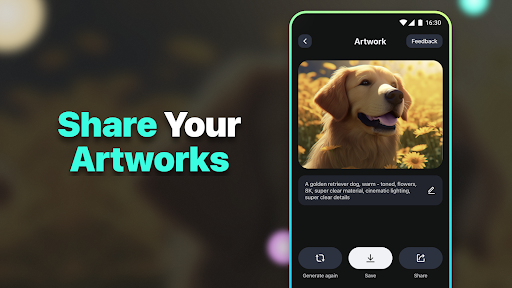
AI-powered toolkit for text-to-image art, photo enhancement and restoration, face swap, photo-to-art styles, filters, plus niche generators like logos and tattoos. Supports sharing and multiple art styles.
Verdict
A versatile AI art and photo enhancer with fun extras, but mixed quality and heavy ads may deter power users.
Who is it for
Best for:
- Casual creators wanting quick AI images and face swaps
- Users restoring or sharpening old/blurry photos with one-tap tools
- Social media users exploring varied art styles and filters
Not ideal for:
- Professionals needing consistent, studio-grade outputs every time
- Users who dislike frequent ads or freemium upsells
- Those seeking advanced prompt control and fine-tuning
Real-world User Experience
Users like it:
Easy to use from first try; generates images close to prompts; one-tap enhancements can markedly improve clarity and color; face swap results can look realistic.
Users complain about:
Frequent ads; overall mixed ratings suggest occasional inconsistency in output quality across features.
Is it Worth Paying For?
The app is free with ads and offers IAP. Given the strong free functionality (enhance, face swap, styles), most users should trial the free tier first. Paying may be worthwhile if you want to remove ads, increase generation limits, or need more consistent, higher-resolution results—especially for frequent use.
How it Compares to Alternatives
Compared to single-purpose enhancers like Remini, this app trades peak consistency for breadth (art generation, face swap, filters, logos, tattoos). Versus avatar-focused apps like Lensa, it offers more creative tools but may deliver less polished, predictable results. For pure text-to-image, dedicated generators (e.g., Wonder, StarryAI) may offer finer control, while this app balances creation with photo utilities and fun effects.
Summary
AI Art Generator: Photo, Draw combines text-to-image creation with strong one-tap photo enhancement, restoration, and playful tools like face swap, style filters, logo and tattoo generation. Users report surprisingly good results with minimal learning curve, particularly for sharpening and realistic swaps, though the experience is ad-heavy and quality can vary—reflected in mixed ratings. It’s a compelling all-in-one playground for casual creators and social sharing; professionals or those seeking precise, consistently premium outputs may want more specialized tools. Try the free tier to gauge quality on your photos and prompts; consider upgrading if you need ad-free, higher limits, or more dependable high-res results.
Ratings
Trending APP












Alternative to this app