
Copyright 2026 © swekartor. All Rights Reserved.



Information about GoDaddy Studio: Graphic Design
App Feature
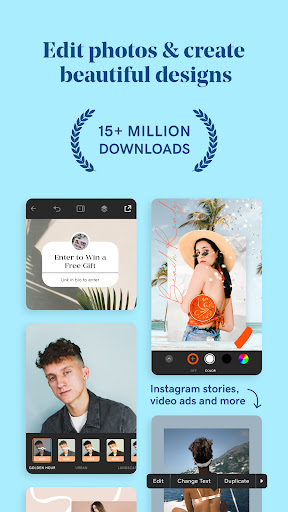
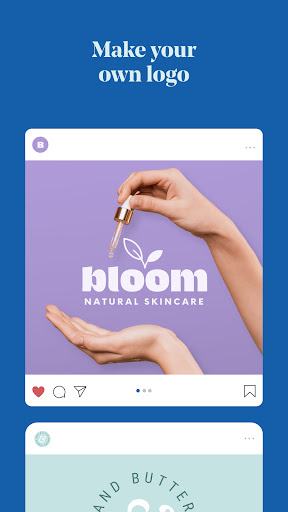
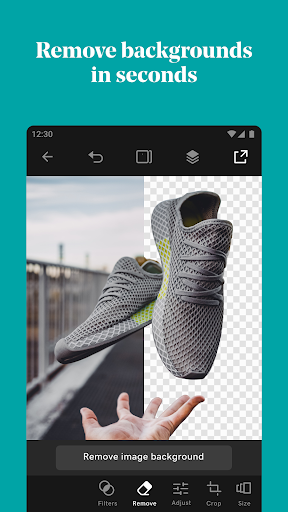
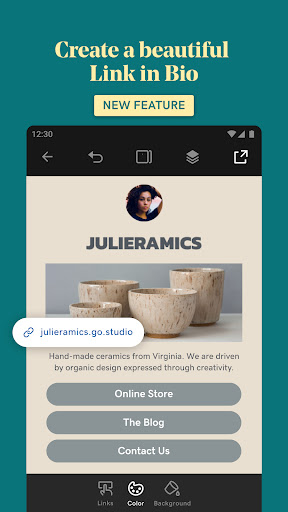
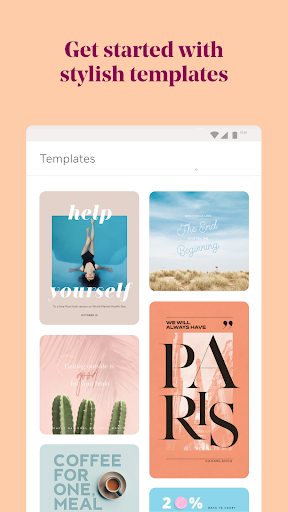
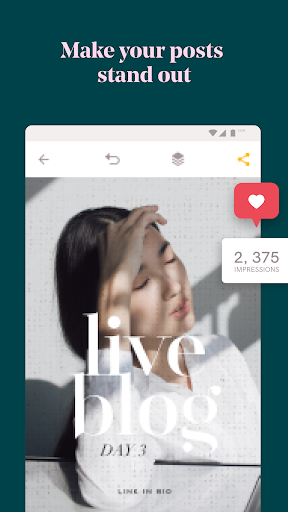
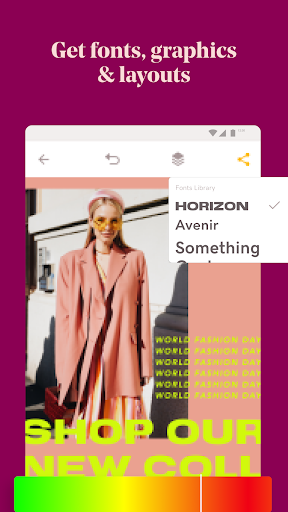
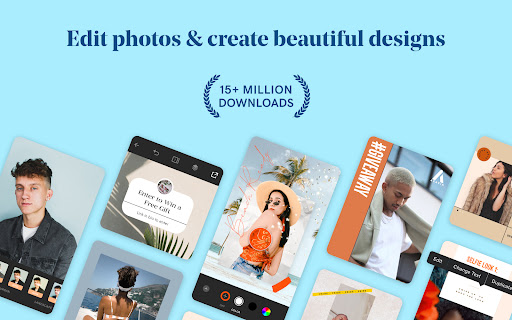
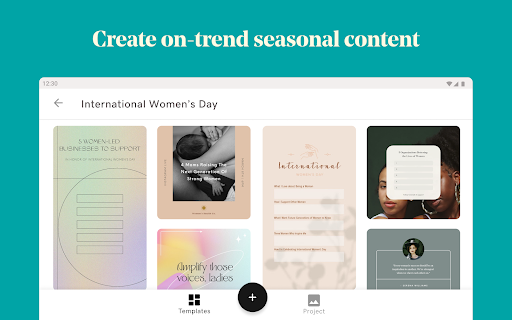
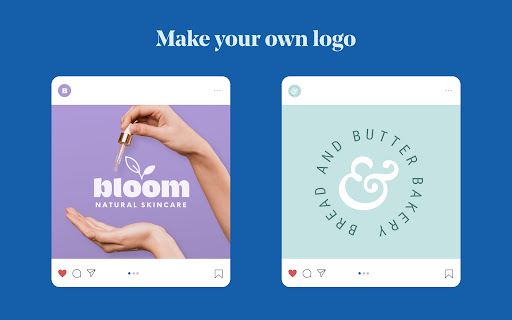
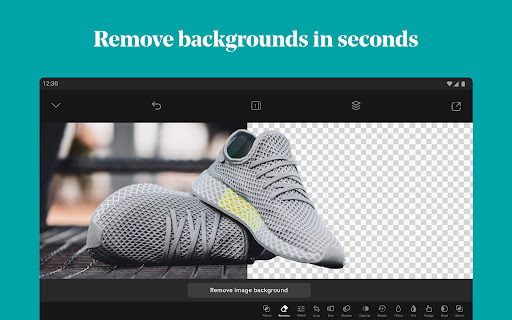
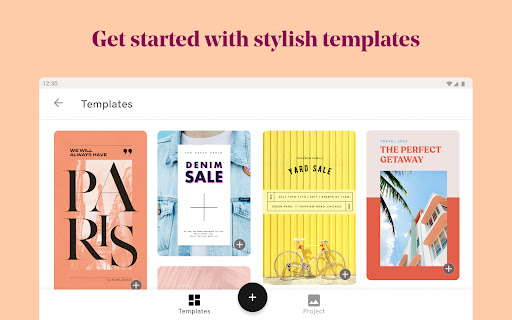
GoDaddy Studio: Graphic Design focuses on fast, mobile-friendly content creation for social posts, thumbnails, logos, and marketing graphics. It offers easy-to-use tools, customizable templates and layouts, a background remover, and layer-based editing with filters and effects. It integrates into the broader GoDaddy ecosystem for branding and promotion but works fine as a standalone design app.
Verdict
Verdict: A capable, beginner-friendly mobile design tool that excels at quick social graphics, but asset organization and some editing limitations may frustrate power users.
Who is it for
Best for:
- Creators and small businesses needing quick, polished social content
- Beginners who want simple, mobile-first design tools
- GoDaddy users who want design alongside website and marketing tools
Not ideal for:
- Designers who need granular selection/masking controls or advanced retouching
- Users who rely on ultra-broad regional/seasonal template libraries
- Teams needing deep collaboration or enterprise-level asset management
Real-world User Experience
Users like it:
Clean, professional results with minimal effort; intuitive interface; useful background remover; strong for social media marketing; lightweight on storage and battery; responsive support; wide selection of attractive templates for general use.
Users complain about:
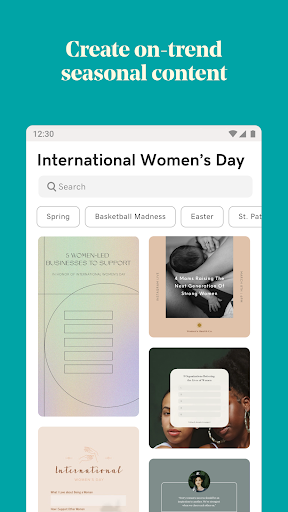
Background remover/masking can’t easily re-add removed areas; finding fonts/graphics can be slow due to limited search/organization; sparse templates for certain regions/occasions (e.g., Bhartiya festivals, International Yoga Day).
Is it Worth Paying For?
The free version appears capable for casual creators and small businesses. If you create content frequently, in-app purchases likely unlock more assets and features, which could be worth it for time savings and brand consistency. Try the free tools first; upgrade if you need more templates, effects, or faster workflows.
How it Compares to Alternatives
Compared with Canva, GoDaddy Studio feels simpler and more streamlined on mobile but has fewer templates and weaker asset organization. Versus Adobe Express, it’s easier for quick posts but lacks Adobe’s ecosystem depth. Compared with PicsArt, it focuses more on clean marketing visuals than heavy photo manipulation. Its edge is convenience for GoDaddy users who want design tools alongside websites and marketing.
Summary
GoDaddy Studio delivers fast, attractive graphics for social and marketing with a friendly mobile experience, solid templates, and a competent background remover. It shines for creators and small businesses who value speed and simplicity, and it pairs well with GoDaddy’s broader website and marketing tools. Downsides include limited fine control for masking, modest asset search/organization, and gaps in regional templates. Overall, it’s a strong, low-friction choice for everyday content creation, with paid options that can scale as your design needs grow.
Ratings
Trending APP












Alternative to this app










